Imagine you want a robot arm to pick up a cup. You don’t think about which muscles to contract — you just reach. Inverse kinematics (IK) lets your robot do the same thing.
What is Inverse Kinematics?
Inverse kinematics is the maths that works backwards from a target position to the joint angles needed to reach it.
A robot arm has several joints — shoulder, elbow, wrist — each driven by a servo or motor. Forward kinematics asks “if I set these joint angles, where does the tip end up?” Inverse kinematics flips that question: “given the tip needs to be here, what should the joint angles be?”
Here’s a 2-link arm laid out. The two segment lengths (l1, l2) and the two joint angles (a1, a2) are everything the maths needs to place the tip at a target (x, y):
                       ● tip at (x, y)
                      /
                 l2  /
                    /
        a2 ╮  ●────╯  elbow joint
              \
          l1   \
                \
        a1 ╮     ● shoulder (base, at origin)
   ─────────────┴───────────────  ground

   l1, l2 = segment lengths      a1 = shoulder angle
   (x, y) = target position      a2 = elbow angle
Forward kinematics works left-to-right (angles → tip). Inverse kinematics runs it backwards (tip → angles) — which is the version you actually want when telling an arm “reach there”.
For a simple 2-link arm in 2D, the answer is a bit of trigonometry — law of cosines, atan2, that sort of thing. Most hobby robot arms live in 2D or have limited degrees of freedom, so the maths stays manageable with a few lines of Python.
A typical 2-link solution looks something like this:
import math

def inverse_kinematics(x, y, l1, l2):
    d = math.sqrt(x**2 + y**2)
    a2 = math.acos((d**2 - l1**2 - l2**2) / (2 * l1 * l2))
    a1 = math.atan2(y, x) - math.atan2(l2 * math.sin(a2), l1 + l2 * math.cos(a2))
    return math.degrees(a1), math.degrees(a2)
Pass in the arm segment lengths and the target position, and you get back two servo angles.
Why robot builders care
Without IK, you’re stuck manually tweaking servo angles until the arm reaches roughly the right place — tedious and fragile. With IK, you describe the target in real-world coordinates (centimetres from the base, say), and your code does the geometry. That makes it practical to control an arm from a camera feed, a joystick, or even a gesture sensor.
IK also pairs naturally with PID control to smooth out the motion between waypoints — instead of snapping from angle to angle, the arm glides.
Get started
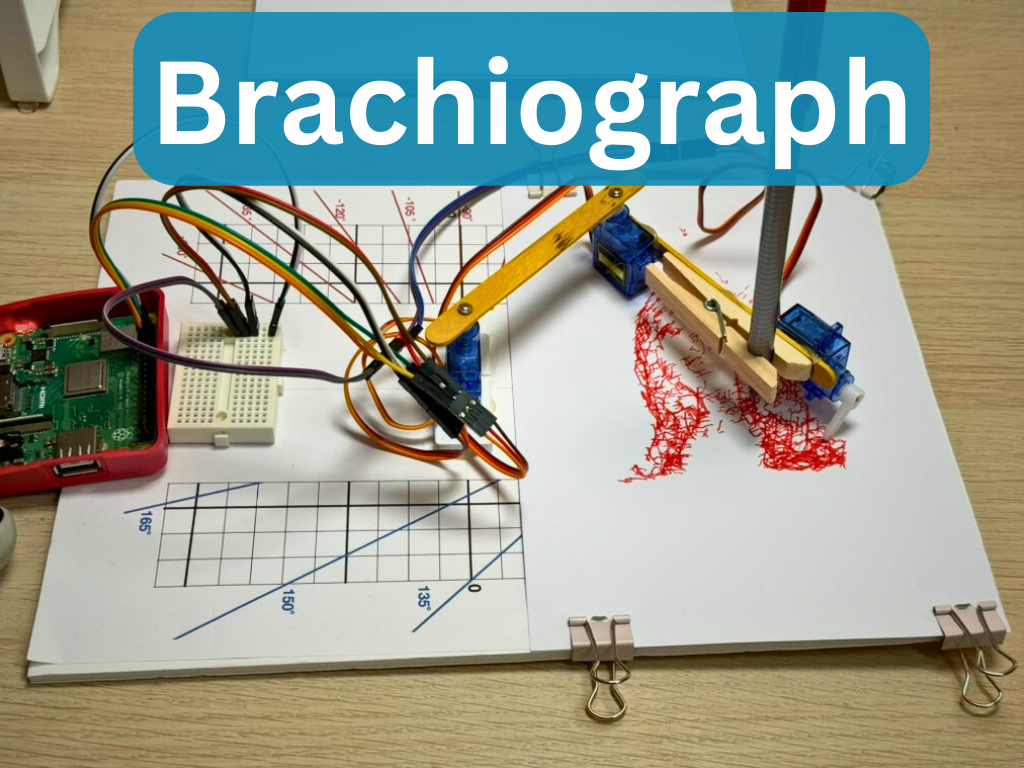
The best way to learn IK is to build a two-link arm and make it draw. Kevin’s Buddy Jr. project walks you through a small 4-servo robot arm on a Raspberry Pi, complete with Python code that uses IK to calculate joint angles — a great hands-on introduction.
The PicoTico TicTacToe robot is another real example: it uses IK to position a pen precisely on a grid, driven by a Raspberry Pi Pico.
For a broader look at arm projects — from simple pick-and-place to IK-driven builds — the Robot Arms showcase is a great starting point. And if you want to go deeper on programming a 4-servo arm from scratch, the Building a Robot Arm with Raspberry Pi and PCA9685 course covers the hardware and software end to end.
Start with a 2-link planar arm (two segments, two servos, move in a flat plane). Get the formula working in Python, then wire up real servos and watch the arm track your target coordinates. Once that clicks, adding a third axis — or a gripper — feels like a natural next step.
Reacts well with
More Robot Intelligence
- AiArtificial Intelligence
- CvComputer Vision
- MlMachine Learning
- RoROS
- SlSLAM
- PdPID Control
- NvNavigation
- AuAutonomy
- SwSwarm Robotics
- NnNeural Networks
- LmLLMs
- EtRobot Ethics
Learn more on KevsRobots
Courses


Projects to build


Articles to read


Share this element
This page is awesome? Show some love!Did you find this content useful?
If you found this high quality content useful please consider supporting my work, so I can continue to create more content for you.
I give away all my content for free: Weekly video content on YouTube, 3d Printable designs, Programs and Code, Reviews and Project write-ups, but 98% of visitors don't give back, they simply read/watch, download and go. If everyone who reads or watches my content, who likes it, helps fund it just a little, my future would be more secure for years to come. A price of a cup of coffee is all I ask.
There are a couple of ways you can support my work financially:
If you can't afford to provide any financial support, you can also help me grow my influence by doing the following:
Thank you again for your support and helping me grow my hobby into a business I can sustain.
- Kevin McAleer
Comments