There’s a moment every maker reaches — the project on the breadboard works perfectly, but you need it to survive in a robot chassis, not just on your desk. That’s when you pick up the soldering iron.
What is Soldering?
Soldering is the process of melting a low-melting-point metal alloy (solder) to permanently join electronic components. You heat the joint with a soldering iron — typically set between 300 °C and 370 °C — and feed in a thin wire of solder (60/40 tin-lead, or a lead-free alloy). When done right, you get a shiny, conical joint that makes a reliable electrical and mechanical connection.
The kit you need is modest: a temperature-controlled iron (a cheap fixed-temp one will frustrate you), 0.8 mm solder, helping hands to hold the board still, and a desoldering wick or solder sucker for fixing mistakes. You will make mistakes, and that’s fine.
A good joint takes about two to three seconds. A cold joint (dull, grainy, grey) means the parts weren’t hot enough — reheat it and add a tiny bit of fresh solder.
What a good joint looks like
A healthy joint is shiny and forms a smooth volcano-like cone that wets onto both the pad and the component leg. A cold or bad joint sits in a dull ball that hasn’t flowed — it’ll work loose or fail intermittently later:
        GOOD JOINT                    COLD / BAD JOINT

           │ leg                         │ leg
          ╱ ╲  shiny, smooth            (●)  dull blob,
         ╱   ╲  concave cone           ╱   ╲  ball-shaped,
    ════╱═════╲════ pad            ════╱  ✗  ╲════ pad
       copper pad                    didn't wet to pad

   solder flowed onto BOTH        solder sits ON TOP,
   pad and leg = strong bond      poor electrical contact
The golden rule that produces good joints: heat the joint (pad and leg together) with the iron, then touch the solder to the joint — not to the iron tip. Let the hot metal melt the solder, and it’ll flow exactly where you want it.
Why robot builders care
Breadboards are brilliant for prototyping, but they loosen over time and connectors can pull free mid-run. A soldered joint is permanent and reliable. The moment you solder your first circuit, your projects level up:
- Custom PCBs — You can build gamepad controllers, sensor boards, and motor driver boards that are compact and robust.
- Header pins — Almost every Raspberry Pi Pico or Arduino clone ships without headers. Soldering them on takes five minutes and opens up all your expansion options.
- Wire joins — Securing motor wires, battery connectors, and JST plugs so they survive a robot crash.
- Repair skills — When a connector breaks in the field, you can fix it rather than bin it.
Soldering is one of the essential skills in the 10 Tips for Getting Started with Robotics guide — right up there with owning a multimeter.
Get started
Start with through-hole components on a practice board (or an old PCB you don’t care about). Tin the tip of your iron first — melt a small blob of solder onto it so it goes shiny. Then heat the joint, not the solder. Touch solder to the joint, not the iron. That single habit separates good joints from cold ones.
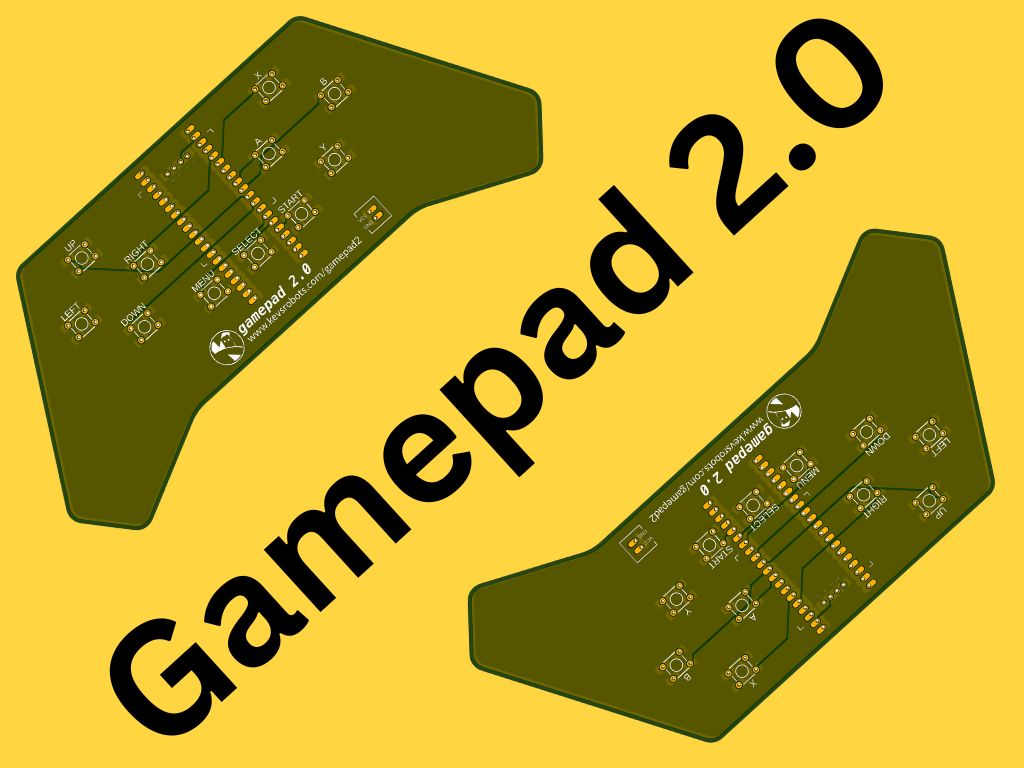
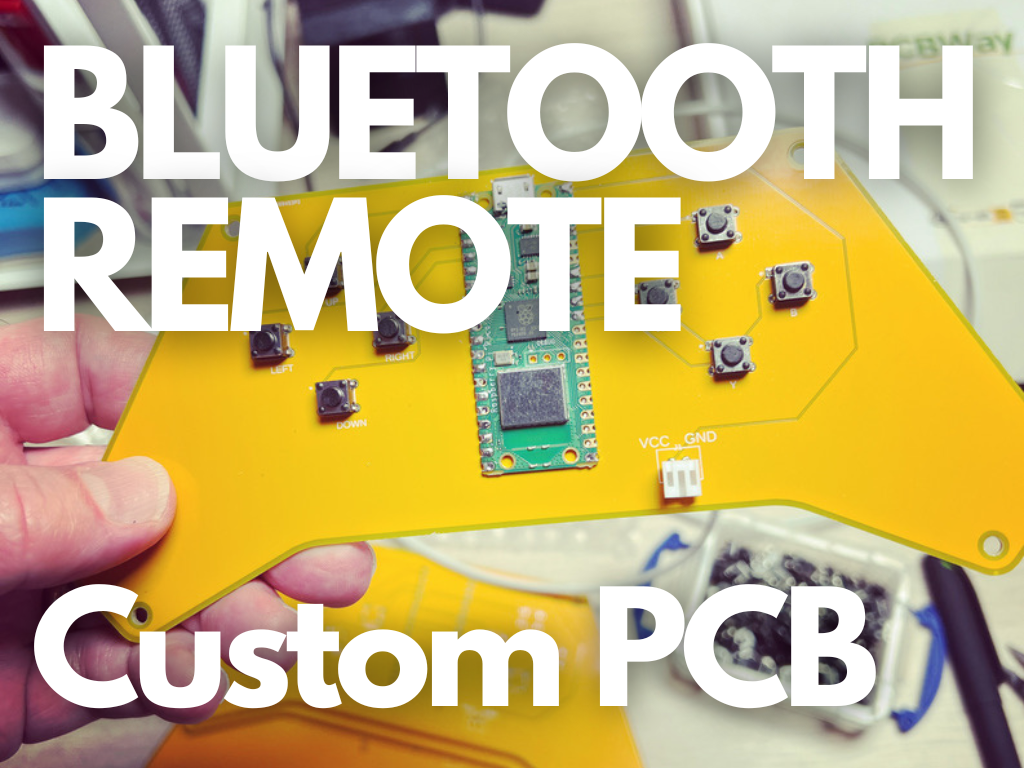
Your first real project: solder header pins onto a Raspberry Pi Pico. Once that’s done, build the Picotamachibi 2 virtual pet — it involves soldering a Pico 2 and an OLED display onto a custom PCB, which is a satisfying first complete build. The Gamepad 2 controller is another great next step: eleven tactile switches and a Pico 2 on a PCB, all soldered from scratch.
Keep a damp sponge or brass-wool tip cleaner to hand, wipe the iron tip regularly, and always work in a ventilated space. The fumes from flux aren’t something to breathe for long.
Reacts well with
More Electronics Foundations
- OhOhm's Law
- ElElectronics
- CiCircuits
- BrBreadboard
- ReResistors
- CaCapacitors
- TrTransistors
- PbPCB Design
- MmMultimeter
- ToTools
Learn more on KevsRobots
Courses


Articles to read



Share this element
This page is awesome? Show some love!Did you find this content useful?
If you found this high quality content useful please consider supporting my work, so I can continue to create more content for you.
I give away all my content for free: Weekly video content on YouTube, 3d Printable designs, Programs and Code, Reviews and Project write-ups, but 98% of visitors don't give back, they simply read/watch, download and go. If everyone who reads or watches my content, who likes it, helps fund it just a little, my future would be more secure for years to come. A price of a cup of coffee is all I ask.
There are a couple of ways you can support my work financially:
If you can't afford to provide any financial support, you can also help me grow my influence by doing the following:
Thank you again for your support and helping me grow my hobby into a business I can sustain.
- Kevin McAleer
Comments