C and C++ are the workhorses of the robotics world. If a chip is moving a motor or reading a sensor right now, there’s a good chance C or C++ wrote the rules.
What is C/C++?
C is a low-level programming language created in the early 1970s. C++ arrived a decade later and added object-oriented features on top. Together they’re often written as “C/C++”, because embedded code regularly mixes both styles.
What makes them special is control. You decide exactly how memory is used. You decide exactly when things happen. There’s very little standing between your code and the hardware — which means you can squeeze every last millisecond of performance out of a tiny microcontroller.
The Arduino ecosystem is built on C/C++. When you write an Arduino sketch, you’re writing C++ — the setup() and loop() functions, digitalWrite(), Serial.print(), all of it compiles down to native machine code that runs directly on the chip.
Compiled, not interpreted
The reason C/C++ is so fast is that it’s compiled ahead of time. Your source is translated once into raw machine code the chip runs directly — there’s no interpreter sitting in the loop while the robot is running:
flowchart LR
    SRC["C/C++ source<br/>(your sketch)"] -->|"compiler<br/>(once)"| BIN["Machine code<br/>(.hex / binary)"]
    BIN -->|"upload"| CHIP["Runs directly<br/>on the chip"]
    PY["Python source"] -.->|"interpreted<br/>line by line<br/>while running"| SLOW["Slower, needs<br/>an interpreter"]
That upfront compile step is why a C/C++ control loop can react in microseconds and fit in an Arduino Uno’s 2 KB of RAM — there’s no interpreter or garbage collector competing for time or memory.
Why robot builders care
Robots have hard real-time requirements. A motor controller that’s even a few milliseconds late can cause a robot to wobble, overshoot, or crash. C/C++ lets you write code that responds in microseconds rather than milliseconds, with no garbage collector or interpreter getting in the way.
Memory matters too. A typical Arduino Uno has 2 KB of RAM. Python wouldn’t survive in there. C/C++ fits comfortably, leaving room for your sensor data, PID loops, and motor commands.
Beyond Arduino, C++ powers ROS (Robot Operating System) nodes, real-time control on Raspberry Pi, and the firmware inside commercial robots from warehouse bots to space rovers.
Get started
The easiest entry point is Arduino. You write sketches in the Arduino IDE, upload them over USB, and the hardware responds immediately — no server, no interpreter, no waiting.
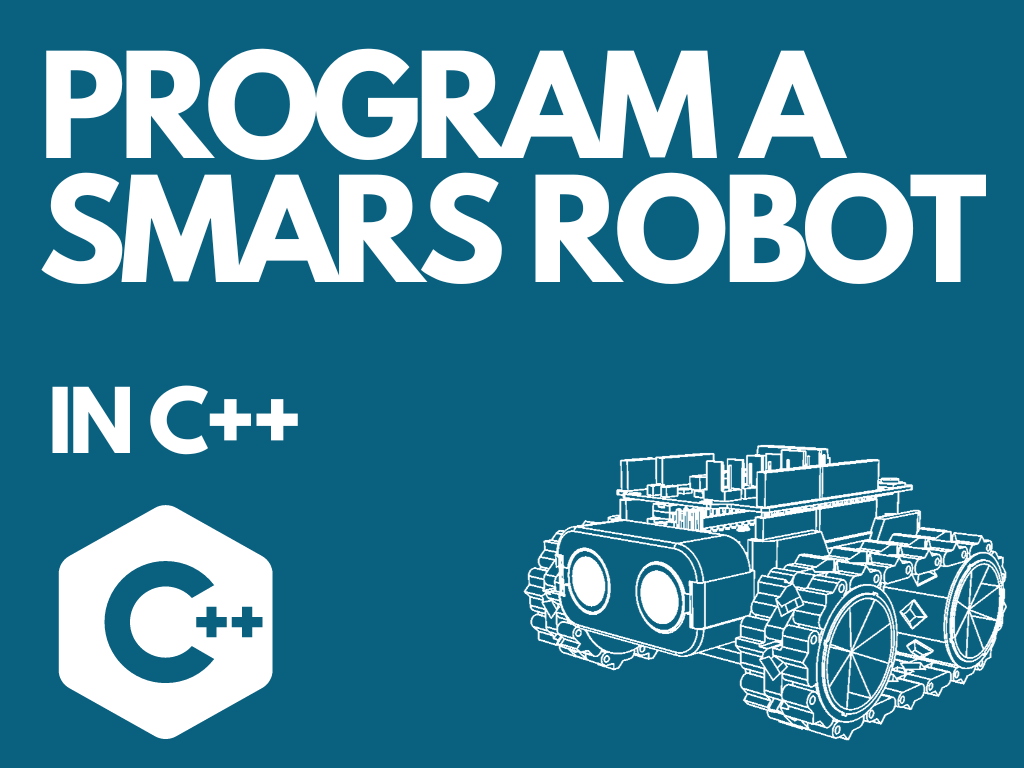
Start with Learn how to program SMARS with Arduino — a hands-on course that takes you from blinking LEDs to driving a real wheeled robot, all in Arduino C++. It’s a great way to see how C++ concepts like variables, loops, and functions translate directly into robot behaviour.
Already know some Python? The Arduino to MicroPython Quick Start Guide shows C++ and MicroPython side by side, so you can see exactly where the two languages agree and where they differ — a surprisingly effective way to deepen your C++ understanding.
If you want to pick a board, The Best Arduino Robot for Beginners walks through which Arduino hardware suits different project types and budgets.
A good first mini-project: wire up an LED and a button to an Arduino Uno and write a sketch that turns the LED on only while the button is held. You’ll practise pinMode(), digitalRead(), digitalWrite(), and the main loop() — the four foundations of almost every Arduino program ever written.
Once you’re comfortable with that, add a motor driver and you’re already halfway to a working robot. That’s the thing about C/C++ — the distance from “hello, LED” to “hello, robot” is shorter than you’d think.
Reacts well with
More Code & Software
- PyPython
- MpMicroPython
- JsJavaScript
- ScScratch
- RuRust
- LiLinux
- GiGit
- DoDocker
- SqSQL & Data
- SiSimulation
- OsOpen Source
Learn more on KevsRobots
Courses



Articles to read


Share this element
This page is awesome? Show some love!Did you find this content useful?
If you found this high quality content useful please consider supporting my work, so I can continue to create more content for you.
I give away all my content for free: Weekly video content on YouTube, 3d Printable designs, Programs and Code, Reviews and Project write-ups, but 98% of visitors don't give back, they simply read/watch, download and go. If everyone who reads or watches my content, who likes it, helps fund it just a little, my future would be more secure for years to come. A price of a cup of coffee is all I ask.
There are a couple of ways you can support my work financially:
If you can't afford to provide any financial support, you can also help me grow my influence by doing the following:
Thank you again for your support and helping me grow my hobby into a business I can sustain.
- Kevin McAleer
Comments