A servo is the simplest way to make a robot point, grip, tilt, or wave. One wire carries power, one carries ground, and one carries a signal — and suddenly a mechanical joint does exactly what you tell it to.
What is a Servo?
A servo motor combines a DC motor, a gearbox, and a position sensor in a single small package. A controller circuit inside the servo reads that position sensor and drives the motor until the shaft reaches the angle your code asked for. You send a PWM signal — typically a pulse between 1 ms and 2 ms wide, repeated 50 times per second — and the servo moves to the corresponding position. Most hobby servos sweep through 180 degrees, though 270-degree and continuous-rotation variants exist.
The most common size is the SG90 or MG90S — a tiny 9g plastic-geared servo that costs under £2 and fits neatly into 3D-printed brackets. For heavier loads, metal-geared servos like the MG996R handle more torque without stripping their teeth.
On a Raspberry Pi Pico or ESP32 you use a PWM output pin directly in MicroPython. For six or more servos, a dedicated driver board like the PCA9685 handles all the PWM generation over I2C, freeing your microcontroller to think about higher-level logic.
The three wires
A hobby servo has just three wires. The colours are near-universal — get them the right way round and you’re ready to move:
   ┌──────────────┐
   │    SERVO     │
   └──┬───┬───┬───┘
      │   │   │
   ───┘   │   └───
  Brown  Red  Orange
  (GND)  (V+) (Signal)
   −     4.8–6V  PWM from
              your GPIO pin
Pulse width sets the angle
The clever part is in the signal wire. A pulse repeats every 20 ms (50 Hz), and the width of that pulse — not its frequency — tells the servo what angle to hold:
   1.0 ms pulse  →  0°        ┌─┐                    ┌─┐
                              │ │                    │ │
                          ────┘ └────────────────────┘ └────
                              |←1.0ms→|←──── 20 ms ───→|

   1.5 ms pulse  →  90°       ┌──┐                   ┌──┐
   (centre)                   │  │                   │  │
                          ────┘  └───────────────────┘  └───
                              |←1.5ms→|

   2.0 ms pulse  →  180°      ┌───┐                  ┌───┐
                              │   │                  │   │
                          ────┘   └──────────────────┘   └──
                              |←2.0ms→|
Send 1.5 ms and the servo centres; sweep the width between roughly 1.0 ms and 2.0 ms and it tracks smoothly across its full range.
Why robot builders care
Servos are the foundation of almost every robot that has limbs. A quadruped needs at least eight. A pan-tilt camera mount needs two. A simple gripper needs one. Unlike a plain DC motor, a servo remembers where it’s supposed to be — there’s no need to count encoder pulses or run a separate control loop.
They’re also beginner-friendly in a way that stepper motors and brushless motors simply aren’t. Three wires, a PWM signal, and a MicroPython duty_u16() call is genuinely all you need to get started.
Get started
The quickest first project is a pan-tilt head: two servos mounted at 90 degrees to each other, controlled from a Pico. Get one servo sweeping back and forth first — that single loop teaches you PWM timing, pulse-width-to-angle maths, and mechanical mounting all at once.
When you’re ready to build something more ambitious, Kevin’s course Building a Robot Arm with Raspberry Pi and PCA9685 takes you from wiring up a 16-channel servo driver board all the way through programming with Python to control a full four-servo robot arm.
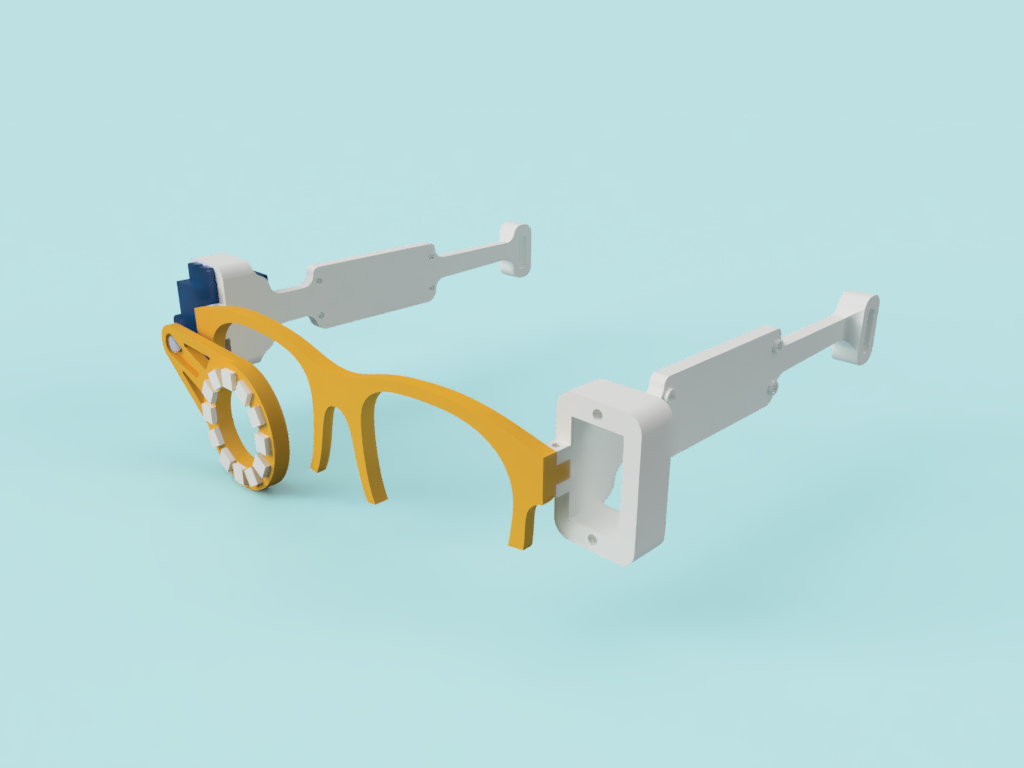
For smooth, natural-looking movement, check out the Servo Easing & Pancake-Bot project, which shows how to write easing functions in MicroPython so servos accelerate and decelerate gracefully instead of snapping between positions. The Robot Eye Mechanism course is another great hands-on build — a servo-driven eyeball assembly you can drop into almost any robot head.
One tip: always power servos from their own supply. Plugging a servo directly into a Pico’s 3.3 V pin will brown out the board the moment the servo stalls. A separate 5 V rail from a battery pack or BEC keeps everything stable and your Pico happy.
Reacts well with
More Power & Motion
Learn more on KevsRobots
Courses


Projects to build




Articles to read



Share this element
This page is awesome? Show some love!Did you find this content useful?
If you found this high quality content useful please consider supporting my work, so I can continue to create more content for you.
I give away all my content for free: Weekly video content on YouTube, 3d Printable designs, Programs and Code, Reviews and Project write-ups, but 98% of visitors don't give back, they simply read/watch, download and go. If everyone who reads or watches my content, who likes it, helps fund it just a little, my future would be more secure for years to come. A price of a cup of coffee is all I ask.
There are a couple of ways you can support my work financially:
If you can't afford to provide any financial support, you can also help me grow my influence by doing the following:
Thank you again for your support and helping me grow my hobby into a business I can sustain.
- Kevin McAleer
Comments