Fusion 360 is the CAD tool that turns your robot ideas into printable parts. If you’ve ever sketched a bracket on a notepad and wondered how to make it real, this is where the magic happens.
What is Fusion 360?
Fusion 360 is a professional-grade parametric CAD, CAM, and electronics design application made by Autodesk. “Parametric” means every dimension is driven by a number you can change — tweak the hole diameter and the surrounding geometry updates automatically. It runs on Windows and macOS, and Autodesk offers a free Personal Use licence for hobbyists and makers, which covers almost everything you’ll need for robot building.
The workflow is straightforward: you create 2D sketches, extrude or revolve them into 3D bodies, and then assemble multiple components together. When everything looks right, you export an STL and send it to your printer.
Why robot builders care
Most robot parts need to fit together precisely. A motor mount that’s 0.5 mm off will cause your chassis to rack and bind. Fusion 360 lets you model to exact tolerances, measure clearances inside the assembly, and iterate quickly — change one number, regenerate, re-export, and print again.
You can also model gears, threads, and living hinges that would be near-impossible to draw freehand. The Timeline feature (that row of icons at the bottom of the screen) records every modelling step, so you can roll back a mistake without starting from scratch. And because Fusion stores your designs in the cloud, you can pick up on any machine.
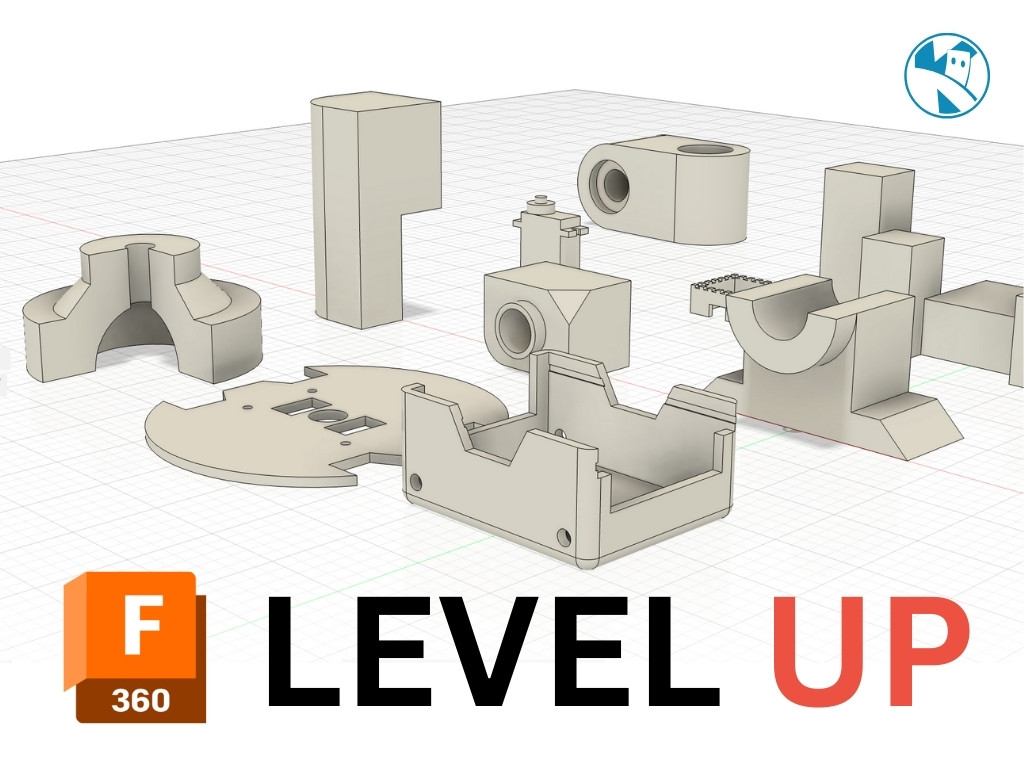
For robot builders specifically, Fusion 360 shines when you’re designing custom chassis, brackets, servo horns, and enclosures — all the bespoke parts that don’t exist off the shelf.
Get started
Download the free Personal licence from the Autodesk site linked above. The learning curve is real but shorter than it looks — spend an hour on the official tutorials and you’ll be extruding your first sketch by lunchtime.
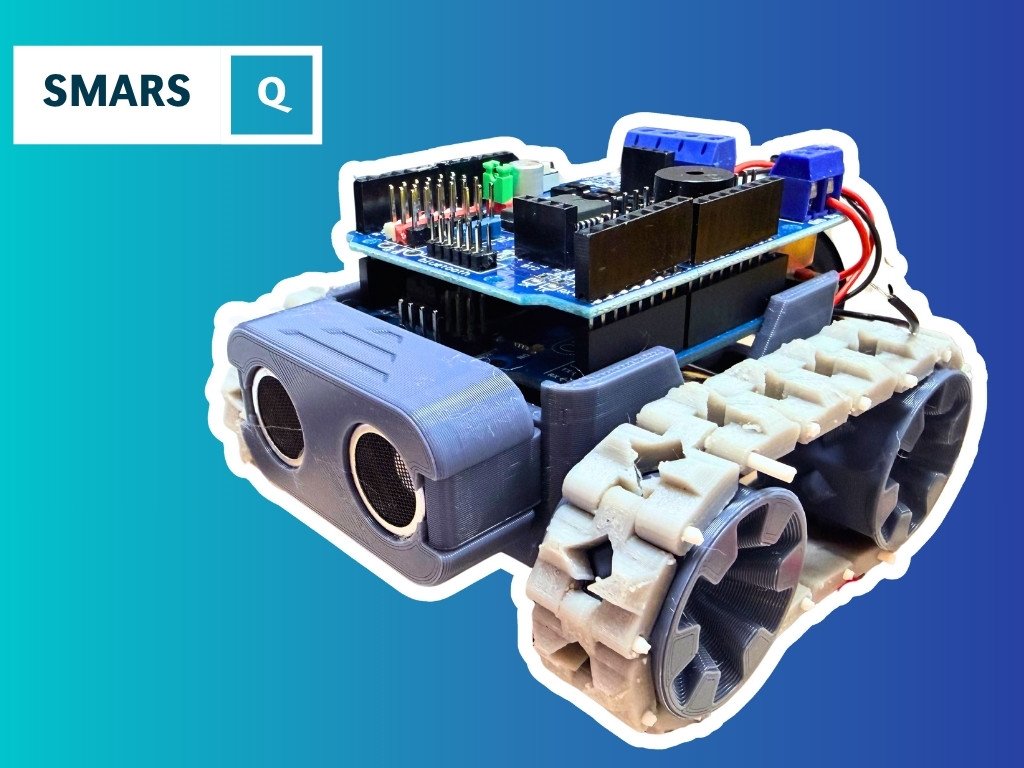
Once you’re comfortable with basic modelling, try designing a real robot component. Kevin’s course Build a SMARS Robot in Fusion 360 walks you through designing the classic SMARS wheeled robot from scratch, covering sketches, extrusions, and assembly — a great first project because the geometry is simple but the result is immediately printable and useful.
When you want to go further, Kevin’s post on Creating Gears in Fusion 360 shows how to use the built-in gear generator to produce meshing spur gears for your drivetrain — one of the most satisfying things you can do in CAD.
A good early habit: model your electronics (motor, Pico, battery pack) as simple box placeholders inside your assembly. That way you catch interference problems before you’ve wasted filament.
Reacts well with
More Making & Design
- GrGears
- WhWheels
- Pr3D Printing
- CdCAD
- FcFreeCAD
- LcLaser Cutting
- ChChassis Design
- TkTank Tracks
- LeLEGO Robotics
- WeWearables
Learn more on KevsRobots
Articles to read

Share this element
This page is awesome? Show some love!Did you find this content useful?
If you found this high quality content useful please consider supporting my work, so I can continue to create more content for you.
I give away all my content for free: Weekly video content on YouTube, 3d Printable designs, Programs and Code, Reviews and Project write-ups, but 98% of visitors don't give back, they simply read/watch, download and go. If everyone who reads or watches my content, who likes it, helps fund it just a little, my future would be more secure for years to come. A price of a cup of coffee is all I ask.
There are a couple of ways you can support my work financially:
If you can't afford to provide any financial support, you can also help me grow my influence by doing the following:
Thank you again for your support and helping me grow my hobby into a business I can sustain.
- Kevin McAleer
Comments