Your robot’s motors aren’t perfectly consistent. Surfaces change. Loads shift. Without feedback, small errors compound until your robot is veering into a wall or shaking itself apart. PID control is the classic fix — and once you understand it, you’ll spot it everywhere.
What is PID Control?
PID stands for Proportional, Integral, Derivative. It’s a control algorithm that continuously measures the gap between where your robot is and where you want it to be, then adjusts the output to close that gap.
Here’s the idea with each term:
- P (Proportional) — react in proportion to the current error. Big error → big correction. This is the main driving force, but on its own it often leaves a small steady-state offset.
- I (Integral) — accumulate past errors over time. That stubborn offset the P term leaves behind? The I term notices it building up and nudges the output to eliminate it.
- D (Derivative) — react to how fast the error is changing. It acts as a brake, damping out oscillations before they turn into the mechanical wobble that drives makers mad.
Together they give you a control loop that’s reactive, accurate, and stable. Each term has a gain value (Kp, Ki, Kd) that you tune for your specific robot — a process that’s part maths, part feel, and part patience.
The feedback loop
PID is a closed loop. You subtract the measured value from the setpoint (where you want to be) to get the error, the three terms act on that error to produce an output, and the result is measured and fed back round — continuously closing the gap:
flowchart LR
    SP["Setpoint<br/>(target)"] --> SUM(("+/−"))
    SUM -->|"error"| PID["P + I + D<br/>(Kp, Ki, Kd)"]
    PID -->|"output"| PROC["Robot / motor<br/>(the process)"]
    PROC --> MEAS["Sensor<br/>(measure actual)"]
    MEAS -->|"feedback"| SUM
The loop runs many times a second. P reacts to the error now, I cleans up any lingering offset, and D damps the wobble — and that feedback arrow at the bottom is what separates a robot that holds its line from one that veers off it.
Why robot builders care
The moment you need a robot to hold a position or follow a path smoothly, you need feedback control. Common examples include:
- Line followers — keeping the robot centred over a line using IR sensor readings
- Motor speed control — matching two drive motors so your robot goes straight rather than curving
- Balancing robots — self-balancing bots read an IMU many times per second and use PID to stay upright
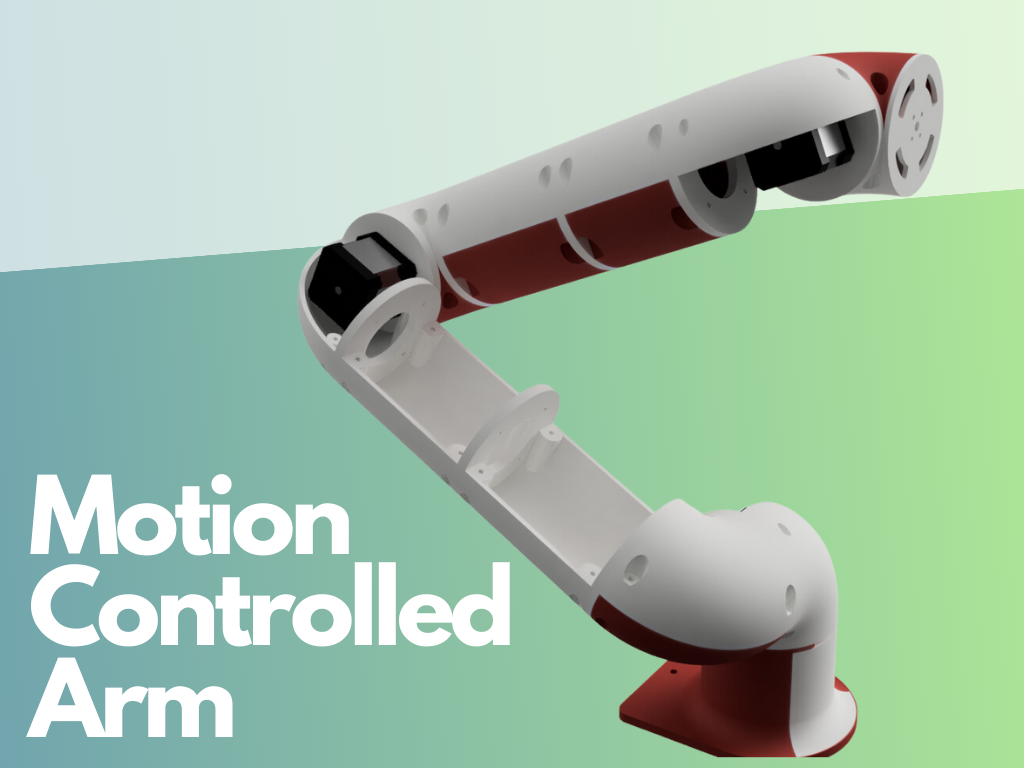
- Robot arms — moving a joint to an exact angle and holding it there under load
Get started
The most approachable first project is a line-following robot. You read a sensor, calculate how far off the line you are, feed that error into a P or PD controller, and adjust the motor speeds accordingly.
Kevin’s MicroPython Robotics Projects with the Raspberry Pi Pico course covers line following with IR sensors and motor control on the Pico. That’s a great sandbox for experimenting with proportional control before adding the I and D terms.
For the broader robotics context — sensing, actuation, and autonomous decision-making — Robotics 101 sets the foundation nicely.
Once you have a working P controller, try this tuning sequence: start with Ki and Kd at zero, raise Kp until the robot oscillates, then back it off slightly. Add a small Kd to damp the wobble. Add Ki only if you notice a persistent steady-state error.
Tuning is iterative and a little maddening — but when it clicks and your robot glides along that line without a single wobble, it’s one of the most satisfying moments in robotics.
Reacts well with
More Robot Intelligence
- AiArtificial Intelligence
- CvComputer Vision
- MlMachine Learning
- RoROS
- SlSLAM
- IkInverse Kinematics
- NvNavigation
- AuAutonomy
- SwSwarm Robotics
- NnNeural Networks
- LmLLMs
- EtRobot Ethics
Learn more on KevsRobots
Courses


Projects to build

Articles to read


Share this element
This page is awesome? Show some love!Did you find this content useful?
If you found this high quality content useful please consider supporting my work, so I can continue to create more content for you.
I give away all my content for free: Weekly video content on YouTube, 3d Printable designs, Programs and Code, Reviews and Project write-ups, but 98% of visitors don't give back, they simply read/watch, download and go. If everyone who reads or watches my content, who likes it, helps fund it just a little, my future would be more secure for years to come. A price of a cup of coffee is all I ask.
There are a couple of ways you can support my work financially:
If you can't afford to provide any financial support, you can also help me grow my influence by doing the following:
Thank you again for your support and helping me grow my hobby into a business I can sustain.
- Kevin McAleer
Comments