Your robot can’t navigate well if it doesn’t know where it is. And it can’t know where it is without a map. SLAM solves both problems at once — and that’s a genuinely remarkable thing.
What is SLAM?
SLAM stands for Simultaneous Localisation and Mapping. It’s the process a robot uses to build a map of an unknown environment at the same time as it works out its own position within that map. No GPS required, no pre-loaded blueprint.
In practice, SLAM fuses data from sensors — most commonly a LiDAR rangefinder or a depth camera — with odometry (wheel rotation counts, IMU readings) to continuously update two things: the map and the robot’s estimated pose (position + orientation). Every new sensor reading refines both.
The maths behind it ranges from particle filters (used in ROS’s gmapping) to graph-based optimisation (used in Cartographer and RTAB-Map). You don’t need to master the maths to get results — but it helps to know that errors accumulate, and the algorithm is always correcting for drift.
The chicken-and-egg loop
SLAM solves a circular problem: you need a map to know where you are, but you need to know where you are to build the map. It does both at once by feeding sensor scans and odometry into an estimate that refines both the map and the robot’s pose every cycle:
flowchart LR
    LIDAR["LiDAR / depth<br/>camera scan"] --> EST["SLAM estimate"]
    ODO["Odometry<br/>(encoders, IMU)"] --> EST
    EST --> MAP["Updated map"]
    EST --> POSE["Updated pose<br/>(position +<br/>orientation)"]
    MAP -->|"feeds back"| EST
    POSE -->|"feeds back"| EST
Each new scan corrects a little of the drift that creeps into odometry, which is why the map gets sharper the more the robot explores — and why “loop closure” (recognising a place it’s been before) is such a big moment for a SLAM system.
Why robot builders care
If you want a robot that can:
- Explore a room autonomously without bumping into everything
- Return to a charging dock without a homing beacon
- Follow a repeatable route through a changing environment
- Avoid obstacles it has never seen before
…then SLAM is the foundation you build on. It’s what turns a robot that moves into a robot that navigates. Combine it with a path-planning layer (like the ROS Navigation Stack) and your robot can set goals and route itself there without you touching a joystick.
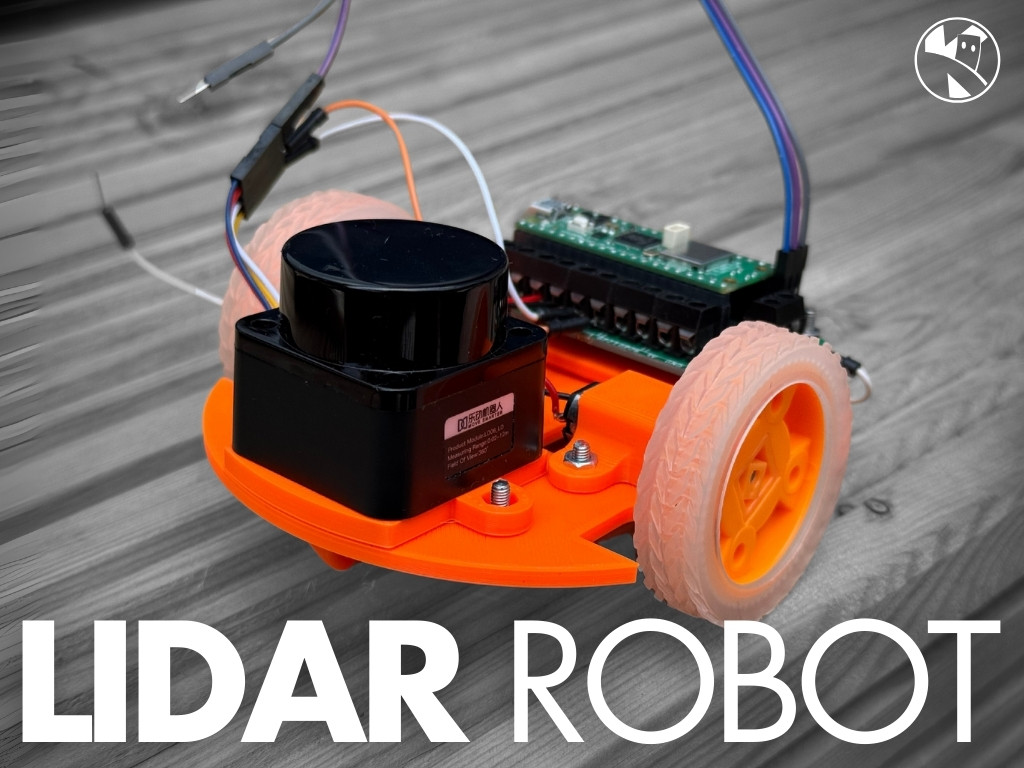
Even small robots can do basic SLAM. A Raspberry Pi 5 paired with a low-cost 360° LiDAR and ROS 2 is enough to map a typical room in minutes.
Get started
The best first step is to see SLAM working before you worry about building it yourself.
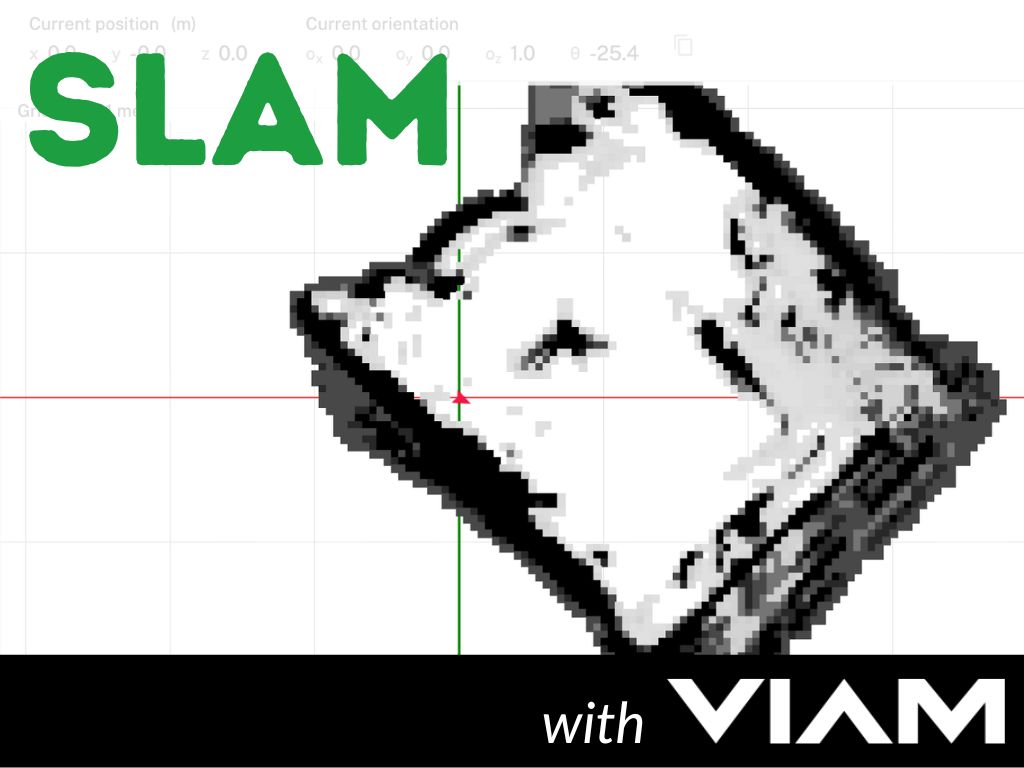
Kevin’s Viam SLAM project is a great starting point — it walks through using Viam’s cloud platform to map a real room with a Raspberry Pi robot. No ROS knowledge needed; the mapping happens in the browser dashboard while you drive the robot around by hand. It’s a satisfying way to see occupancy-grid maps appear in real time.
Once you’re ready to go deeper, the Learn ROS with me course covers ROS 2 from the ground up, including the tools you need to run a proper SLAM stack. From there, Kevin’s Arduino Alvik maze navigation guide shows the full journey from simple wall-following to SLAM-based autonomous navigation — a neat progression that shows why the extra complexity is worth it.
Start by driving your robot manually and watching the map grow. Then try letting the robot plan its own path through the finished map. That moment when it routes itself around a chair it mapped five minutes ago never gets old.
Reacts well with
More Robot Intelligence
- AiArtificial Intelligence
- CvComputer Vision
- MlMachine Learning
- RoROS
- PdPID Control
- IkInverse Kinematics
- NvNavigation
- AuAutonomy
- SwSwarm Robotics
- NnNeural Networks
- LmLLMs
- EtRobot Ethics
Learn more on KevsRobots
Courses
Articles to read

Share this element
This page is awesome? Show some love!Did you find this content useful?
If you found this high quality content useful please consider supporting my work, so I can continue to create more content for you.
I give away all my content for free: Weekly video content on YouTube, 3d Printable designs, Programs and Code, Reviews and Project write-ups, but 98% of visitors don't give back, they simply read/watch, download and go. If everyone who reads or watches my content, who likes it, helps fund it just a little, my future would be more secure for years to come. A price of a cup of coffee is all I ask.
There are a couple of ways you can support my work financially:
If you can't afford to provide any financial support, you can also help me grow my influence by doing the following:
Thank you again for your support and helping me grow my hobby into a business I can sustain.
- Kevin McAleer
Comments