You’ve got a working prototype on the breadboard. Wires everywhere, a few jumpers that fall out if you sneeze. A custom PCB fixes all of that — and it makes your robot look seriously good.
What is PCB Design?
PCB stands for Printed Circuit Board. Instead of loose wires connecting components, you design copper tracks etched onto a board that do the job permanently and reliably. You place every component on a digital canvas, route the connections between them, and then send a set of files (called Gerbers) to a manufacturer. A few days later, real boards turn up at your door.
Modern PCB design tools are free and surprisingly accessible. KiCad is the most popular open-source option and runs on Windows, Mac, and Linux. EasyEDA is browser-based and directly linked to JLCPCB’s fab service, so you can go from schematic to order in one afternoon. Most hobbyist fabs charge around £5–£10 for five boards — it’s genuinely cheap.
A two-layer board (top and bottom copper) is enough for almost every robot project. You place components like resistors, microcontrollers, motor drivers, and connectors on the schematic first, then move to the layout view to arrange them physically and draw the copper traces.
The design workflow
Every PCB follows the same path from idea to a board in your hand. The schematic captures what connects to what; the layout decides where it physically sits; the Gerbers are the manufacturing files the fab house actually prints:
flowchart LR
    A["Schematic<br/>capture<br/>(wire up symbols)"] --> B["PCB layout<br/>(place parts +<br/>route copper)"]
    B --> C["Design rule<br/>check (DRC)"]
    C --> D["Export<br/>Gerber files"]
    D --> E["Order from<br/>fab (JLCPCB,<br/>PCBWay…)"]
    E --> F["Solder +<br/>test the board"]
Run the design rule check before you export — it catches tracks that are too close together or pads that aren’t connected, which is far cheaper to fix on screen than after you’ve paid for five boards.
Why robot builders care
A custom PCB transforms a one-off prototype into something repeatable. You can build five identical robots without re-wiring each one. Connections are solid — no breadboard slop, no jumper pin wiggling loose mid-run. You can also add mounting holes that line up exactly with your chassis, integrate status LEDs, and expose only the connectors you actually need.
It also makes debugging easier. If something breaks, you know exactly where each track runs. There are no mystery wires to trace.
For robots with tight space constraints — a small wheeled bot, a wearable, or a legged robot — fitting a custom PCB rather than a nest of breadboard wires can save significant space and weight.
Get started
The fastest route in is to take a project you’ve already built on a breadboard and recreate it in KiCad. Open the schematic editor, place your components, wire them up, then switch to the PCB layout and route the traces. Aim for a board no bigger than 50 × 50 mm for your first attempt — that’s often the minimum size tier for free or near-free pricing at fab houses.
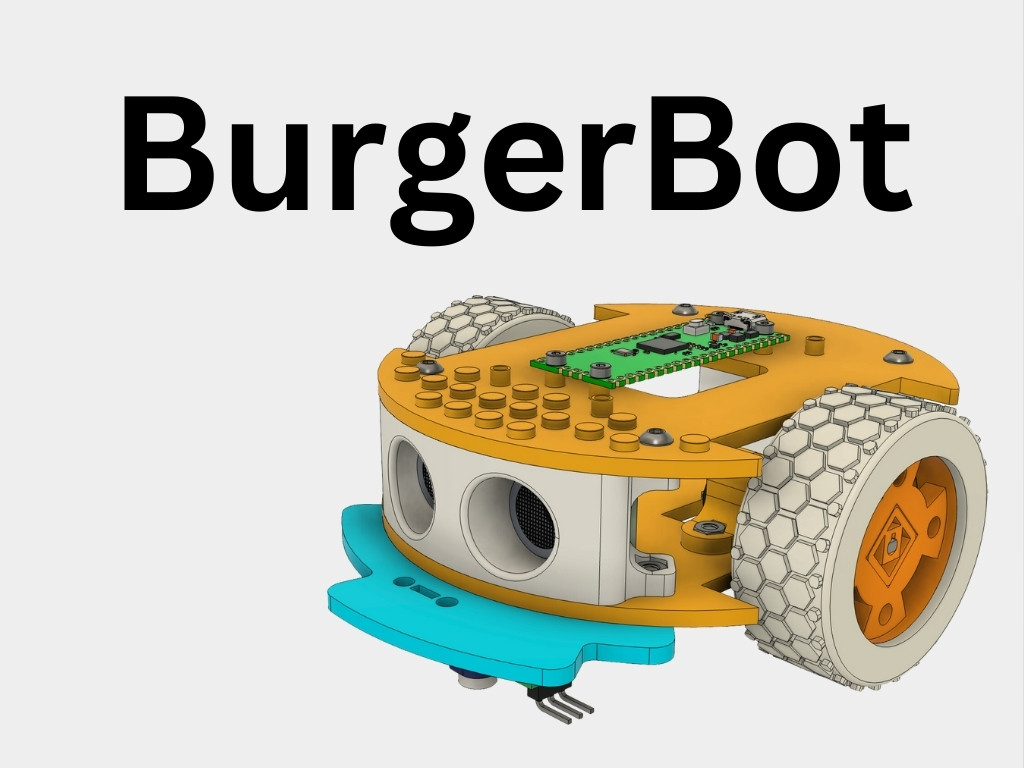
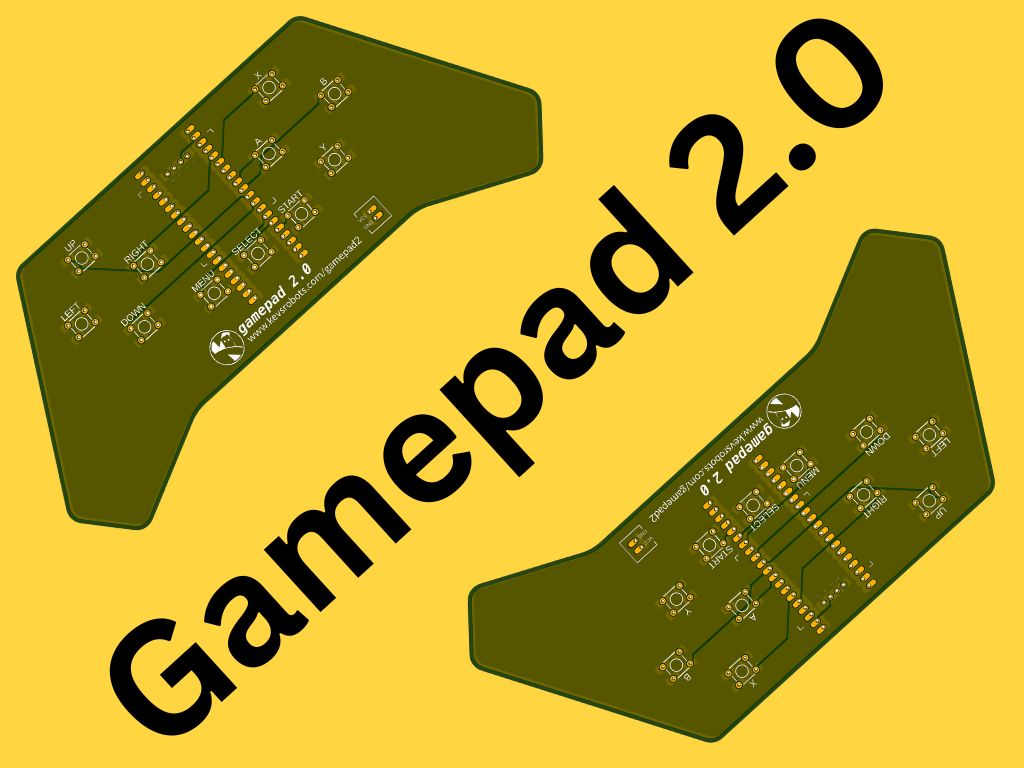
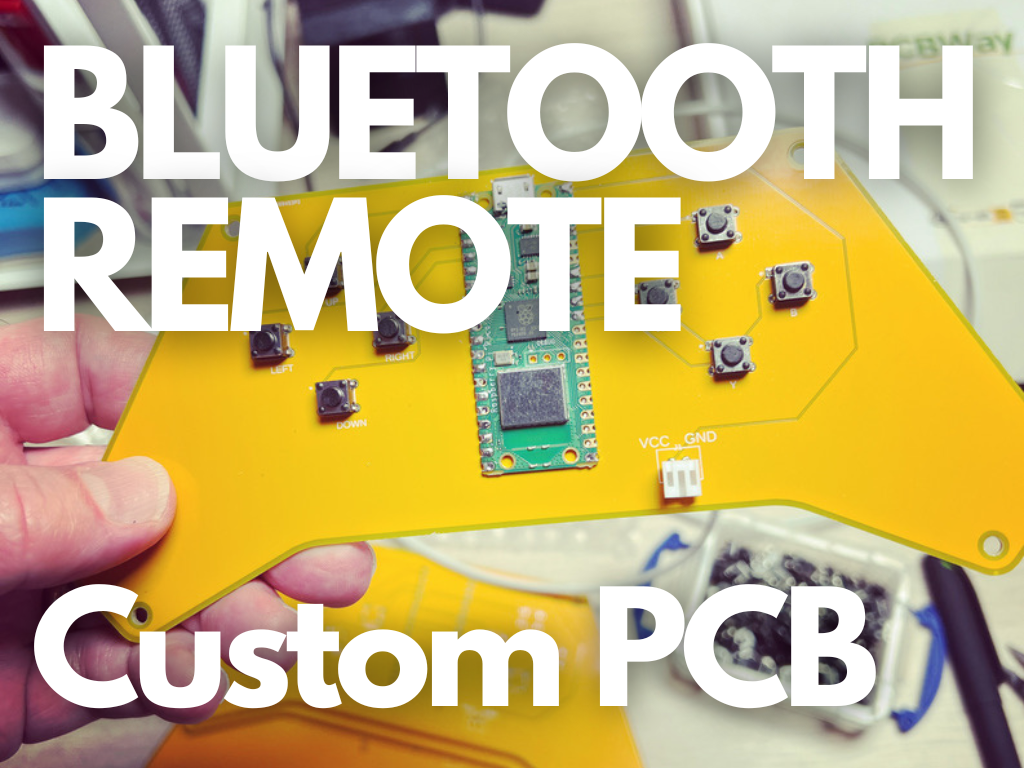
Kevin has walked through exactly this process for a couple of projects on the site. The BurgerBot custom PCB article shows the whole workflow from idea to ordering, and the Bluetooth Remote Control custom PCB covers designing a gamepad-style controller board around the Raspberry Pi Pico W. Both are great reference points when you’re starting out.
Once your board arrives, pair it with a good soldering session (see the So — Soldering element) and you’ll have a robot you’d be proud to show off.
Reacts well with
More Electronics Foundations
- OhOhm's Law
- ElElectronics
- CiCircuits
- BrBreadboard
- SoSoldering
- ReResistors
- CaCapacitors
- TrTransistors
- MmMultimeter
- ToTools
Learn more on KevsRobots
Courses


Articles to read



Share this element
This page is awesome? Show some love!Did you find this content useful?
If you found this high quality content useful please consider supporting my work, so I can continue to create more content for you.
I give away all my content for free: Weekly video content on YouTube, 3d Printable designs, Programs and Code, Reviews and Project write-ups, but 98% of visitors don't give back, they simply read/watch, download and go. If everyone who reads or watches my content, who likes it, helps fund it just a little, my future would be more secure for years to come. A price of a cup of coffee is all I ask.
There are a couple of ways you can support my work financially:
If you can't afford to provide any financial support, you can also help me grow my influence by doing the following:
Thank you again for your support and helping me grow my hobby into a business I can sustain.
- Kevin McAleer
Comments