Gears are one of those things that seem simple until you realise just how much they can do. Trade speed for torque, reverse a direction, transmit motion around a corner — a handful of toothed wheels can solve problems that electronics alone never could.
What is a Gear?
A gear is a toothed wheel that meshes with another toothed wheel (or a rack) to transfer rotational motion. The fundamental rule is the gear ratio: if a small 10-tooth gear drives a larger 40-tooth gear, the output spins at one quarter of the input speed — but with four times the torque.
Here’s that trade laid out. A small driver gear turning a larger driven gear is the classic speed reducer — you give up speed and gain torque in exact proportion to the tooth counts. Note the meshed gears also spin in opposite directions:
        driver (10 teeth)        driven (40 teeth)
             ╱──╲                  ╱────────╲
            │ ●  │ ───meshes───▶  │    ●     │
             ╲──╱                  ╲────────╱
            spins ↻ fast            spins ↺ slow

   ratio = 40 ÷ 10 = 4 : 1
   → output speed  = ¼ of input   (4× slower)
   → output torque = 4× of input  (4× stronger)
   → direction reverses (meshed gears turn opposite ways)
Swap which gear drives and you flip the trade: a large gear driving a small one gives you more speed, less torque.
Common gear types you’ll meet in robotics:
- Spur gears — the classic flat-toothed wheel, easy to 3D print, ideal for parallel shafts
- Rack and pinion — converts rotation into linear motion (great for steering and linear actuators)
- Bevel gears — transfer drive between shafts at an angle, typically 90°
- Worm gears — enormous reduction ratios in a compact package, and they self-lock when unpowered
- Planetary gearboxes — the type built into most robot motors, offering high reduction with minimal backlash in a small cylinder
Why robot builders care
Most DC motors spin far too fast and produce far too little torque to be useful straight out of the packet. The gearbox attached to the motor is what makes it practical — and understanding gear ratios tells you whether a given motor will actually move your robot or just whir pathetically while it stays put.
Beyond motors, gears crop up in robot arms (for precise joint movement), 3D-printed drivetrains (for wheeled robots that need pulling power), camera pan-tilt mounts, and any mechanism where you need controlled, repeatable motion.
3D printing has made custom gears genuinely accessible. You can design a gear for an exact ratio, print it overnight, and test it by morning. That loop — design, print, test — is where a lot of the fun lives.
Get started
The best first project is a simple two-gear speed reducer. Design a small driver gear and a larger driven gear, print them, and measure the actual torque difference. You’ll feel the difference in your fingers immediately.
If you use Fusion 360, Kevin’s post Creating Gears in Fusion 360 shows exactly how to use the SpurGear add-in to generate perfectly meshing gears — including a rack-and-pinion system — with just a few parameters. No maths degree required.
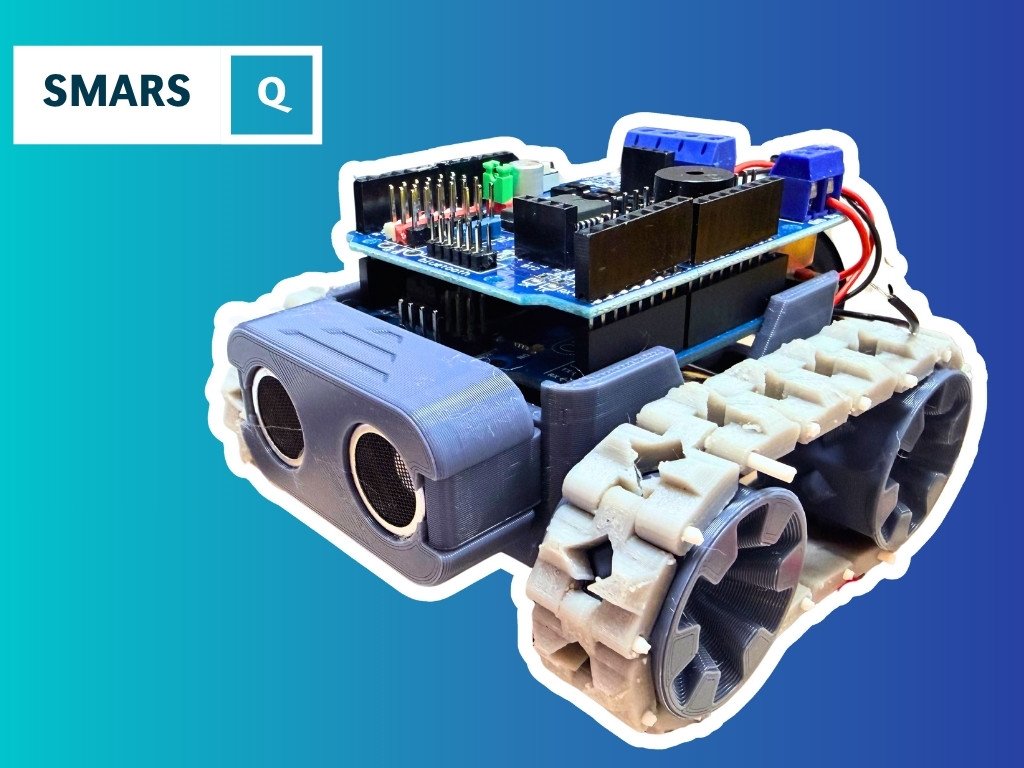
Once you’re comfortable with individual gears, putting them to work in a chassis is the natural next step. The Build a SMARS Robot in Fusion 360 course walks through designing a complete 3D-printable robot from scratch, and the Building SMARS with FreeCAD course covers the same ideas if FreeCAD is your CAD tool of choice.
Start with spur gears, get the ratio right, and you’ll quickly discover that a well-geared robot is a completely different machine to one running motors direct.
Reacts well with
More Making & Design
- WhWheels
- Pr3D Printing
- CdCAD
- FuFusion 360
- FcFreeCAD
- LcLaser Cutting
- ChChassis Design
- TkTank Tracks
- LeLEGO Robotics
- WeWearables
Learn more on KevsRobots
Articles to read


Share this element
This page is awesome? Show some love!Did you find this content useful?
If you found this high quality content useful please consider supporting my work, so I can continue to create more content for you.
I give away all my content for free: Weekly video content on YouTube, 3d Printable designs, Programs and Code, Reviews and Project write-ups, but 98% of visitors don't give back, they simply read/watch, download and go. If everyone who reads or watches my content, who likes it, helps fund it just a little, my future would be more secure for years to come. A price of a cup of coffee is all I ask.
There are a couple of ways you can support my work financially:
If you can't afford to provide any financial support, you can also help me grow my influence by doing the following:
Thank you again for your support and helping me grow my hobby into a business I can sustain.
- Kevin McAleer
Comments