Point a sensor at a wall, fire a burst of sound, and count how long the echo takes to return. That’s ultrasonic distance sensing — simple physics that turns your robot from a blind object into something that can actually see where it’s going.
What is Ultrasonic?
An ultrasonic distance sensor emits a short burst of sound at around 40 kHz — well above human hearing — and listens for the echo. Because sound travels at roughly 343 m/s in air, you can calculate distance with one formula:
distance (cm) = (echo time in microseconds) / 58
The HC-SR04 is the sensor you’ll find on almost every beginner robot. It has four pins: VCC, GND, Trig, and Echo. Pull Trig high for 10 microseconds to fire, then time how long Echo stays high. Measuring range is roughly 2 cm to 400 cm, with accuracy around ±3 mm on a good day. At under £2 a unit, it’s hard to beat.
How it works
The sensor fires a burst of sound, it bounces off an obstacle, and the echo returns. Because the sound travels there and back, you halve the round-trip time to get the actual distance:
   HC-SR04                          Wall
   ┌──────┐   ))) ping out  →→→→→  │
   │ Trig │                        │
   │ Echo │   ((( echo back ←←←←←  │
   └──────┘                        │
           |←──── distance ─────→|

   round trip = distance × 2,  so:
   distance (cm) = echo_time_µs / 58
The four pins and timing
VCC and GND power it; Trig starts a measurement and Echo reports the result by going high for as long as the round trip takes:
   ┌─────────────────┐
   │  VCC Trig Echo GND │
   └───┬───┬────┬───┬──┘
       │   │    │   │
      5V  out   in  0V

   Trig:  ──┐ ┌──────────────   (10 µs pulse to start)
            └─┘
   Echo:  ──────┐         ┌───   (HIGH = round-trip time)
                └─────────┘
                |← time   →|
Why robot builders care
Without distance sensing, your robot crashes. Constantly. An ultrasonic sensor gives your robot the ability to detect obstacles before it hits them, so you can write logic to stop, turn, and find a new path.
It’s also the sensor that makes radar-style scanning possible. Mount one on a servo, sweep it through an arc, and log the readings — you’ve just built a sonar map of your robot’s surroundings. That’s genuinely useful for navigation and it looks brilliant on a display.
Ultrasonic sensors work in the dark, they don’t care about object colour, and they’re forgiving of beginner wiring mistakes. That combination makes them the go-to first sensor for almost every robot project.
Get started
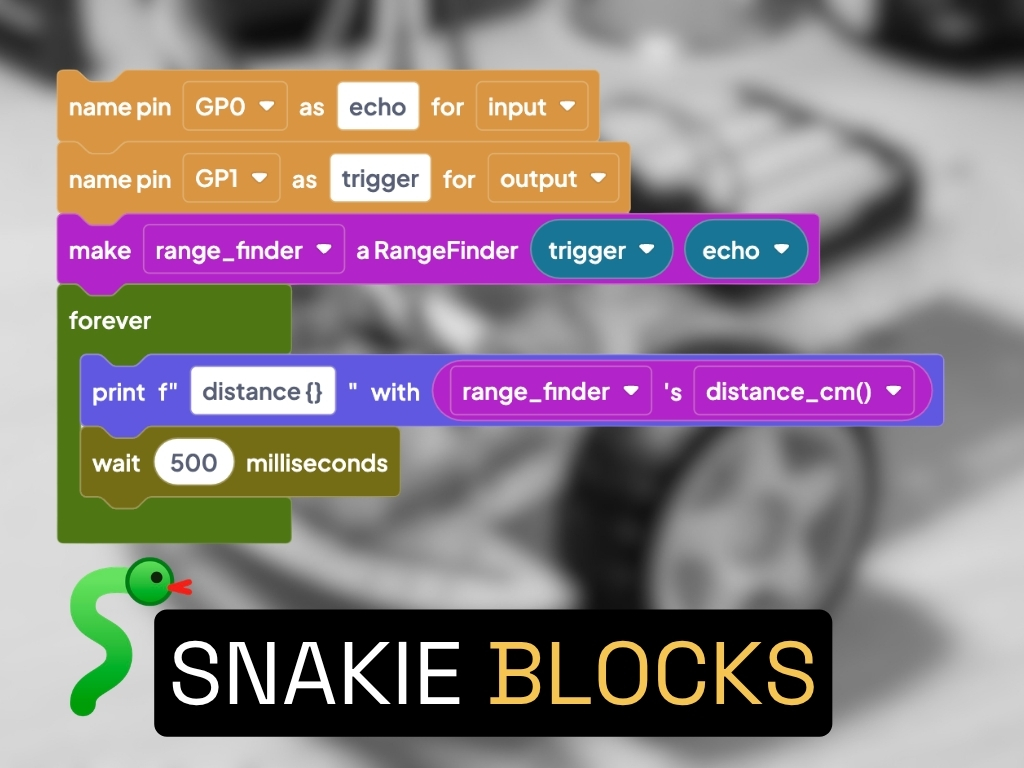
The best first project is simple: wire an HC-SR04 to a Raspberry Pi Pico, read the distance in a loop, and print it to the serial console. Once the numbers make sense, add an LED that changes colour when something gets within 20 cm.
The GPIO Mastery course for Raspberry Pi Pico with MicroPython has a dedicated lesson walking you through exactly that wiring and code — it covers the Trig/Echo pulse timing and gives you a complete working MicroPython snippet.
When you’re ready for something more ambitious, the Radar Robot project mounts an HC-SR04 on a servo and sweeps it across a 180° arc, drawing a live sonar display. It’s a fantastic way to understand how autonomous robots build a picture of their environment.
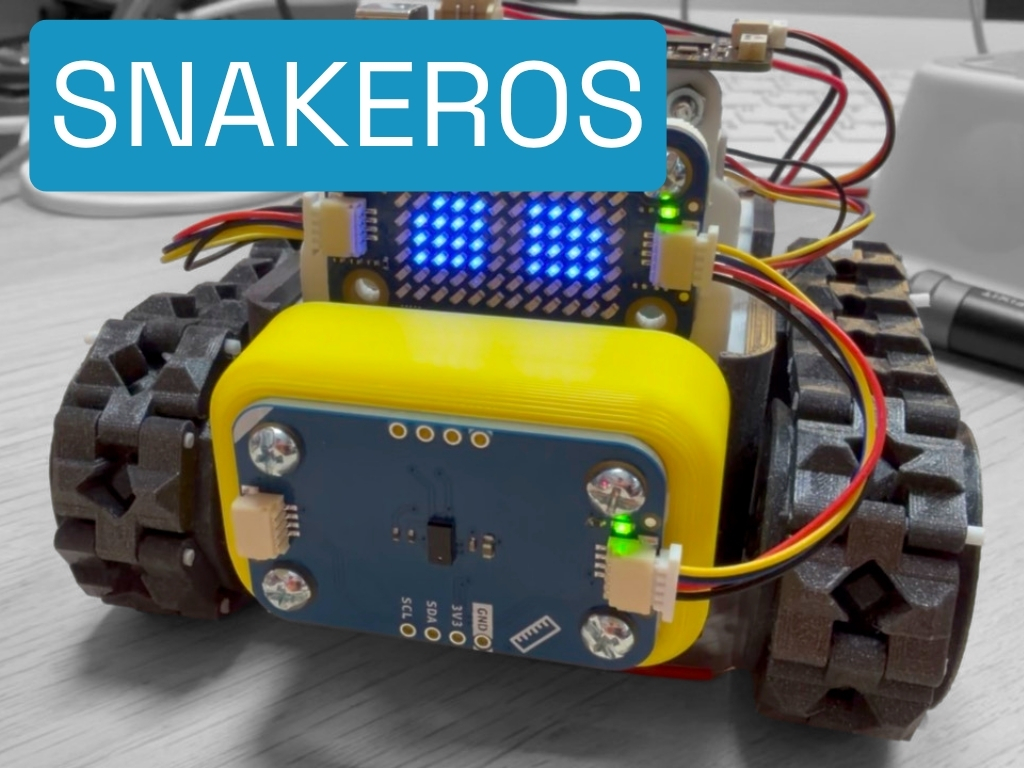
The SMARS robot — probably the most-built robot on this site — uses an HC-SR04 as its main obstacle detector. The SMARS course covers the full build, including how to write the obstacle-avoidance code that puts the sensor to work.
Reacts well with
More Sensors
Learn more on KevsRobots
Courses


Projects to build



Articles to read



Share this element
This page is awesome? Show some love!Did you find this content useful?
If you found this high quality content useful please consider supporting my work, so I can continue to create more content for you.
I give away all my content for free: Weekly video content on YouTube, 3d Printable designs, Programs and Code, Reviews and Project write-ups, but 98% of visitors don't give back, they simply read/watch, download and go. If everyone who reads or watches my content, who likes it, helps fund it just a little, my future would be more secure for years to come. A price of a cup of coffee is all I ask.
There are a couple of ways you can support my work financially:
If you can't afford to provide any financial support, you can also help me grow my influence by doing the following:
Thank you again for your support and helping me grow my hobby into a business I can sustain.
- Kevin McAleer
Comments