A tiny temperature sensor on a Pico, a dashboard on a laptop across the room, and a buzzer on a Pi in the garage — MQTT lets all three talk to each other with almost no code and very little bandwidth. It’s the messaging protocol that makes robot networks actually practical.
What is MQTT?
MQTT (Message Queuing Telemetry Transport) is a lightweight publish/subscribe messaging protocol designed for constrained devices and unreliable networks. It was originally built for monitoring oil pipelines by satellite in the 1990s, and that heritage shows: it’s ruthlessly efficient.
The idea is simple. Devices publish messages to a named topic (like robot/battery/voltage). Other devices subscribe to topics they care about. A central broker — a small server, often Mosquitto running on a Raspberry Pi — routes messages between them. Publishers and subscribers never talk directly; they don’t even need to know each other exists.
A minimal MQTT message carries as little as 2 bytes of overhead, and Quality of Service (QoS) levels handle unreliable connections gracefully — from fire-and-forget up to guaranteed delivery.
Publish and subscribe
Nothing talks to anything directly. A publisher sends a message to a topic on the broker, and the broker forwards it to every subscriber that asked for that topic. The robot can be a publisher and a subscriber at the same time:
flowchart LR
    ROBOT["Robot (Pico W)<br/>publishes<br/>robot/battery"] -->|publish| BROKER["MQTT broker<br/>(Mosquitto)"]
    BROKER -->|forward| DASH["Laptop dashboard<br/>subscribes<br/>robot/battery"]
    PHONE["Phone app<br/>publishes<br/>robot/cmd"] -->|publish| BROKER
    BROKER -->|forward| ROBOT2["Robot subscribes<br/>robot/cmd"]
Because publishers and subscribers only ever know the broker (never each other), you can add a second dashboard, a third robot, or swap the phone for a laptop without changing a single line on the other side.
Why robot builders care
Robots produce a constant stream of data — distances, motor currents, temperatures, joint angles — and they need to receive commands in return. HTTP works fine for one-off requests, but it’s clunky for continuous telemetry. MQTT is built for exactly this pattern.
- Telemetry dashboards — publish sensor readings from a MicroPython board; subscribe on a laptop and graph them live with Node-RED or Grafana.
- Remote control — subscribe to a
robot/cmd/velocitytopic on the robot; publish from a joystick app on your phone. - Multi-robot coordination — each robot subscribes to a shared topic. One message from a controller fans out to the whole fleet instantly.
The MicroPython umqtt.simple library makes connecting a Pico W or ESP32 to a broker a sub-30-line job. Raspberry Pi boards can run the Mosquitto broker locally, keeping everything on your home network with no cloud dependency.
Get started
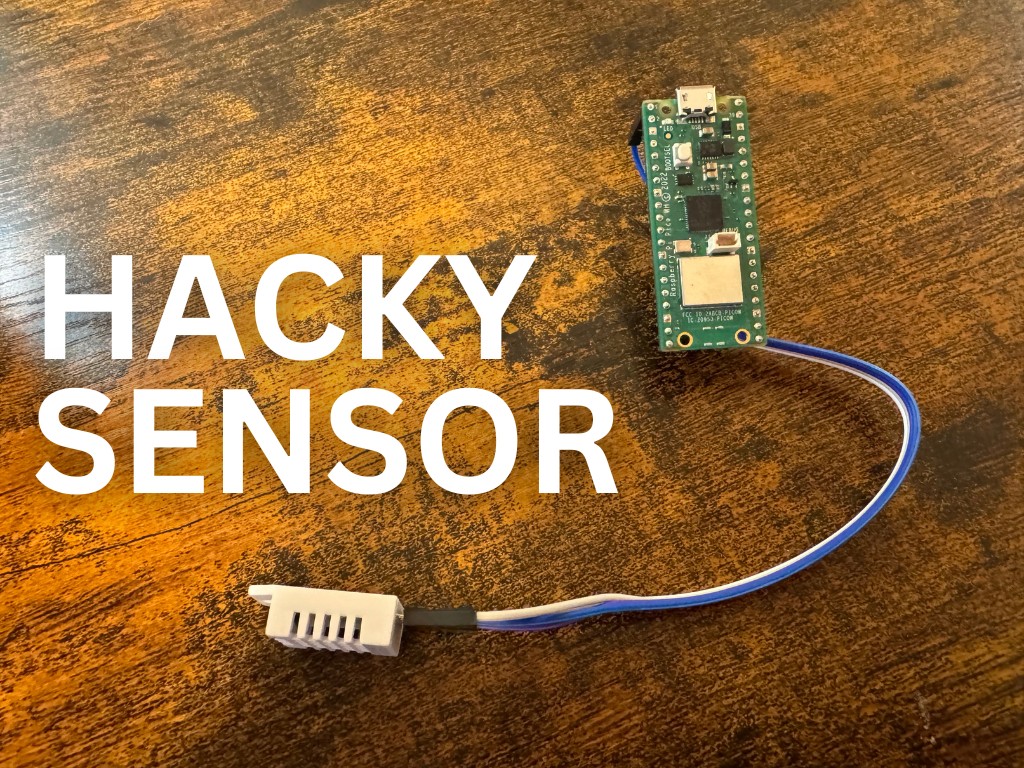
The fastest way to see MQTT in action is to build a wireless sensor node. The Hacky Temperature and Humidity Sensor project does exactly that — a DHT22 wired to a Pico, readings published over MQTT, and a Node-RED flow collecting and storing them.
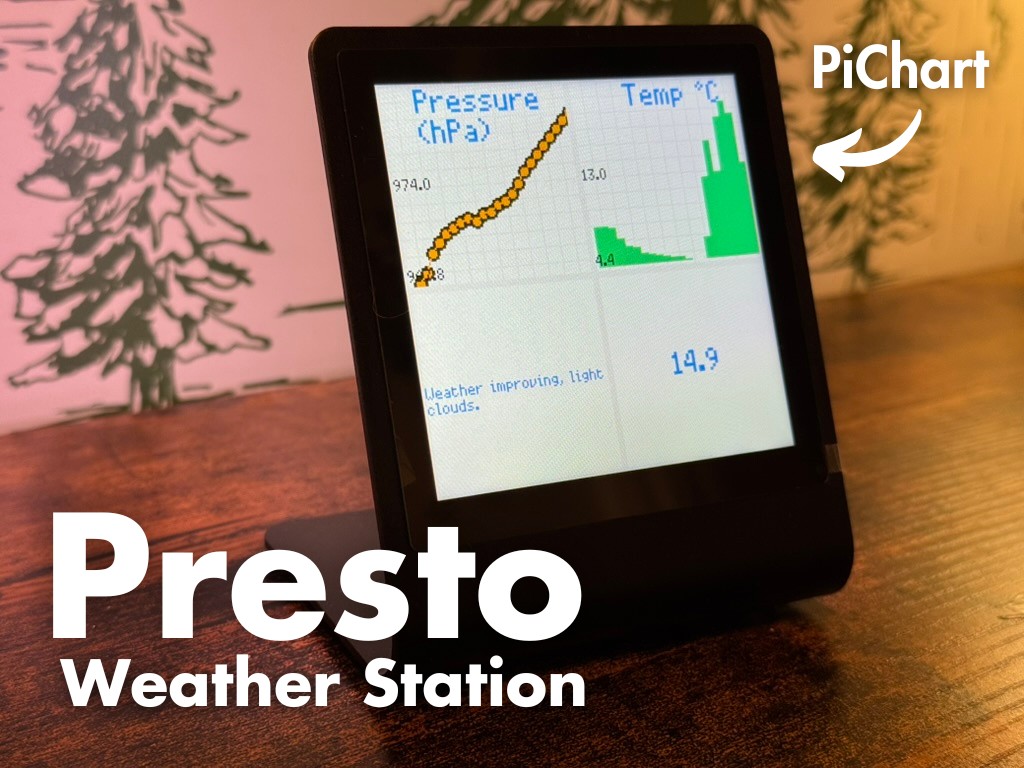
For a project that pipes live readings through a broker to a visual display, the Weather Station Display walkthrough covers subscribing to topics, parsing payloads, and driving a screen — skills that transfer directly to robot dashboards.
For a cute robot that reacts to live data, the WeatherBot project uses an ESP8266 and MQTT to drive a servo from an incoming weather reading — swap the feed for any sensor topic and you have a reactive robot in minutes.
To set up your own broker, install Mosquitto on a Raspberry Pi (sudo apt install mosquitto mosquitto-clients) and test it with mosquitto_pub and mosquitto_sub before writing any Python. Once you see a message flow between two terminals, the rest falls into place quickly.
Reacts well with
More Signals & Comms
Learn more on KevsRobots
Projects to build
Articles to read


Share this element
This page is awesome? Show some love!Did you find this content useful?
If you found this high quality content useful please consider supporting my work, so I can continue to create more content for you.
I give away all my content for free: Weekly video content on YouTube, 3d Printable designs, Programs and Code, Reviews and Project write-ups, but 98% of visitors don't give back, they simply read/watch, download and go. If everyone who reads or watches my content, who likes it, helps fund it just a little, my future would be more secure for years to come. A price of a cup of coffee is all I ask.
There are a couple of ways you can support my work financially:
If you can't afford to provide any financial support, you can also help me grow my influence by doing the following:
Thank you again for your support and helping me grow my hobby into a business I can sustain.
- Kevin McAleer
Comments