Before you cut, print, or solder anything, CAD lets you build your robot on a screen first. Get the design right in software and the physical build becomes much less painful.
What is CAD?
CAD stands for Computer-Aided Design. It’s the process of creating precise 2D drawings or 3D models of parts and assemblies using dedicated software. Instead of sketching on paper and hoping the dimensions work out, you model every component in a virtual workspace where measurements are exact, parts fit together on screen before they exist in the real world, and changes take seconds rather than hours.
For robot builders, CAD typically means 3D parametric modelling — you define shapes using dimensions and constraints, so changing one number (say, a motor mounting hole diameter) updates the entire model automatically. Popular tools include Fusion 360 (free for hobbyists, cloud-based, very capable), FreeCAD (fully open source, runs locally), and Onshape (browser-based, free tier available).
The sketch-to-solid workflow
Almost every part follows the same core loop: draw a 2D sketch, extrude it into a 3D solid, combine parts into an assembly to check the fit, then export for fabrication. Because it’s parametric, changing one dimension ripples through the whole model:
flowchart LR
    SKETCH["2D sketch<br/>(constrained<br/>by dimensions)"] --> SOLID["Extrude /<br/>revolve to 3D"]
    SOLID --> ASSY["Assembly<br/>(check parts<br/>fit together)"]
    ASSY --> EXPORT["Export<br/>STL → print<br/>DXF → laser cut"]
    EXPORT -.->|"tweak a number,<br/>regenerate"| SKETCH
    ASSY -.->|"clash? edit"| SKETCH
That dashed feedback arrow is the whole point of parametric CAD: the motor shaft turns out to be 5 mm not 4 mm, you change one number, and every dependent feature updates — no redrawing from scratch.
Why robot builders care
Almost every custom robot needs at least one bespoke part: a chassis plate, a bracket to hold a sensor at the right angle, a gear with a specific tooth count, a wheel hub. Without CAD you’re guessing dimensions, cutting and reprinting repeatedly, and wasting both filament and time.
CAD solves this in a few concrete ways:
- Fit checks — assemble all your parts virtually and see if they clash before anything is printed.
- Iterating fast — tweak a dimension, re-export the STL, re-print in minutes rather than starting from scratch.
- Sharing — export a STEP or STL file so anyone with a 3D printer can reproduce your design exactly.
- Documentation — a parametric model is self-documenting; the numbers are right there.
Even a simple robot like SMARS has around a dozen unique printed parts. Designing those in CAD rather than winging it is what makes the robot reliable rather than approximate.
Get started
The gentlest on-ramp is FreeCAD — it’s free, open-source, and runs entirely on your own machine. The Introduction to FreeCAD for Beginners course walks you through the interface from scratch: sketching, extruding, and constraining your first solid shapes. Once you’re comfortable with the basics, try Building SMARS with FreeCAD, which takes you through designing a real printable robot step by step.
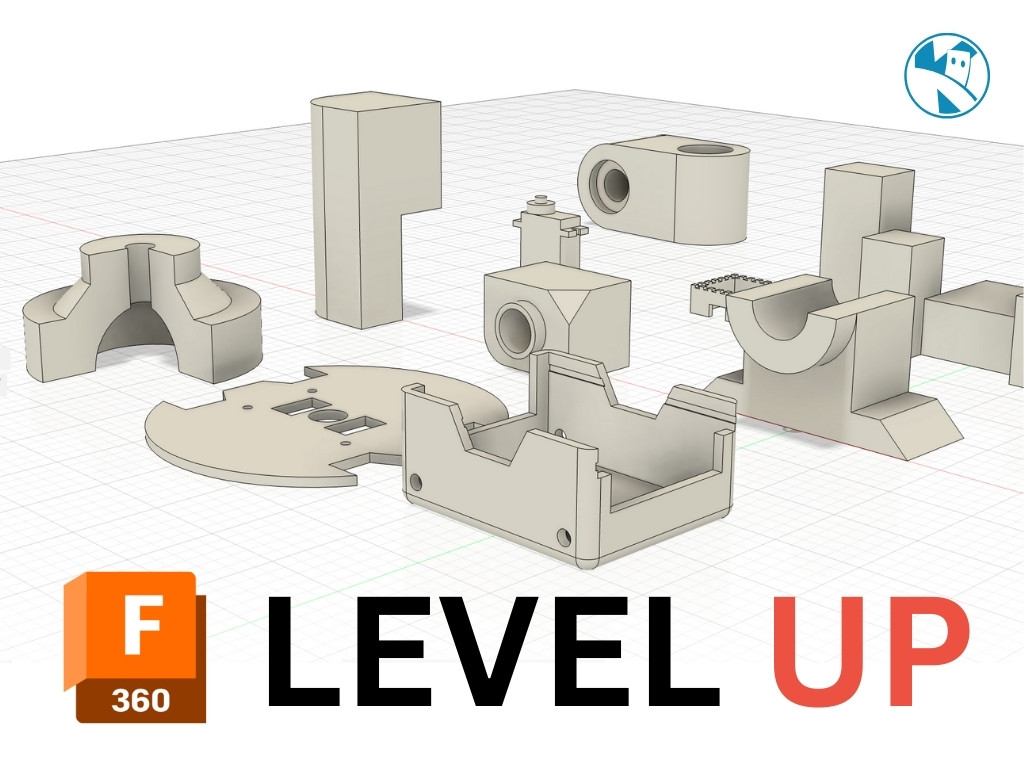
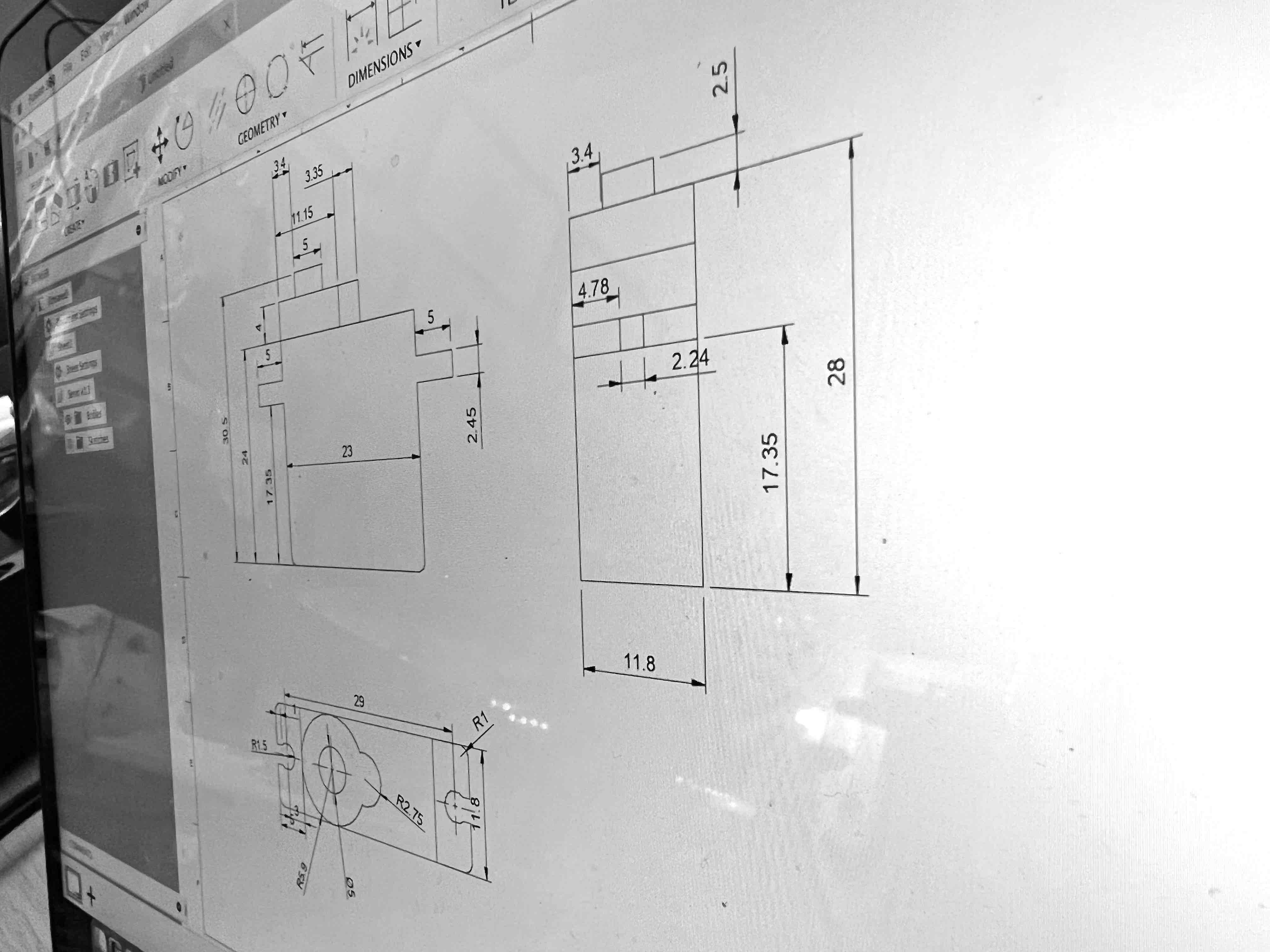
If you prefer Fusion 360, the Build a SMARS Robot in Fusion 360 course covers the same end goal using Autodesk’s toolset. And once you want to go beyond flat plates and simple extrusions, check out Creating Gears in Fusion 360 — gears are one of those things that look complicated but are completely manageable once you know where the gear generator lives.
A good first mini-project: design a simple L-shaped bracket. Sketch a rectangle, add a second rectangle at 90°, extrude both, and print it. That one exercise teaches you sketching, constraints, and the sketch-to-solid workflow that underpins every other part you’ll ever make.
Reacts well with
More Making & Design
- GrGears
- WhWheels
- Pr3D Printing
- FuFusion 360
- FcFreeCAD
- LcLaser Cutting
- ChChassis Design
- TkTank Tracks
- LeLEGO Robotics
- WeWearables
Learn more on KevsRobots
Courses


Articles to read
Share this element
This page is awesome? Show some love!Did you find this content useful?
If you found this high quality content useful please consider supporting my work, so I can continue to create more content for you.
I give away all my content for free: Weekly video content on YouTube, 3d Printable designs, Programs and Code, Reviews and Project write-ups, but 98% of visitors don't give back, they simply read/watch, download and go. If everyone who reads or watches my content, who likes it, helps fund it just a little, my future would be more secure for years to come. A price of a cup of coffee is all I ask.
There are a couple of ways you can support my work financially:
If you can't afford to provide any financial support, you can also help me grow my influence by doing the following:
Thank you again for your support and helping me grow my hobby into a business I can sustain.
- Kevin McAleer
Comments