There is something deeply satisfying about watching a robot you built respond to your thumbs. Radio control turns a static machine into something alive.
What is Radio Control?
Radio Control (RC) is the practice of operating a robot or vehicle wirelessly from a handheld transmitter. Classic RC uses dedicated radio frequencies — 2.4 GHz spread-spectrum being the modern standard — but the term has expanded to cover any wireless control method: Bluetooth gamepads, Wi-Fi web interfaces, and even IR remotes.
A typical RC link has two ends: a transmitter (what you hold) and a receiver (on the robot). The receiver decodes incoming signals and passes commands to motor controllers, servos, or a microcontroller. Latency matters — anything above 100 ms feels sluggish when you are driving fast.
Key specs to know:
- Range — 2.4 GHz RC gear typically reaches 100–500 m outdoors. Bluetooth Classic/BLE tops out around 10–30 m indoors.
- Channels — one per independent axis of control. A ground robot needs 2 (throttle + steering); a hexapod may need 12+.
- Protocol — PWM, PPM, SBUS, and CRSF are common receiver output formats.
The control chain
Every RC link follows the same path: you move a stick, the transmitter sends it over the air, the receiver on the robot decodes it, and a microcontroller turns those channels into motor and servo commands:
flowchart LR
    STICK["Your thumbs<br/>(sticks)"] --> TX["Transmitter<br/>2.4 GHz"]
    TX -.->|"radio link"| RX["Receiver<br/>on robot"]
    RX --> MCU["Microcontroller<br/>(mixes channels)"]
    MCU --> MOTORS["Motors / servos"]
The “mixing” step is where the magic happens: a single joystick’s X and Y can be blended into independent left and right motor speeds, which is how a two-stick controller drives a differential-drive robot smoothly.
Why robot builders care
Most beginner robots start autonomous, then hit a wall: “how do I test it without it crashing into the cat?” RC solves that immediately. You can drive the robot manually to verify mechanics, tune motor speeds, and test sensors — all before writing a single line of autonomous code.
RC is also the right tool when full autonomy is overkill. Combat robots, camera rovers, and teaching demos all benefit from a human in the loop.
The maker-friendly option these days is Bluetooth. A Raspberry Pi Pico W or ESP32 can pair with a cheap USB gamepad or phone app with only a few lines of MicroPython, giving you the RC feel without buying dedicated radio gear.
Get started
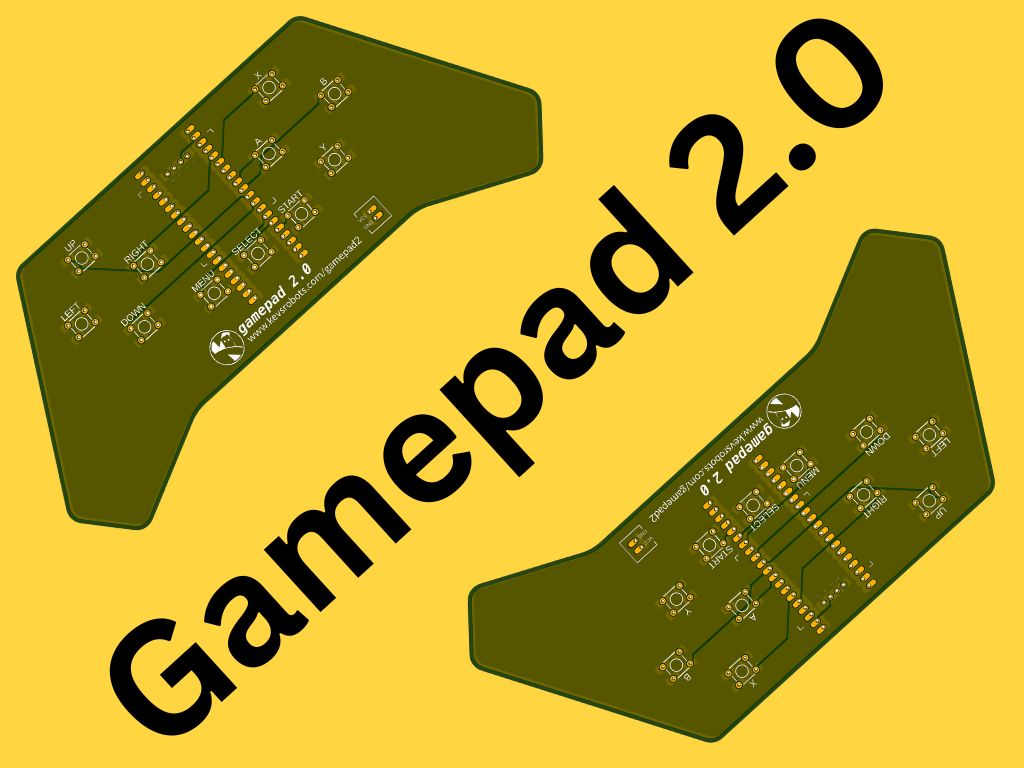
The quickest on-ramp is a Bluetooth remote using the Pico W. Kevin built exactly this — a Bluetooth remote controlled robot using a Raspberry Pi Pico W and MicroPython, complete with code to get you moving in an afternoon. He later turned that project into a custom Bluetooth remote control PCB, which is a brilliant next step once the software side clicks.
The MicroPython Robotics Projects with the Raspberry Pi Pico course ties wireless control together with motors and chassis, walking you through remotely controlled robots from scratch.
Once basic RC is working, try these:
- Add a dead-man switch — the robot stops if it loses signal. Essential for anything fast or heavy.
- Mix channels in software — combine a joystick’s X and Y axes into left/right motor speeds (differential drive mixing).
- Layer autonomy on top — use RC to set waypoints or switch between manual and auto mode.
The moment you put a controller in someone else’s hands and they can drive your robot, it stops being a project and starts being a toy. That is when the real fun begins.
Reacts well with
More Signals & Comms
Learn more on KevsRobots
Courses


Projects to build



Articles to read



Share this element
This page is awesome? Show some love!Did you find this content useful?
If you found this high quality content useful please consider supporting my work, so I can continue to create more content for you.
I give away all my content for free: Weekly video content on YouTube, 3d Printable designs, Programs and Code, Reviews and Project write-ups, but 98% of visitors don't give back, they simply read/watch, download and go. If everyone who reads or watches my content, who likes it, helps fund it just a little, my future would be more secure for years to come. A price of a cup of coffee is all I ask.
There are a couple of ways you can support my work financially:
If you can't afford to provide any financial support, you can also help me grow my influence by doing the following:
Thank you again for your support and helping me grow my hobby into a business I can sustain.
- Kevin McAleer
Comments