Point a laser at something and time how long the light takes to bounce back. Do that 4,000 times a second while spinning the sensor in a full circle, and suddenly your robot knows exactly where every wall, chair leg, and wandering cat is — all in real time.
What is LiDAR?
LiDAR stands for Light Detection and Ranging. A small motor spins a laser emitter and receiver around a central axis, typically at 5–10 Hz (rotations per second). Each pulse of infrared light bounces off an obstacle and returns; the sensor measures the time of flight (TOF) to calculate distance.
The result is a continuous stream of distance readings arranged around a 360° ring — a point cloud. Affordable units like the RPLidar A1 produce 2,000–4,000 samples per rotation with a range of up to 8 metres — for a hobby robot, the cheap spinning disc does the job brilliantly.
A spinning ring of measurements
As the laser sweeps round, each pulse records the distance to whatever it hits at that angle. Stitch all the angles together and you get a top-down outline of the room — distances in every direction at once, not just straight ahead:
            wall (28 cm)
        · · · · · · · · · ·
      ·                     ·
    ·     ↖   ↑   ↗           ·  wall
    ·   ←    [L]    →         ·  (1.1 m
    ·     ↙   ↓   ↘           ·   behind)
      ·                     ·
        · · · · · · · · · ·
   [L] = LiDAR spinning at 5–10 Hz
    ·  = a returned distance sample (a point)

   Each spoke = one laser pulse + its echo time.
   2,000+ spokes per rotation = a full 360° point cloud.
Where a single ultrasonic sensor sees one direction, the LiDAR hands your robot the whole room at once — which is exactly what map-building and path-planning need.
LiDAR is unaffected by ambient light levels, which makes it far more reliable than cameras in dark or glare-heavy environments.
Why robot builders care
A single ultrasonic sensor tells you there’s something 30 cm ahead. A LiDAR tells you there are walls 28 cm ahead, 42 cm to your left, and 1.1 metres behind — all at once. That rich spatial data is what makes truly autonomous navigation possible.
With a LiDAR you can:
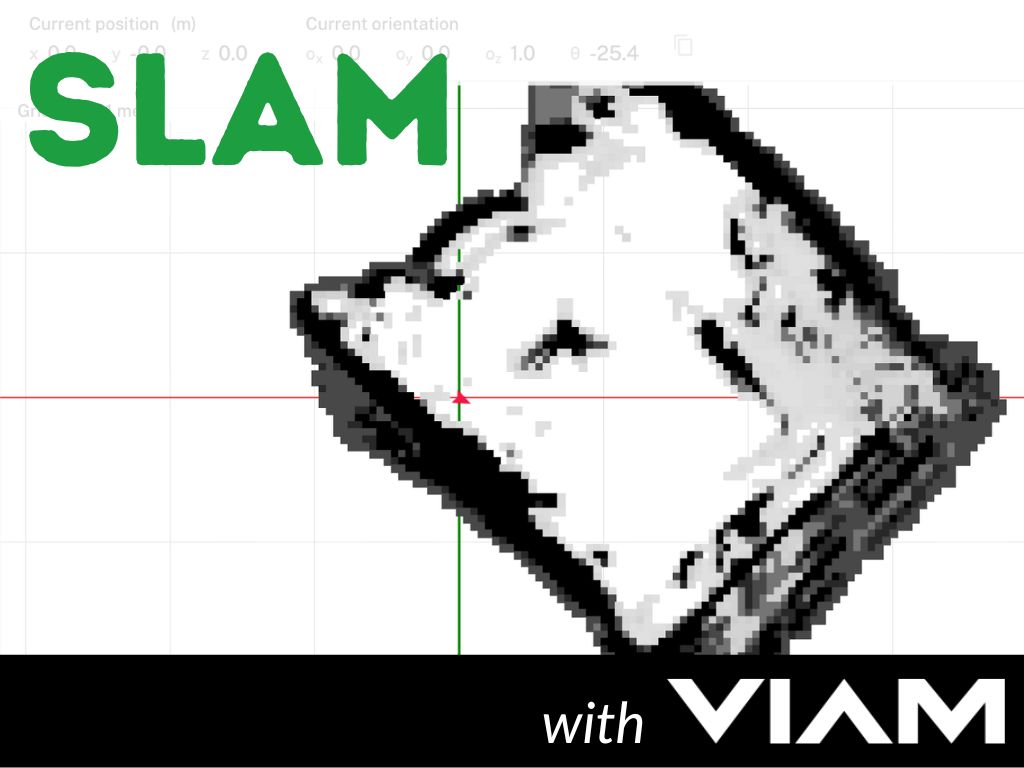
- Build a 2D floor plan of a room in real time (SLAM — Simultaneous Localisation and Mapping)
- Detect and avoid obstacles in every direction without turning the robot
- Give a path-planning algorithm the data it needs to choose routes intelligently
- Localise the robot inside a known map
LiDAR is the core sensor in most serious mobile robots, from Roombas to self-driving cars. Getting one spinning on your own build is a massive step up from bumping into walls.
Get started
The RPLidar A1 from Slamtec is the most popular entry-level unit. It connects via USB (or UART) and costs under £100. Pair it with a Raspberry Pi and you have everything you need to produce your first live map.
Kevin’s Guiding Light post walks through mounting an RPLidar on a Raspberry Pi Zero 2W, installing ROS, and visualising the scan output in Rviz — a great first project that takes you from zero to spinning laser in an afternoon.
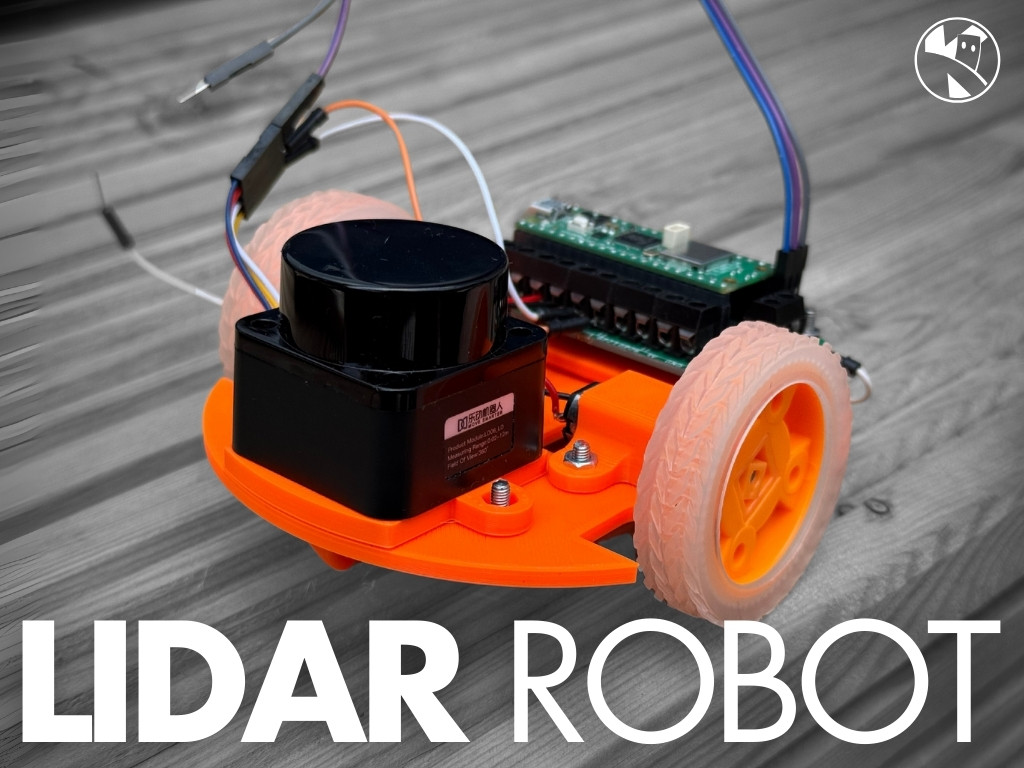
Once you’ve seen a live scan, the natural next step is SLAM. Kevin’s Viam SLAM post uses the Viam robotics platform to build a full room map and navigate it autonomously, with LiDAR as the primary sensor. The Cubie-1 robot uses exactly this setup, and the LidarBot project shows a compact Pico-based build that uses LiDAR for obstacle avoidance.
If you want to go deeper, the Learn ROS with me course covers the full software stack around LiDAR data — scan topics, transforms, and the nav stack that turns raw distance readings into a robot that can find its own way home.
Reacts well with
More Sensors
Learn more on KevsRobots
Articles to read


Share this element
This page is awesome? Show some love!Did you find this content useful?
If you found this high quality content useful please consider supporting my work, so I can continue to create more content for you.
I give away all my content for free: Weekly video content on YouTube, 3d Printable designs, Programs and Code, Reviews and Project write-ups, but 98% of visitors don't give back, they simply read/watch, download and go. If everyone who reads or watches my content, who likes it, helps fund it just a little, my future would be more secure for years to come. A price of a cup of coffee is all I ask.
There are a couple of ways you can support my work financially:
If you can't afford to provide any financial support, you can also help me grow my influence by doing the following:
Thank you again for your support and helping me grow my hobby into a business I can sustain.
- Kevin McAleer
Comments