Smart Autocomplete
Use Snakie's MicroPython-aware autocomplete and signature help to write hardware code faster and with fewer typos
By Kevin McAleer, 4 Minutes
Page last updated November 21, 2026

Autocomplete is the editor finishing your word. In Snakie it does a bit more than that, because it has read the MicroPython documentation so you don’t have to.
Completing a method
Open a new file and type these two lines, then start a third with left.
from machine import Pin, PWM
left = PWM(Pin(10))
left.
The moment you type the dot, a list appears.
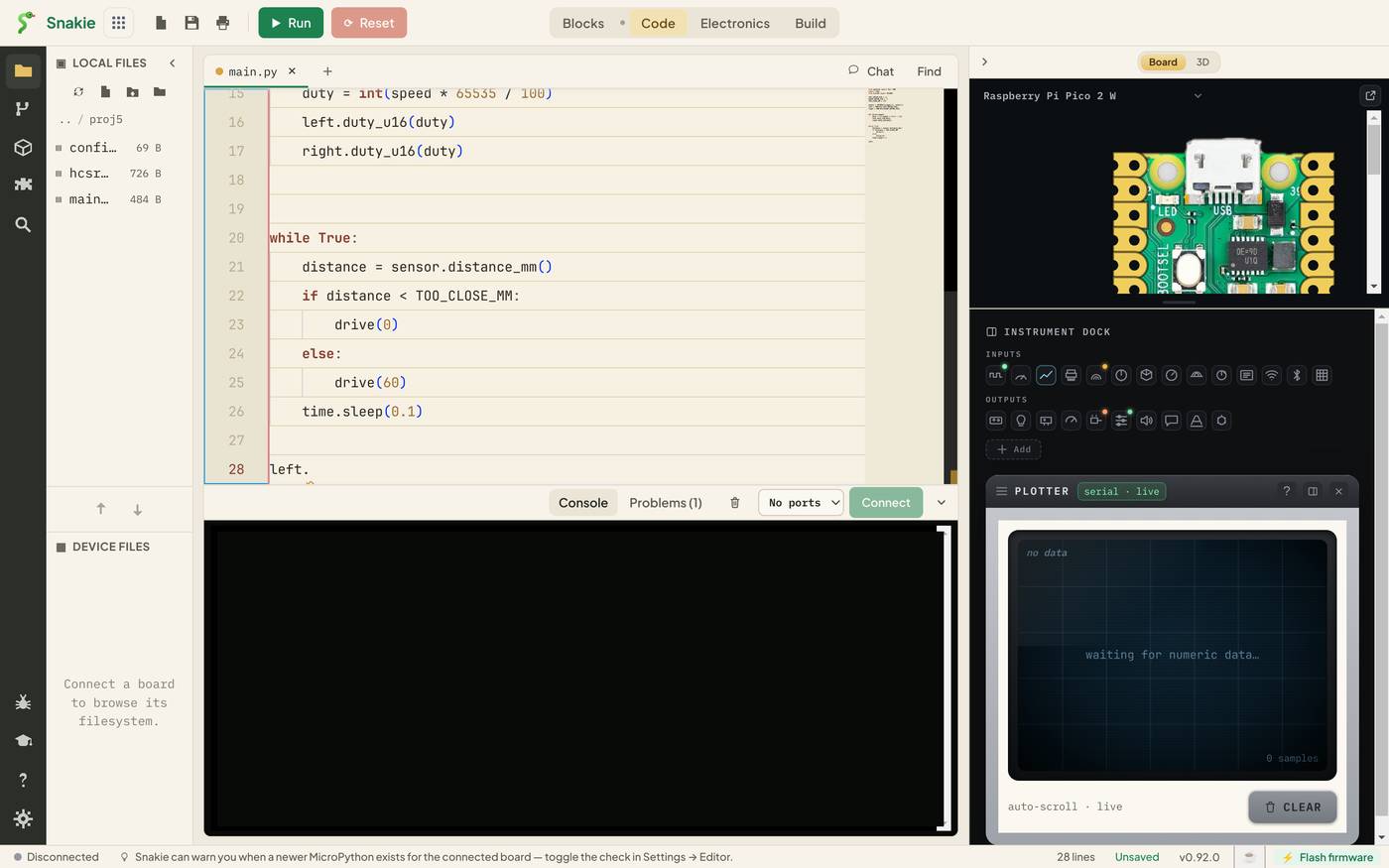
Those are the methods of a PWM object: deinit, duty_ns, duty_u16, freq, init. Snakie worked out that left is a PWM because of the line above.
| Key | What it does |
|---|---|
| ↑ ↓ | Move through the list |
| Tab or Enter | Accept the highlighted item |
| Esc | Close the list |
| Ctrl+Space | Bring the list back |
Keep typing to narrow it down. left.du leaves only the duty methods.
Beside the highlighted item is a short description that starts with MicroPython ·. That label matters. It means the suggestion comes from MicroPython’s own definitions, not from desktop Python, which has a different set of modules.
Completing an import
Autocomplete also knows what lives in each module. Type from machine import and press Ctrl+Space.
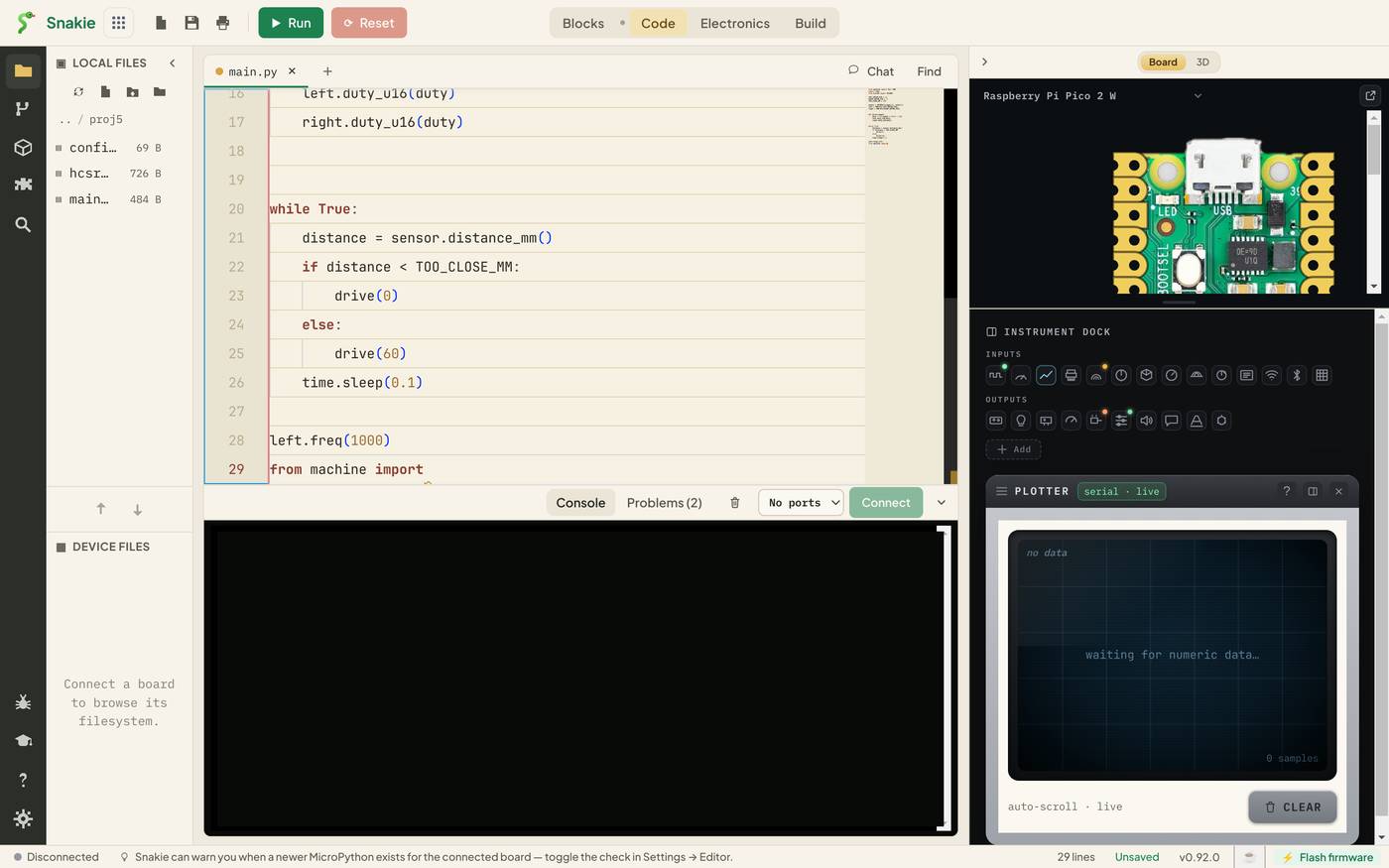
ADC, I2C, Pin, PWM, RTC, SPI, Timer and the rest. It’s the fastest way to answer “what was that class called again?”
The same works after a module name. time. lists sleep, sleep_ms, sleep_us, ticks_ms, ticks_diff and friends.
Signature help
Pick freq and type the opening bracket.
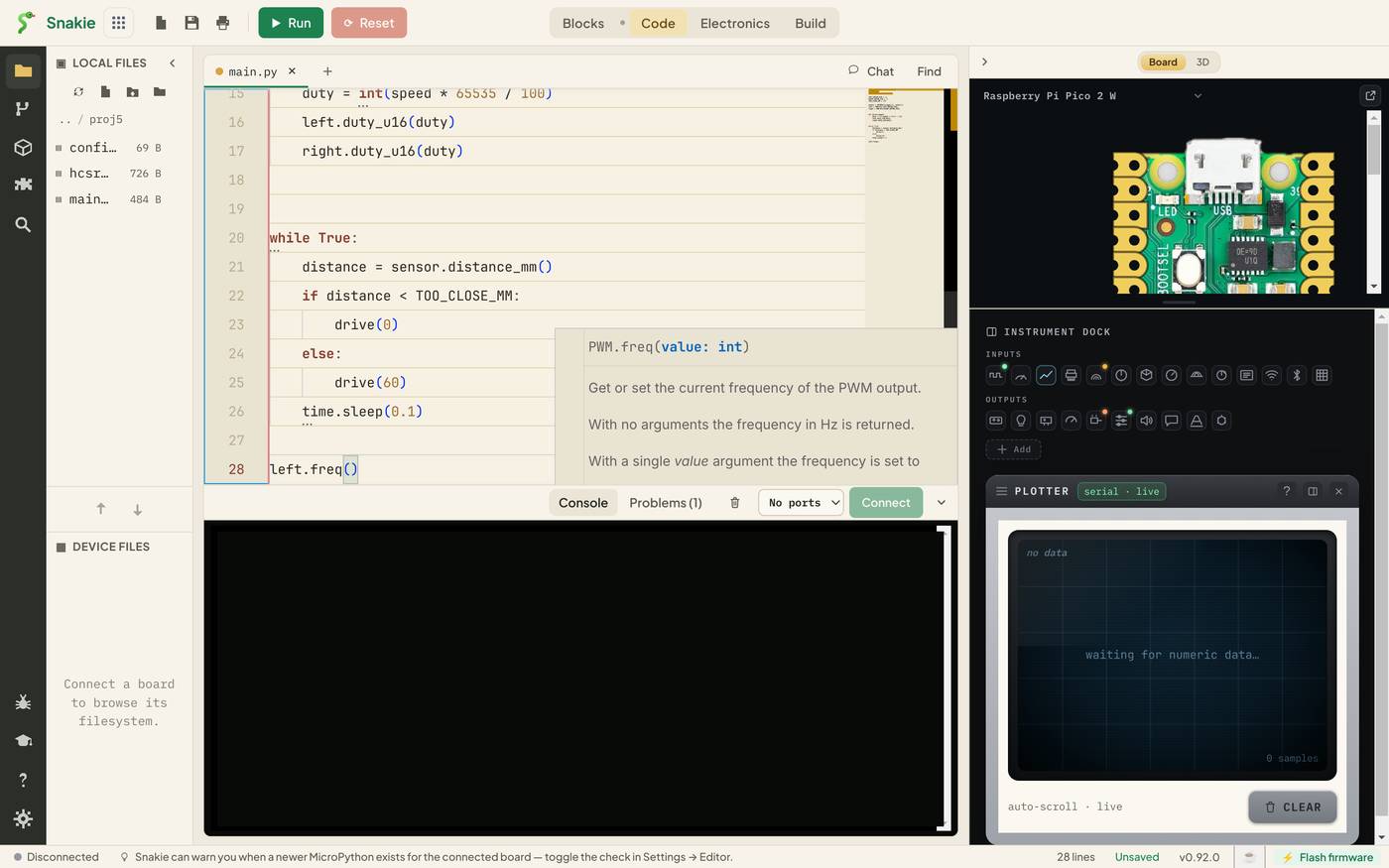
A panel shows the function’s signature, PWM.freq(value: int), and what it does: Get or set the current frequency of the PWM output. You now know it wants one whole number, without opening a browser.
When a function can be called in more than one way, the panel shows a counter such as 2/2 and you can step through the versions with the arrow keys.
Try it for real
Here’s a short program. Don’t paste it. Type it into the full app and let autocomplete do as much of the work as it can.
Count how many characters you actually typed for led.duty_u16. Four or five is normal.
What it can’t do
Autocomplete follows simple assignments like left = PWM(Pin(10)). It won’t always follow a value through a function call or a list. If the list doesn’t appear after a dot, the editor has lost track of what the variable is. Your code may still be fine.
Try it Yourself
- Type
importand press Ctrl+Space. Find three modules you’ve never used. - Type
time.tiand read the description ofticks_diff. What is it for? - Type
Pin(and read the signature help. Which argument sets a pull-up?
Common Issues
Problem: The list doesn’t appear.
Solution: Press Ctrl+Space. Check the file name ends in .py.
Why: Completions are for Python files, and the list closes when you press Esc or click away.
Problem: I accepted the wrong suggestion. Solution: Press Ctrl+Z and carry on typing to narrow the list first. Why: Enter accepts whatever is highlighted, which is the top item until you move.
Problem: A suggestion is labelled CircuitPython. Solution: Ignore it if your board runs MicroPython. Why: Snakie supports both, and their module names differ. The label tells you which family a suggestion belongs to.
Check your understanding
Quick quiz 1 of 3
Which key brings the suggestion list back after you’ve closed it?
Quick quiz 2 of 3
What does signature help show?
Quick quiz 3 of 3
Why did Snakie know that left has a duty_u16 method?
You can use the arrows ← → on your keyboard to navigate between lessons.
Comments