MicroPython's .mpy Format Explained — and How to Use It With One Right-Click
Every MicroPython project ships as plain .py source by default, but there's a smaller, faster, more portable alternative already built into every install: the .mpy bytecode format. Here's what it actually is, why it's worth using, and how Snakie turns it into a single right-click.
6 September 20266 minute read
By Kevin McAleer
Share this article on
Table of Contents
MicroPython's .mpy Format Explained — and How to Use It With One Right-Click
Every MicroPython project ships as plain .py source by default, but there's a smaller, faster, more portable alternative already built into every install: the .mpy bytecode format. Here's what it actually is, why it's worth using, and how Snakie turns it into a single right-click.
Ahoy there makers!
Every MicroPython tutorial, including most of my own, has you copy a .py file straight onto a board and run it. That works, and for a lot of projects it’s all you’ll ever need. But there’s a second file format sitting inside every MicroPython install that almost nobody reaches for on purpose: .mpy. It’s smaller, it imports faster, and it uses less memory at exactly the moment your board is most likely to run out of it. This post is what .mpy actually is, why you’d want one, and the one-click way to get one with Snakie — no separate toolchain, no version hunting.
Two ways to run the same code
When MicroPython imports a module, it has to turn your source text into bytecode — the instructions its virtual machine actually executes — before it can run a single line. There are two ways that can happen:
.py— plain source text. The board parses and compiles it into bytecode every time it’s imported, on the device, using its own CPU and its own RAM to do the compiling..mpy— bytecode that’s already been compiled, ahead of time, on your computer, using a tool calledmpy-cross. The board just loads it and runs it — no parsing, no compiling, no source-level work at all.
Same code, same behaviour once it’s running. The difference is entirely in when the compiling happens: on your laptop, once, before you ever flash it — or on the microcontroller, from scratch, every single boot.
Why that difference is worth caring about
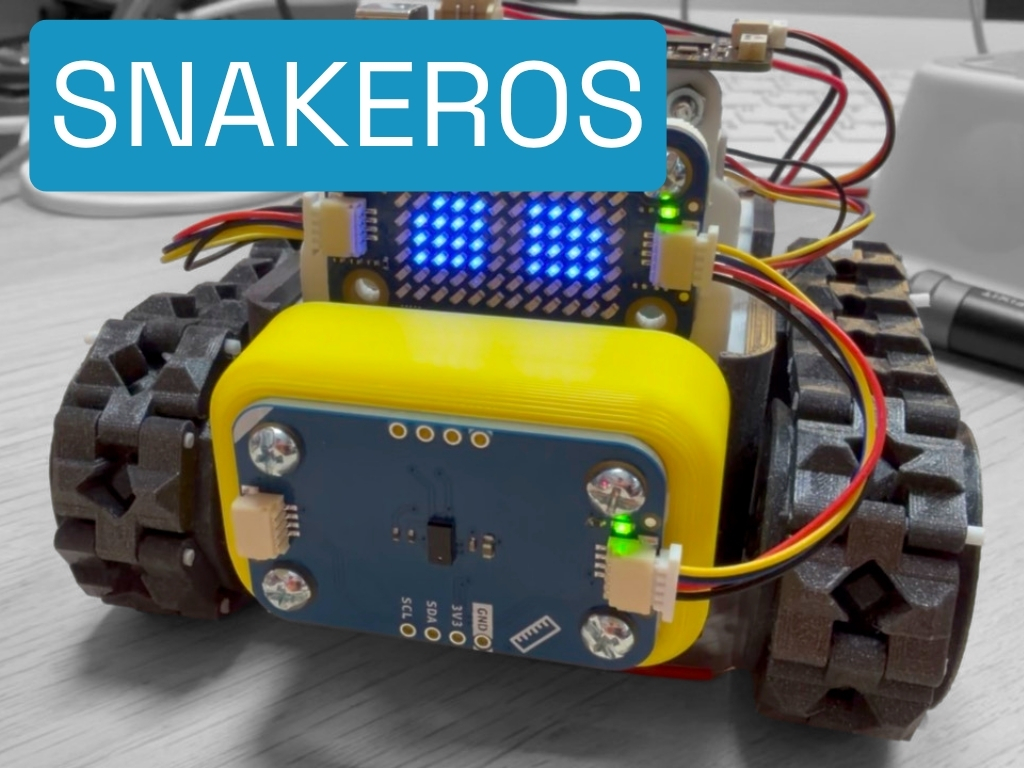
I put real numbers on this in a recent SnakeROS build, comparing the same library shipped as .py against the same library shipped as .mpy, on real 32-bit MicroPython under a 190 KB heap cap:
| Item/Operation | .py |
.mpy |
Result |
|---|---|---|---|
| Flash / filesystem | ~137 KB | ~51 KB | ~37% of the original |
| Import time | 78.7 ms | 18.6 ms | 4.2× faster |
| Peak heap dip during import | 128,848 B | 96,848 B | 32 KB less |
Three separate wins, and they don’t all matter for the same reason:
- Smaller on flash matters if you’re anywhere near your board’s filesystem limit, or shipping several libraries at once.
- Faster import matters if your
boot.pyormain.pypulls in a lot of modules — it’s the difference between a snappy boot and a sluggish one. - Lower peak heap during import is the one that actually crashes boards. Parsing and compiling
.pysource needs its own working memory on top of whatever your program already uses, and that transient spike — not the steady-state figure afterwards — is what raises aMemoryErroron a tight board. Shaving 32 KB off the peak, on a board that might only have 190 KB total, can be the difference between a program that boots and one that doesn’t.
There’s a fourth, smaller benefit worth mentioning honestly: shipping .mpy means anyone who copies files off your board sees compiled bytecode, not your original comments and variable names. That’s a mild deterrent, not real protection — bytecode can still be decompiled with the right tools, so don’t rely on .mpy to keep anything genuinely secret.
The catch: bytecode versions have to match
.mpy files aren’t universal. Each one is compiled against a specific bytecode format version, and that version has to match what your board’s firmware expects. Flash a newer or older MicroPython build than the one your .mpy was compiled for, and you’ll get an import error rather than a running program. This is the single most common reason someone tries .mpy once, hits a version mismatch, and never comes back to it.
There’s one more wrinkle worth knowing about: if your source uses @micropython.native or @micropython.viper for hand-tuned speed, the compiled .mpy becomes architecture-specific — a build made for an RP2040 won’t load on an ESP32. Stick to plain Python with none of those decorators, and your .mpy is pure bytecode, portable across an RP2040, an RP2350, an ESP32 or an STM32 with the same file — only the bytecode version has to match, not the chip.
The traditional way — and why most people skip it
The official route is mpy-cross, a small command-line compiler that ships in the MicroPython source repo:
# build mpy-cross once, matching your firmware's MicroPython version
git clone https://github.com/micropython/micropython.git
cd micropython/mpy-cross
make

# then compile a file
./mpy-cross sensor.py
# -> produces sensor.mpy
That works, but it’s real friction for something you might do a handful of times a project: clone a repo, build a C tool, and — critically — make sure the mpy-cross you just built is from the same MicroPython version as the firmware on your board, or you’re straight back into the version-mismatch error above. It’s exactly the kind of extra step that gets skipped, and .mpy along with it.
The easy way: right-click it in Snakie
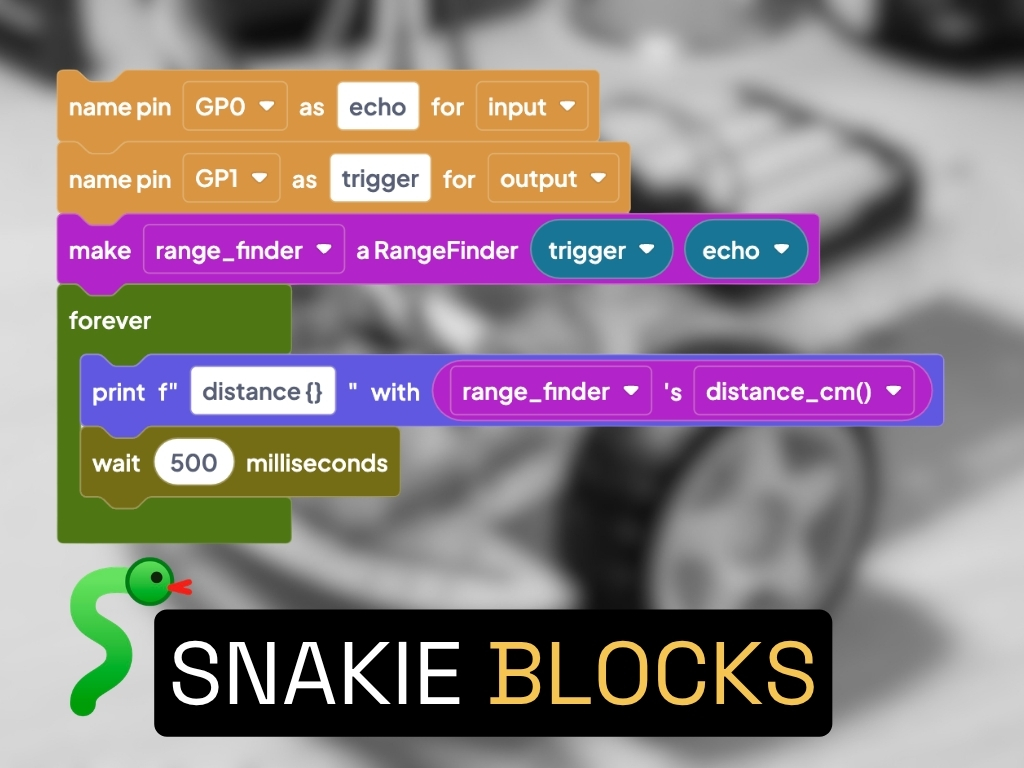
This is the part I actually use now. Snakie, the free, open-source MicroPython editor I’ve been building, bakes mpy-cross in directly and matches it to your board automatically:
- Open your project in Snakie.
- Right-click any
.pyfile in the file tree. - Choose Compile to .mpy.
That’s it — no separate download, no building mpy-cross from source, no hunting for which version matches your firmware. Snakie already knows what your connected board is running, compiles against the matching bytecode version, and drops the .mpy file right next to your source, ready to copy across.
A sensible workflow, not an all-or-nothing choice
You don’t have to pick one format for an entire project. The workflow I’d actually recommend:
- Keep
.pyas your source of truth in your repo — it’s what you edit, what git diffs cleanly, and what shows real line numbers in a traceback while you’re actively debugging. - Compile to
.mpyfor the libraries you’re not actively changing — drivers, helper modules, anything that’s finished and just needs to run efficiently on the board. - Recompile whenever the source changes. An
.mpyfile is a snapshot — edit the.pyand forget to recompile, and the board keeps running the old version with no warning that they’ve drifted apart.
For a one-off hobby sketch, none of this matters — ship it as .py and move on. It’s the moment your project is memory-tight, boots often, or ships more than a couple of files that .mpy starts paying for itself.
Try it yourself
Pick any driver or helper module you’re not actively editing, right-click it in Snakie, and compile it. Copy the .mpy file to your board instead of the .py, and it’ll import exactly the same — just smaller, faster, and lighter on the one resource a microcontroller never has enough of: RAM.
If you hit a version-mismatch error, it almost always means the board’s firmware and the .mpy it’s trying to load came from different MicroPython releases — reflash to match, or recompile from Snakie once it’s connected to the right board.
Grab Snakie free and open-source from www.snakie.org, or jump straight into the app at app.snakie.org — and tell me in the comments if there’s a library of yours that’s a good candidate for going .mpy-only.
This page is awesome - Show some love!


Comments