KevsRobots Learning Platform
Design a SMARS Robot in Fusion 360 - Part 2, Motor Holders and Stub Wheels
100% complete
Quiz score
Reset my progressOverview
Motor Holders
Front Cut
Stub Wheels
Motor Holder Slots
Final Design
Final view
The completed design
By Kevin McAleer, 2 Minutes
You should now have a finished Chassis design, ready for saving out to an STL file and printing.
(Note this design has a few extra flourishes)
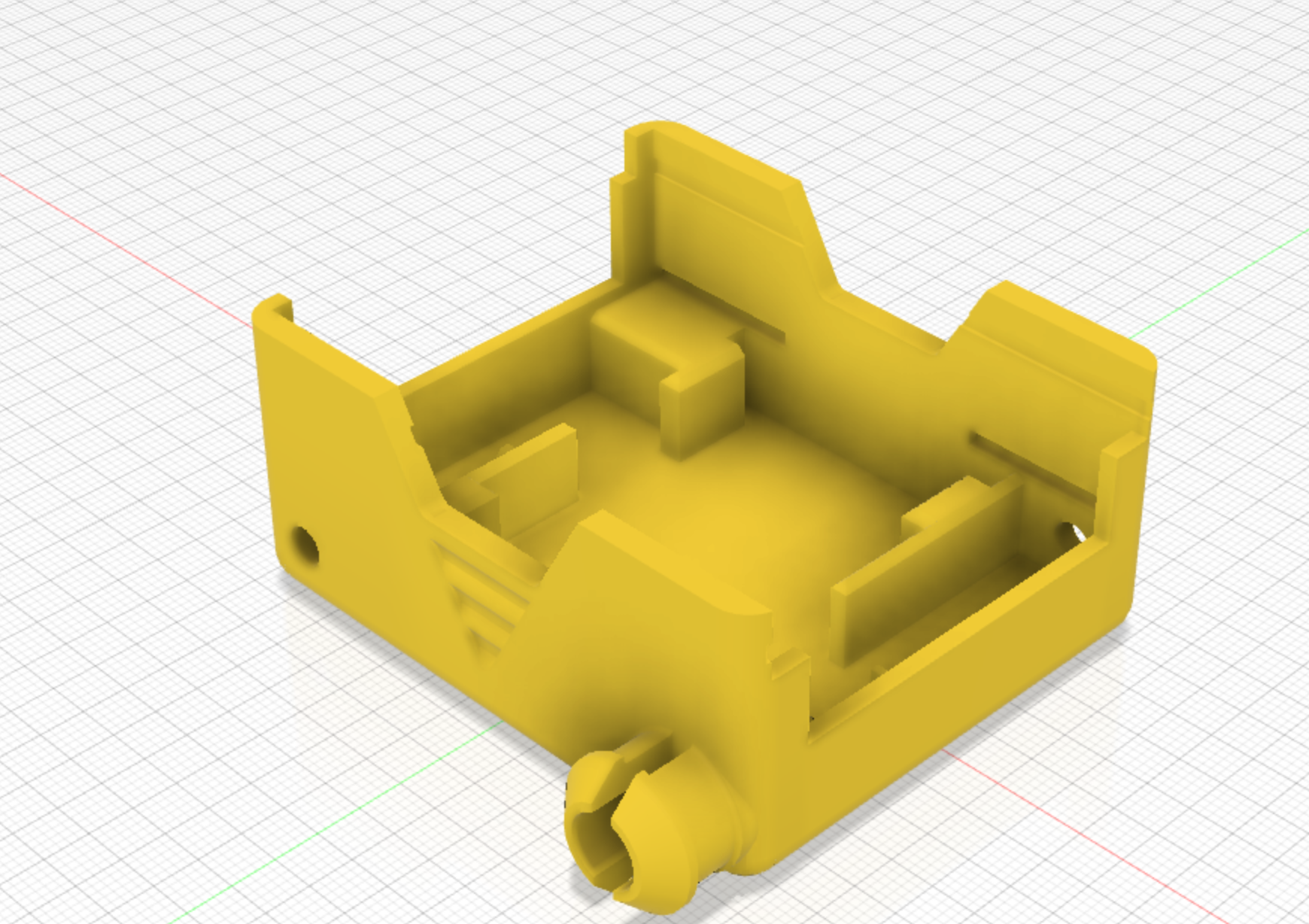
Export it for printing
- In the browser on the left, right-click the chassis body.
- Choose Save As Mesh, pick STL and set the refinement to High.
- Open the STL in your slicer. Print it with the base flat on the bed; PLA at 0.2mm layer height works well.
Check your understanding
Quick quiz 1 of 2
Why are the motor holder slots only 1.5mm deep?
A pressure fit relies on a snug fit rather than screws, so a short, tight slot is enough.
Quick quiz 2 of 2
Which file format do you export to 3D print your chassis?
STL describes the surface of the part as triangles, which is what slicers like Cura and PrusaSlicer read.
Try it yourself
- Add your initials to the side of the chassis with the Text tool and an extrude-cut.
- Challenge: design a lid that clips onto the top of the chassis.
What’s next
- Build and code your robot with Build a SMARS robot and SMARS programming
- Prefer free and open source software? Design SMARS in FreeCAD
You can use the arrows ← → on your keyboard to navigate between lessons.
Comments