KevsRobots Learning Platform
Design a SMARS Robot in Fusion 360 - Part 2, Motor Holders and Stub Wheels
5% complete
Quiz score
Reset my progressOverview
Motor Holders
Front Cut
Stub Wheels
Motor Holder Slots
Final Design
Overview
Finish the SMARS robot chassis in Fusion 360 with motor holders and stub wheels
By Kevin McAleer, 2 Minutes
Watch the video first
This course goes with the video below. Part 2 picks up from where the chassis has its wheel holes and Arduino slots, so skip ahead in the video to the motor holders.
Overview
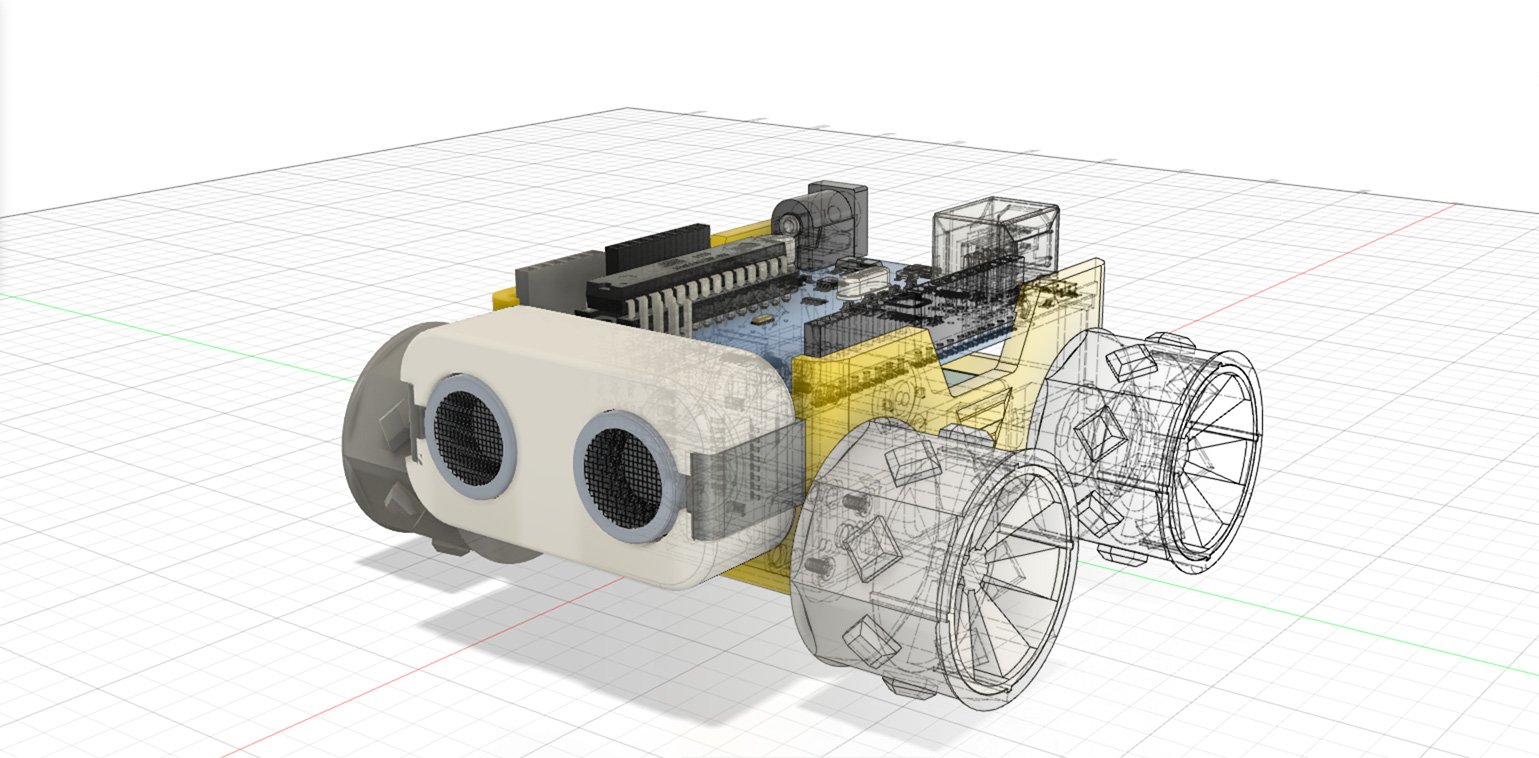
In Part 1 you built the outer shell of the SMARS chassis. In Part 2 you’ll add the parts inside and underneath that make it a working robot: holders that grip the two N20 motors, the stub wheels that carry the unpowered wheels, and the slots for the motor clips. At the end you’ll have a finished chassis ready to export and 3D print.
Course Content
- Sketch and extrude the motor holders, nubs and chamfers
- Make the final cut in the front of the chassis
- Build the snap-fit stub wheels with a Revolve
- Cut the motor holder slots and export your design
Key Results
By the end of Part 2 you will be able to:
- Use a circular pattern to repeat a sketch or feature around a centre point
- Create a round part by revolving a profile around an axis
- Add a chamfer to soften edges
- Design a snap-fit (pressure-fit) feature for a 3D print
- Export a finished body as an STL file for printing
What you’ll need
- Autodesk Fusion 360
- Your chassis design from Part 1
How the course works
Each lesson is one step: a short explanation, the dimensions, and a drawing of the result. Use the video if you need to see a step being done, and try the quiz at the end of each section.
Prerequisites
You can use the arrows ← → on your keyboard to navigate between lessons.
Comments