KevsRobots Learning Platform
Reinforcement Learning with Gymnasium
18% Percent Complete
Introduction
Why Gymnasium
The Gymnasium API in Depth
Building Your Own Environment
Scaling Up to Neural Networks
Your First Gymnasium Environment
Install Gymnasium in a virtual environment, run CartPole-v1 with a random agent, and learn how render_mode works.
By Kevin McAleer, 5 Minutes
Page last updated June 14, 2026
Setting Up
Let’s get Gymnasium installed and run something. Open a terminal and create a fresh virtual environment — keeping project dependencies isolated is good practice.
python3 -m venv rl-gym
source rl-gym/bin/activate          # macOS / Linux
# rl-gym\Scripts\activate           # Windows

pip install gymnasium stable-baselines3
The second command also installs PyTorch (CPU version), NumPy, and a handful of other dependencies. This may take a couple of minutes and download several hundred megabytes.
Verify the install:
import gymnasium
print(gymnasium.__version__)   # should print 1.x.x
CartPole: The Standard Hello World
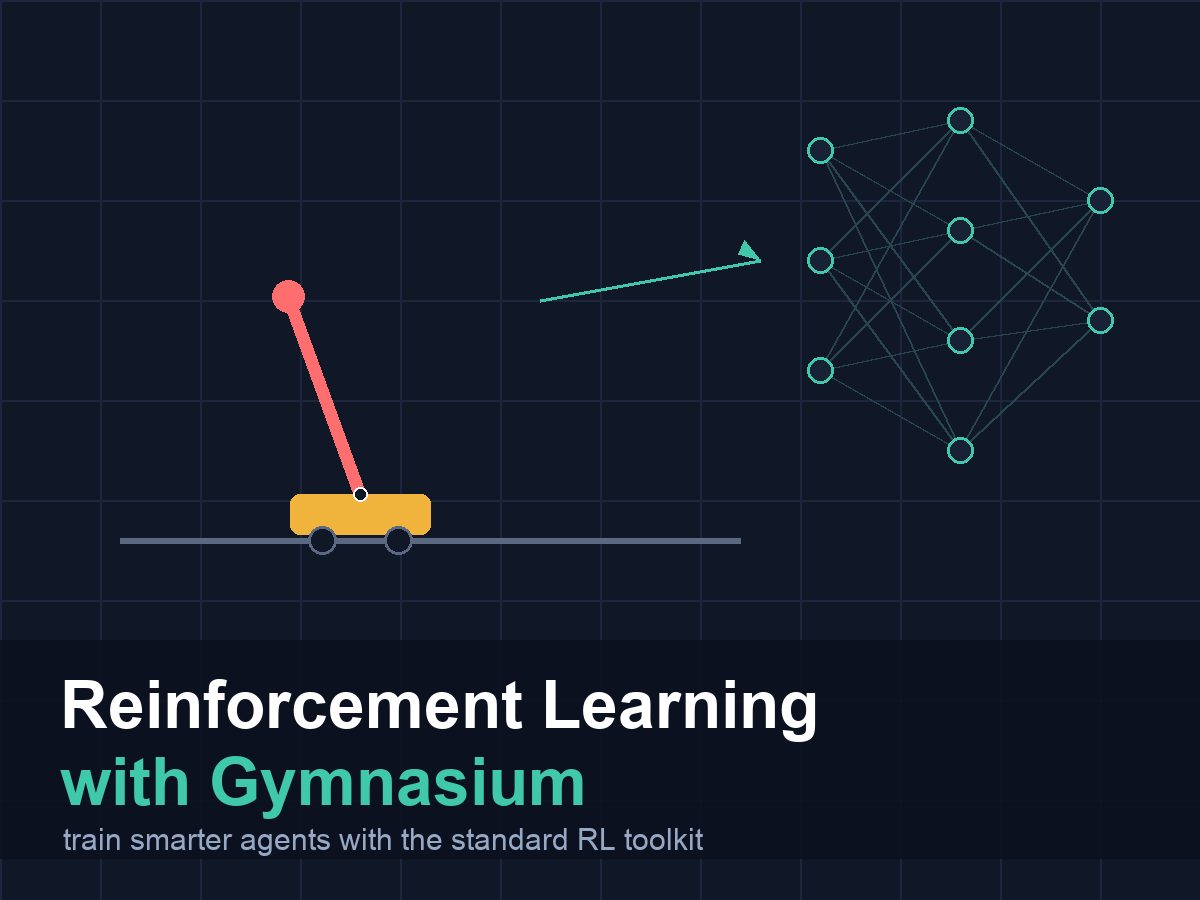
CartPole is a classic control problem. A pole is balanced on a cart that slides left and right. Your agent chooses to push the cart left or right at each step. The goal is to keep the pole upright for as long as possible.
It is the RL equivalent of “Hello, World” — simple enough to understand immediately, rich enough to show meaningful learning.
Let’s run it with a random agent first, so we can see the API before we worry about intelligence:
import gymnasium as gym

# Create the environment.
# render_mode="human" opens a window so you can watch.
# render_mode="ansi" prints text. Omit it entirely for training.
env = gym.make("CartPole-v1", render_mode="human")

# Reset returns (observation, info).
# This is different from the old done-based API — more on that shortly.
obs, info = env.reset(seed=42)

total_reward = 0

for step in range(500):
    # Sample a random action from the action space.
    action = env.action_space.sample()

    # Step returns five values in Gymnasium 1.x.
    obs, reward, terminated, truncated, info = env.step(action)
    total_reward += reward

    # End the episode if it is over.
    if terminated or truncated:
        print(f"Episode ended at step {step + 1}. Total reward: {total_reward}")
        obs, info = env.reset()
        total_reward = 0

env.close()
When you run this you will see a window with the pole wobbling and falling almost immediately — a random agent is very bad at CartPole. That is expected. We are just checking that the plumbing works.
Note: If you are running on a headless server (no display), use
render_mode="rgb_array"and skip callingenv.render(), or just omitrender_modeentirely. You will still get all the numbers; you just will not see the animation.
What gym.make Does
env = gym.make("CartPole-v1", render_mode="human")
gym.make looks up the environment by its registered ID string, instantiates it, and returns an environment object. The render_mode is set here at construction time — you cannot change it later. This is a deliberate design choice in Gymnasium 1.x: the rendering infrastructure is built once, at the start, rather than being toggled mid-episode.
The registered IDs follow a naming convention: EnvName-v0, EnvName-v1, and so on. The version number lets the community publish updated environments without breaking code that depends on the old behaviour.
What env.reset Returns
obs, info = env.reset(seed=42)
reset() always returns a two-tuple: the first observation and an info dictionary. The info dictionary is environment-specific — CartPole returns an empty dict, but some environments return diagnostic information like the starting position.
Passing seed=42 makes the episode reproducible. We will cover seeding in depth in lesson 6.
What env.step Returns
obs, reward, terminated, truncated, info = env.step(action)
Five values. The previous course collapsed terminated and truncated into a single done flag. Gymnasium separates them. We will go deep on why in the next lesson, but for now: the episode ends if either is True.
Watching Without a Window: render_mode=”ansi”
Some environments support text rendering. For environments that do, you can get a string representation:
env = gym.make("CartPole-v1", render_mode="ansi")
obs, info = env.reset()
text = env.render()   # returns a string when render_mode="ansi"
print(text)
env.close()
CartPole’s ANSI renderer just prints some numbers. The BurgerBot environment we build later will render a proper ASCII grid.
A Random-Agent Loop Without a Window
Here is a clean version that runs 3 full episodes silently — good for confirming things work on a server or inside a script:
import gymnasium as gym

env = gym.make("CartPole-v1")

for episode in range(3):
    obs, info = env.reset(seed=episode)
    episode_reward = 0
    done = False

    while not done:
        action = env.action_space.sample()
        obs, reward, terminated, truncated, info = env.step(action)
        episode_reward += reward
        done = terminated or truncated

    print(f"Episode {episode + 1}: reward = {episode_reward:.1f}")

env.close()
You should see output like:
Episode 1: reward = 12.0
Episode 2: reward = 9.0
Episode 3: reward = 15.0
The exact numbers will vary (random actions), but each episode should last somewhere between 8 and 20 steps because the pole falls quickly without guidance.
Try It Yourself
- Change
render_mode="human"torender_mode="rgb_array"and callframe = env.render(). Printframe.shape. What does the shape tell you about the image? - Try
gym.make("MountainCar-v0")instead of CartPole. What does the observation look like? (Printobsafterreset().) - Run the 3-episode loop 10 times with different seed values. Does the range of episode lengths change much?
Common Issues
Problem: ModuleNotFoundError: No module named 'gymnasium'
Solution: Make sure your virtual environment is activated. Run which python (Mac/Linux) — it should point inside your venv folder.
Why: Python can have many installs. If you installed gymnasium into one but run another, the import fails.
Problem: A window opens and immediately closes.
Solution: The script ends before the window can render. Add import time; time.sleep(0.1) inside the loop, or remove render_mode="human" for automated scripts.
Why: The rendering window runs in the main thread. Once the script exits, the window closes.
Problem: gymnasium.error.NameNotFound: Environment CartPole-v1 doesn't exist
Solution: Check your spelling. IDs are case-sensitive. Try gym.envs.registry.keys() to list all available IDs.
Why: gym.make looks up the ID in a registry dictionary. An exact string match is required.
You can use the arrows ← → on your keyboard to navigate between lessons.
Comments