KevsRobots Learning Platform
Reinforcement Learning with Gymnasium
6% Percent Complete
Introduction
Why Gymnasium
The Gymnasium API in Depth
Building Your Own Environment
Scaling Up to Neural Networks
Reinforcement Learning with Gymnasium
Meet the industry-standard Gymnasium API, explore Stable-Baselines3, and train neural-network agents on the BurgerBot grid-world you already know.
By Kevin McAleer, 4 Minutes
Page last updated June 14, 2026
Overview
In the Reinforcement Learning for Beginners course you built everything by hand: a custom GridWorld class, a Q-table stored in a plain Python dictionary, an epsilon-greedy action selector, and a reward function tuned for the BurgerBot maze. That was exactly the right place to start. Understanding every line of a hand-rolled environment is how the concepts stick.
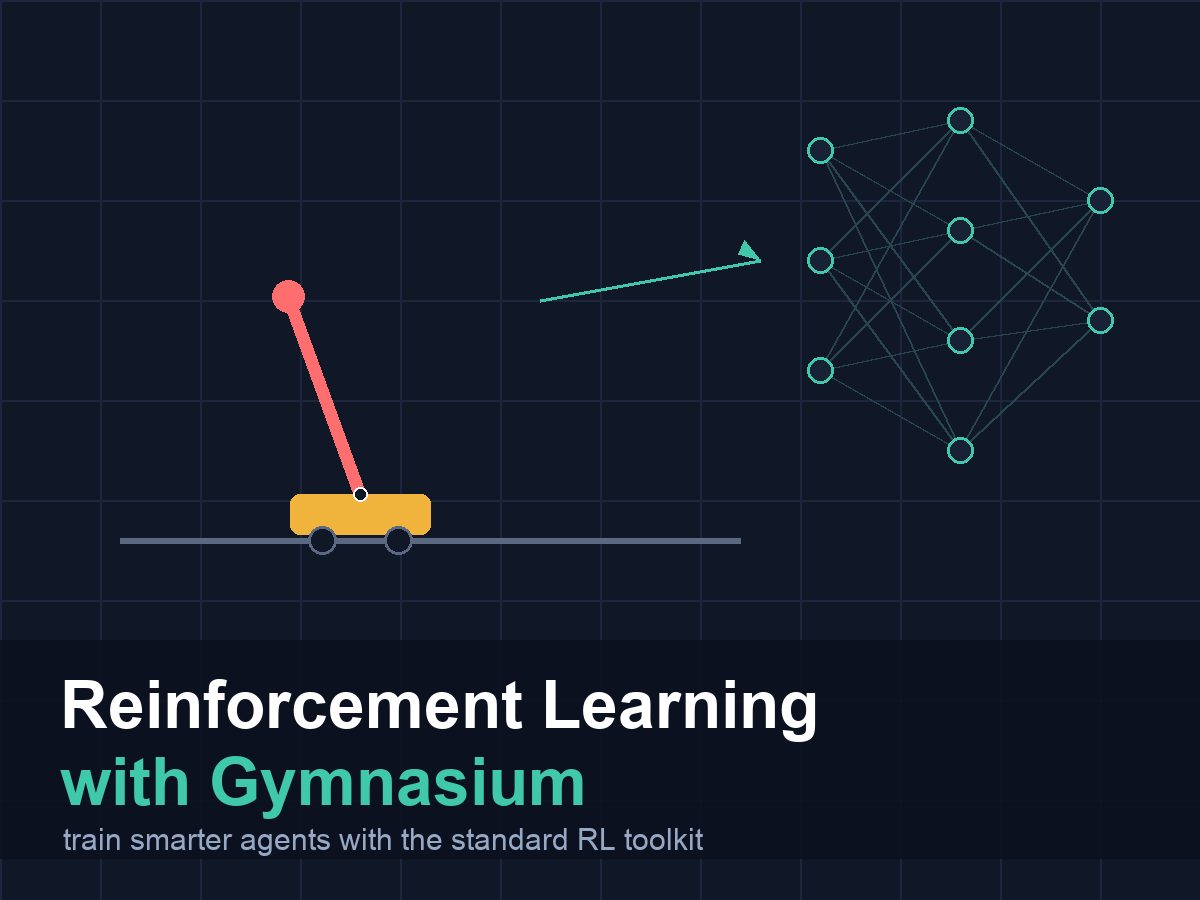
This course takes those same ideas and ports them onto the tools that real researchers and industry teams use every day. Gymnasium (maintained by the Farama Foundation) is the standard API for describing environments. Stable-Baselines3 (SB3) is a library of battle-tested agents — DQN, PPO, A2C, and more — that plug straight into any Gymnasium environment. Together they let you swap algorithms, share code with the community, and eventually scale up to problems where a lookup table simply runs out of road.
The through-line project is the BurgerBot grid-world you already know. By the end you will have wrapped it as a first-class Gymnasium environment, validated it with the official checker, trained a neural-network policy on it with SB3, and exported that policy as a JSON table that the Pico loader from the previous course can read directly.
Prerequisites
This course picks up where the Reinforcement Learning for Beginners course finishes. Before starting here, make sure you have completed:
- Reinforcement Learning for Beginners — you need to be comfortable with Q-tables, epsilon-greedy exploration, the BurgerBot GridWorld sim, and the concept of discretizing continuous sensor readings. This course does not re-explain those ideas; it builds on them.
- Introduction to Python — we use list comprehensions, dictionaries, f-strings, and basic classes throughout.
Course Content
- What the Gymnasium API is and why the community standardised on it
- The history of OpenAI Gym and why Farama Foundation’s Gymnasium replaced it
- Installing Gymnasium in a virtual environment and running your first environment
- The five return values of
env.step()and whyterminatedandtruncatedare separate - Observation spaces and action spaces:
Discrete,Box,MultiDiscrete - Porting your tabular Q-learning agent to run against any Gymnasium environment
- Reproducibility: seeding, episode lifecycle,
env.close() - The
gym.Envcontract and how to write a custom environment from scratch - Wrapping the BurgerBot grid-world as a validated Gymnasium environment
- Registering a custom environment and implementing an ANSI text renderer
- Gymnasium wrappers:
TimeLimit,RecordEpisodeStatistics, and custom wrappers - Vectorised environments for parallel training
- Stable-Baselines3: training DQN and PPO in ten lines of code
- Evaluating a trained policy, saving and loading models
- Exporting a neural-network policy as a lookup table for Pico deployment
Key Results
After completing this course, you will be able to:
- Install and use the Gymnasium API to interact with standard benchmark environments
- Explain the difference between
terminatedandtruncatedand why it matters for training - Write a custom
gym.Envsubclass that passescheck_env - Train a Stable-Baselines3 agent on a custom environment in under twenty lines of code
- Export a trained neural-network policy to a JSON file compatible with Pico hardware
What You’ll Need
This course runs entirely on a regular computer. You do not need a Pico, a BurgerBot, or any other hardware for the lessons themselves. The export lesson produces a file you can later load onto a Pico using the loader from the previous course.
- A laptop or desktop running macOS, Linux, or Windows
- Python 3.10 or later (Python 3.11 or 3.12 recommended)
pip install gymnasium stable-baselines3— both install via pip; stable-baselines3 pulls in PyTorch automatically- About 1 GB of free disk space for PyTorch
- The code and q_table.json from the Reinforcement Learning for Beginners course (for the export lesson)
A GPU is not required. All training in this course runs comfortably on CPU in a few minutes.
How the Course Works
Code blocks show complete, runnable scripts. Every script in this course was tested with Gymnasium 1.x and Stable-Baselines3 2.x before publication. Where training takes a long time, the lesson notes a reduced total_timesteps value you can use to verify the script runs, then suggests a larger value for a better-trained policy.
Notes and warnings appear as blockquotes:
Note: Extra context that is useful but not essential.
Warning: Something that will bite you if you skip it.
Each lesson that introduces runnable code ends with a “Try It Yourself” section and a “Common Issues” section. Work through the exercises — the fastest way to build intuition is to break things on purpose and read the error messages.
You can use the arrows ← → on your keyboard to navigate between lessons.
Comments