KevsRobots Learning Platform
Overview
Print Parts
Assemble Robot
Wiring up the Robot
Code
Summary
Load the code
Bring the SMARS to life!
By Kevin McAleer, 1 Minute
Watch the video
Load the code
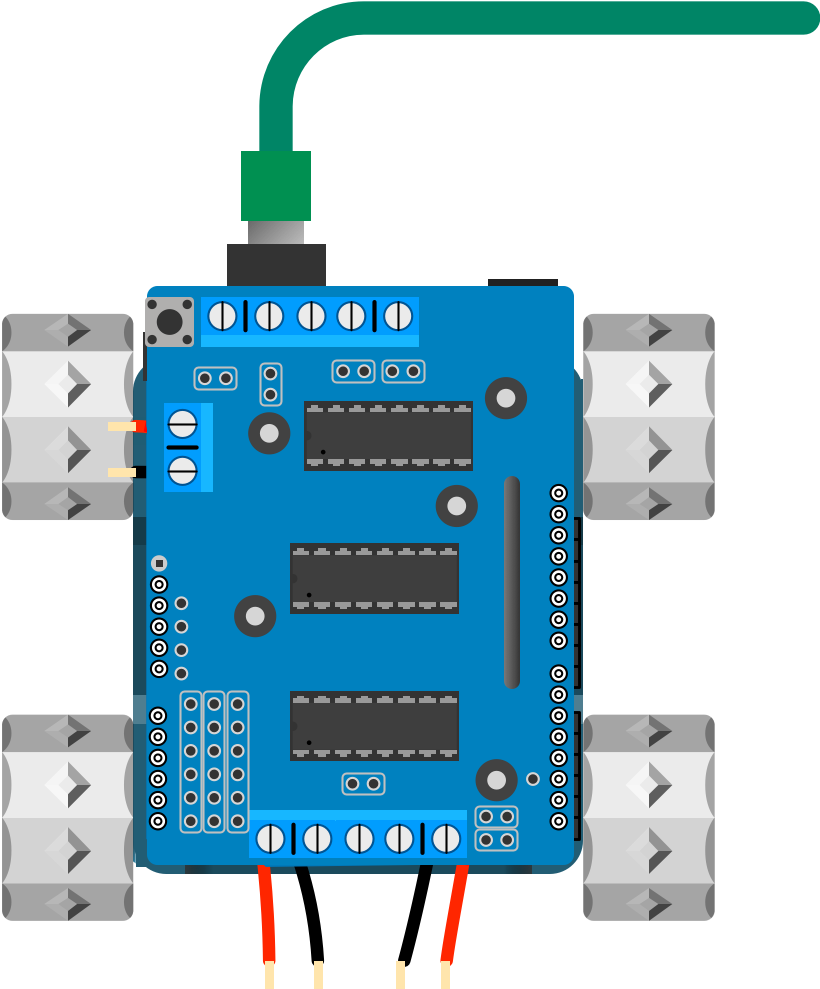
To bring your SMARS to life you need to write some code and upload it to your robot. The Arduino IDE makes loading the code easy: connect the Arduino with a USB cable, choose Arduino Uno as the board, open the sketch and press Upload.
The SMARSLab suite has Arduino code for controlling the SMARS via bluetooth. Click here to download it. More information about SMARSLab is available here.
You can use the arrows ← → on your keyboard to navigate between lessons.
Comments