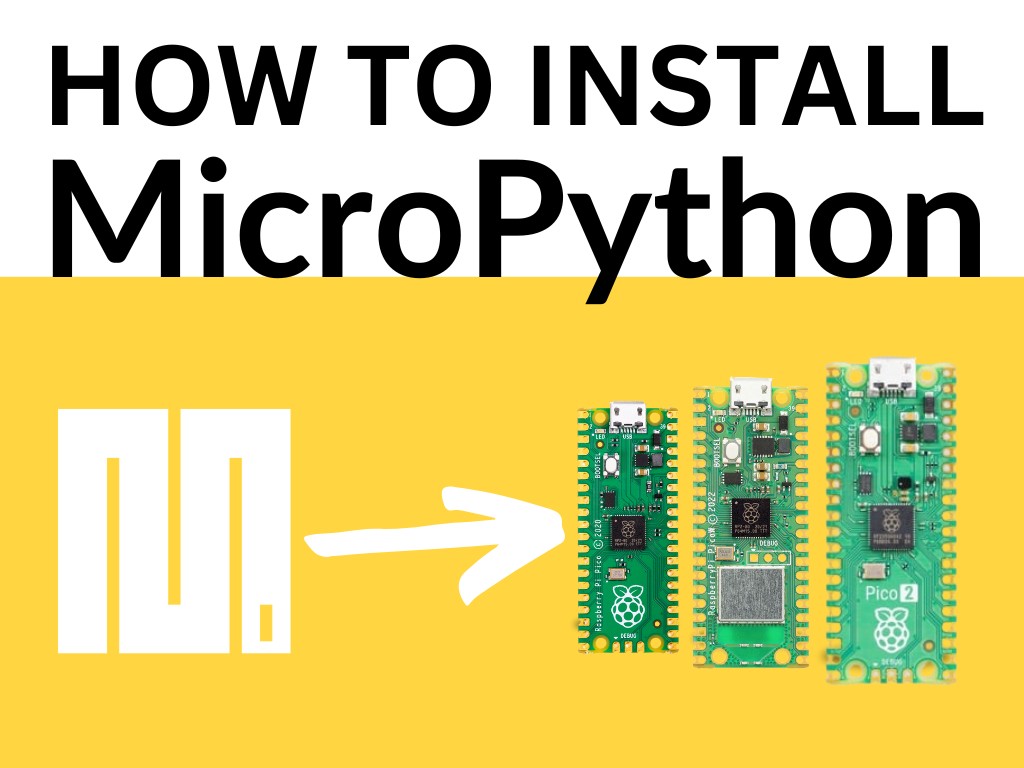
Course 1: How to install MicroPython
Install MicroPython on your Raspberry Pi Pico.
Learn MicroPython the best language for MicroControllers

Each course stands on its own. If you already know the first ones, check the level and description and start further down.
Install MicroPython on your Raspberry Pi Pico.
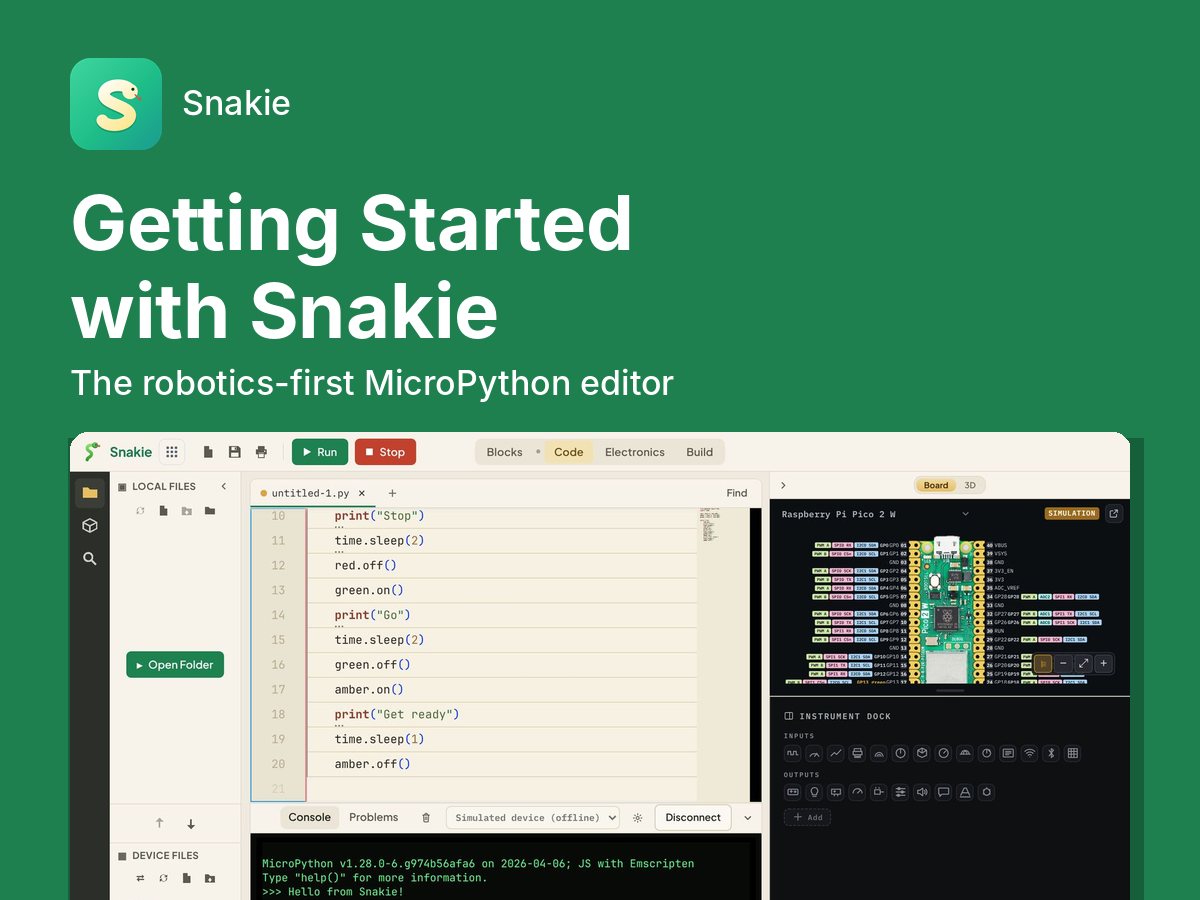
Meet Snakie, the robotics-first MicroPython editor. Write and run your first programs on the built-in simulator, then find your board, flash MicroPython, and build a traffic light on a real Raspberry Pi Pico.
Get started with MicroPython, What Python is, where to download it and which software to use to develop MicroPython code
Master the use of GPIO pins on the Raspberry Pi Pico with MicroPython. Learn about various types of pins, their functions, and how to work with them in real-world projects.
This course is designed to take you from a beginner to an intermediate level of MicroPython programming. It covers the basics of Object Oriented Programming, Modules and Packages, DocStrings, Interrupts and Timers, and MP Remote.
Learn how to use the Raspberry Pi Pico's built-in temperature sensor to measure and display temperature readings in the Thonny console. This course is designed for beginners and covers the fundamentals of MicroPython programming, understanding the Pico's ADC, and creating your first temperature monitoring project. Through step-by-step tutorials and practical examples, you'll gain the skills to confidently use the Pico for sensor-based projects.
Learn how to build simple yet powerful robots using the Raspberry Pi Pico and MicroPython. This hands-on course guides you through controlling motors, reading sensors, and combining hardware to create autonomous and remotely controlled robots. Perfect for makers ready to go beyond GPIO and start building real-world robotics projects.
Master I2C and SPI communication protocols on Raspberry Pi Pico. Learn to connect sensors, scan for devices, read datasheets, and build real-world projects with practical hands-on examples using the BME280 sensor.
If you found this high quality content useful please consider supporting my work, so I can continue to create more content for you.
I give away all my content for free: Weekly video content on YouTube, 3d Printable designs, Programs and Code, Reviews and Project write-ups, but 98% of visitors don't give back, they simply read/watch, download and go. If everyone who reads or watches my content, who likes it, helps fund it just a little, my future would be more secure for years to come. A price of a cup of coffee is all I ask.
There are a couple of ways you can support my work financially:
If you can't afford to provide any financial support, you can also help me grow my influence by doing the following:
Thank you again for your support and helping me grow my hobby into a business I can sustain.
- Kevin McAleer




Comments