KevsRobots Learning Platform
Mini-Rack 3D Design Tutorial
90% Percent Complete
Overview
Part Designs
Printing
Create the Top Panel
Learn how to create the top panel for the mini-rack
By Kevin McAleer, 1 Minute
How to create the top Panel for the Mini-Rack
-
Create a new file named
top_panelin Fusion 360 -
Create a new sketch on the XY plane, named
panel_base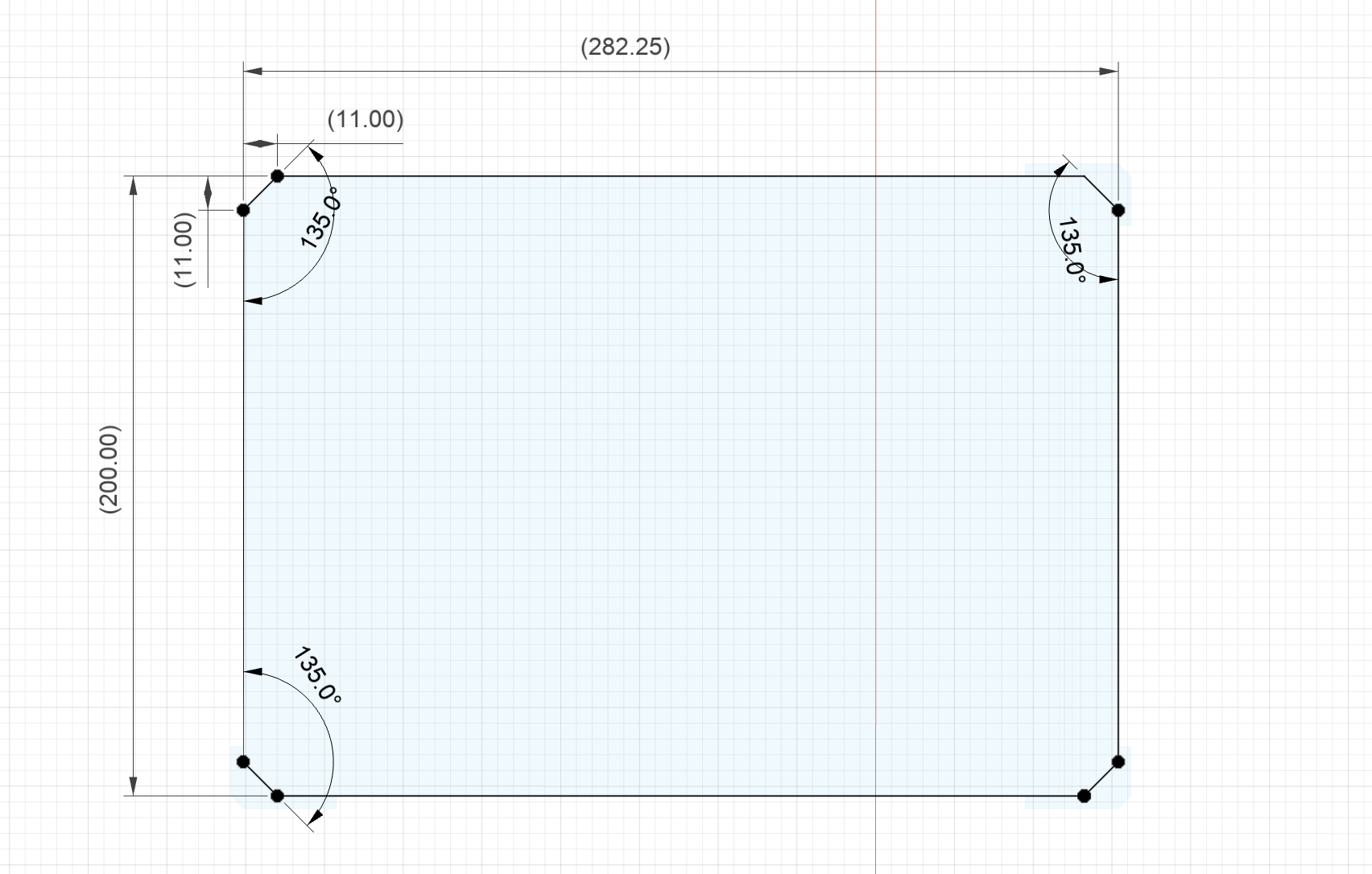
-
Extrude the body profile by
2mm(or whatever the depth of the wood you’re looking to use is):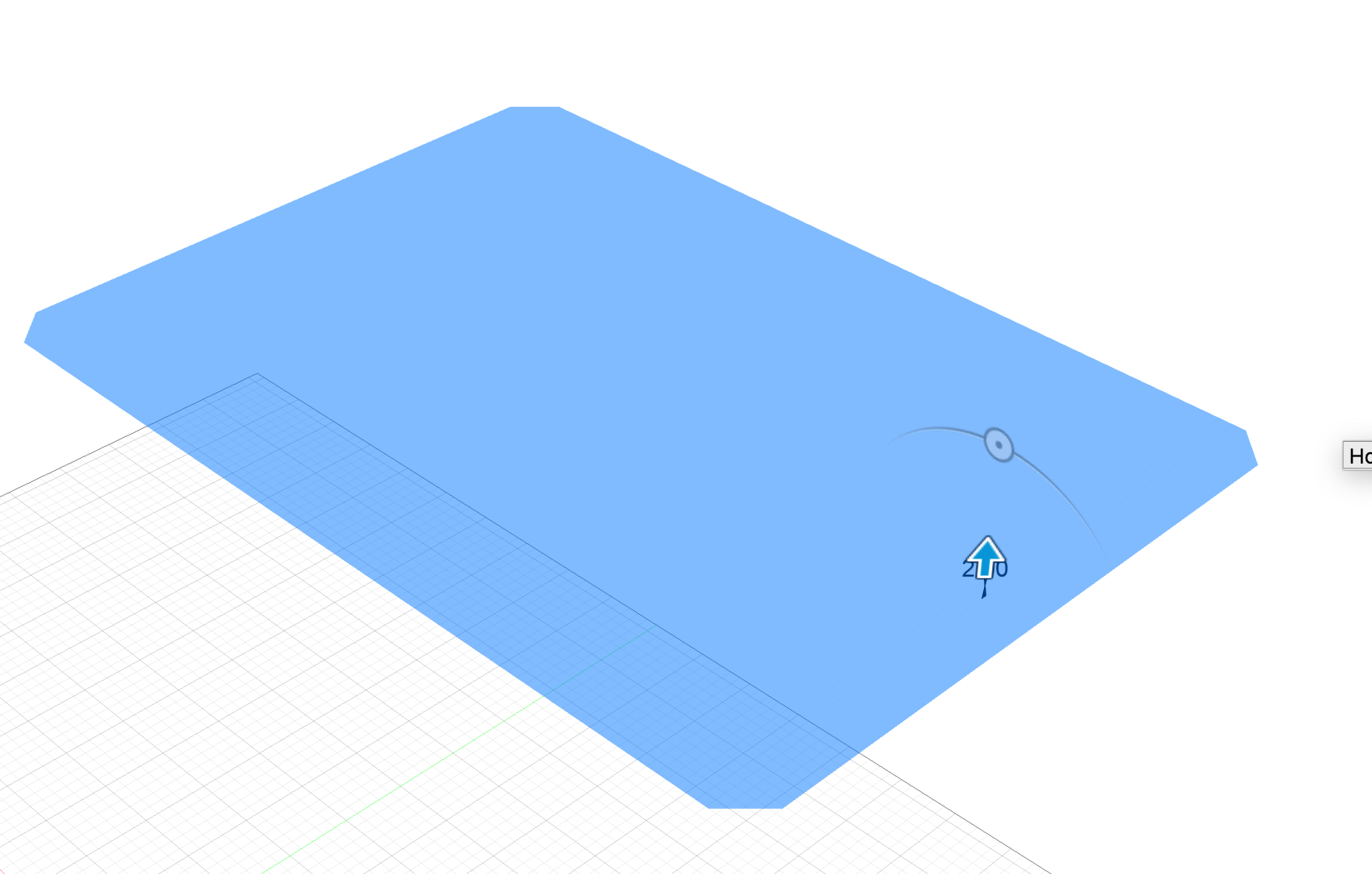
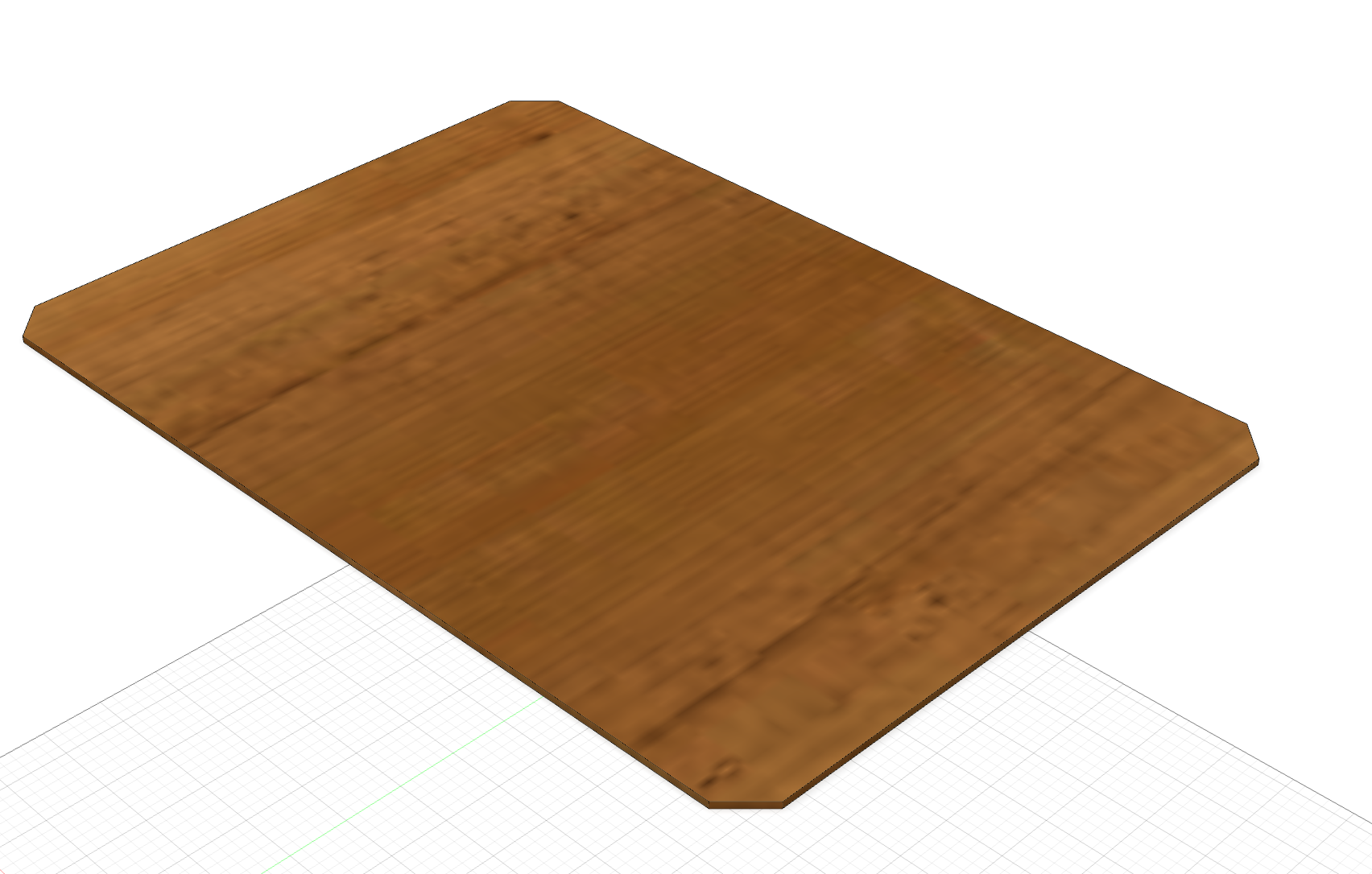
-
Create a new sketch on the top of the new part, named
holes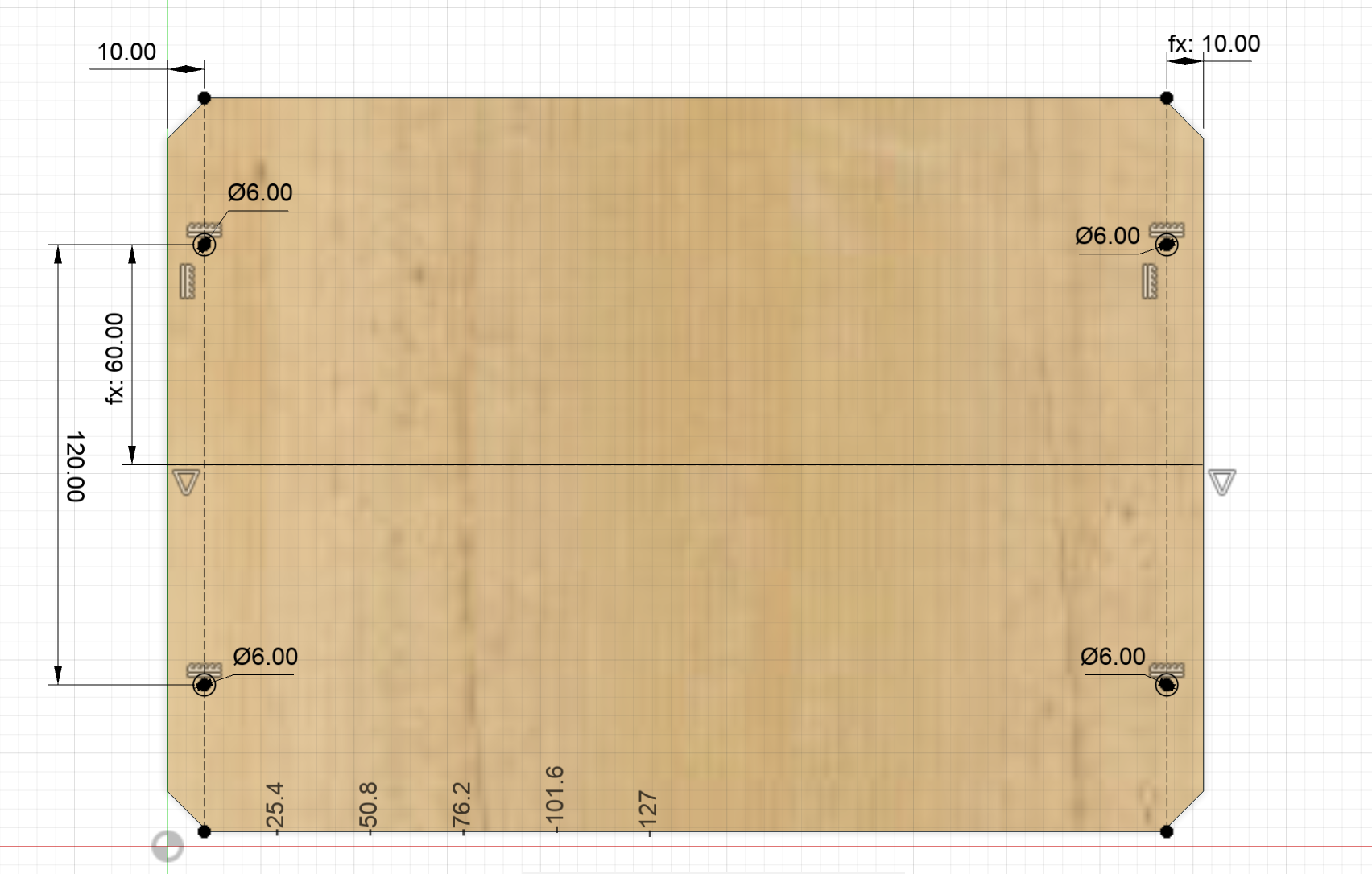
-
Extrude-Cut the
holessketch: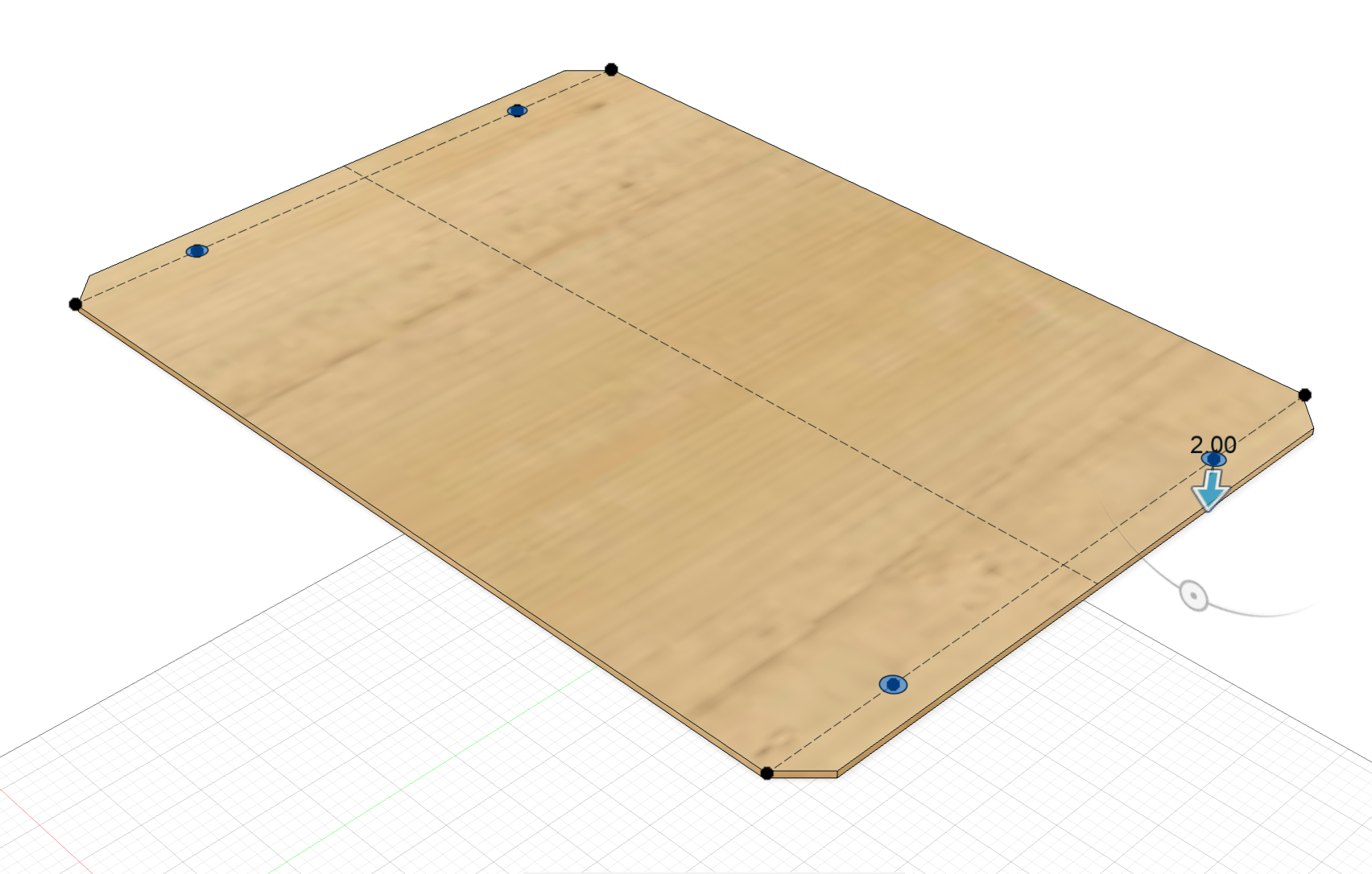
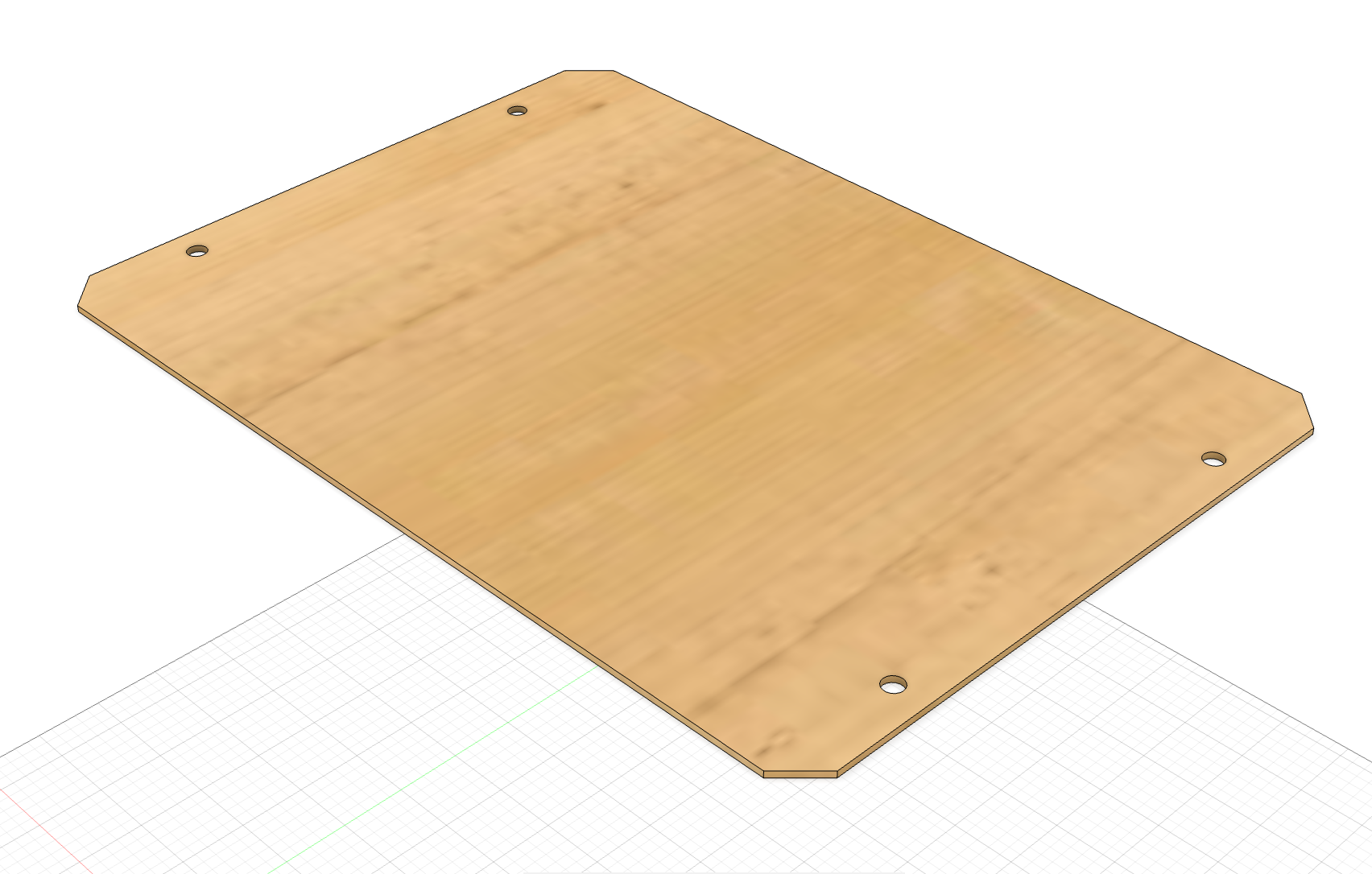
-
Create a new sketch on the top of the new part, named
slots
-
Extrude-Cut the
slotssketch: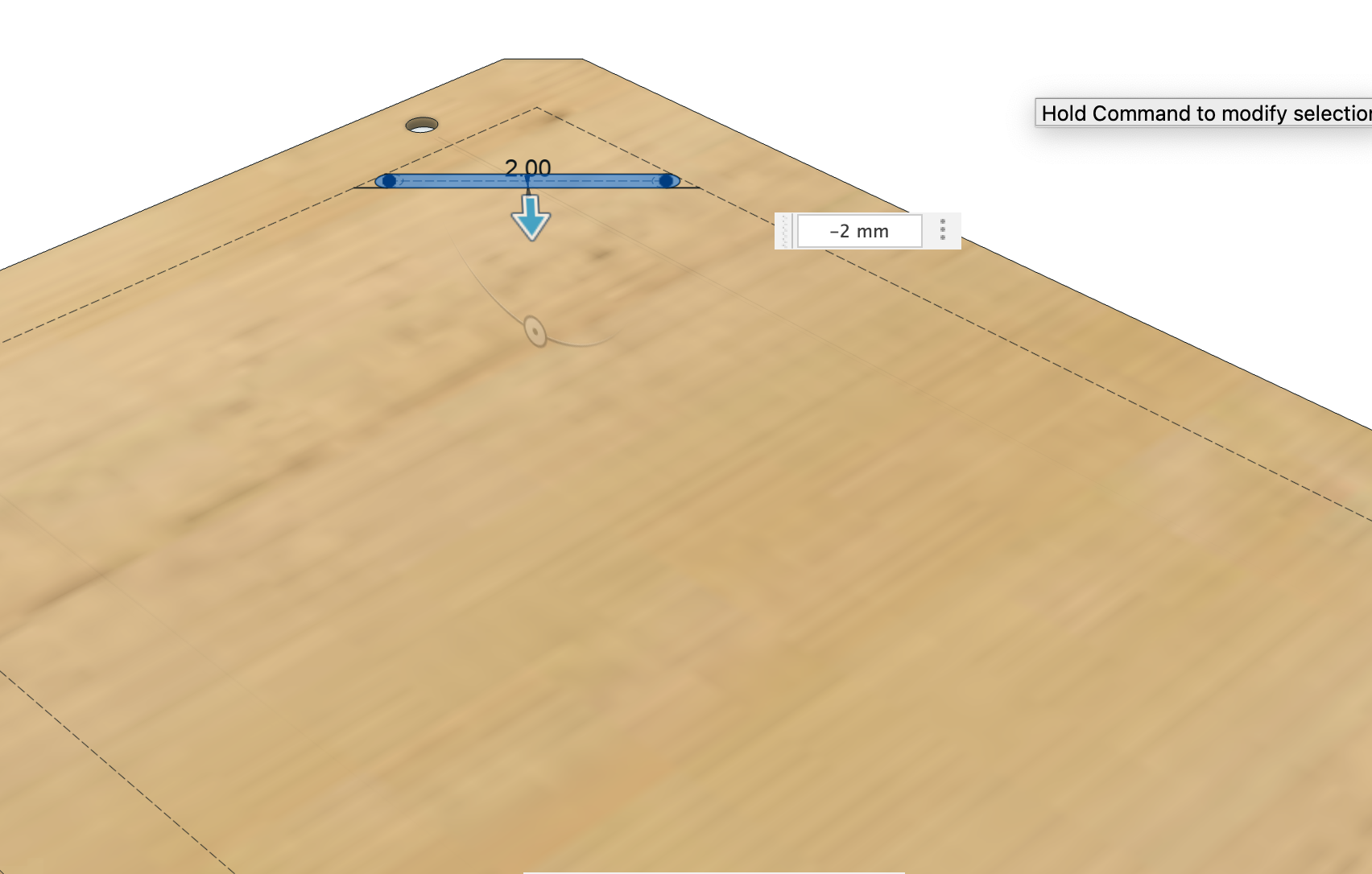
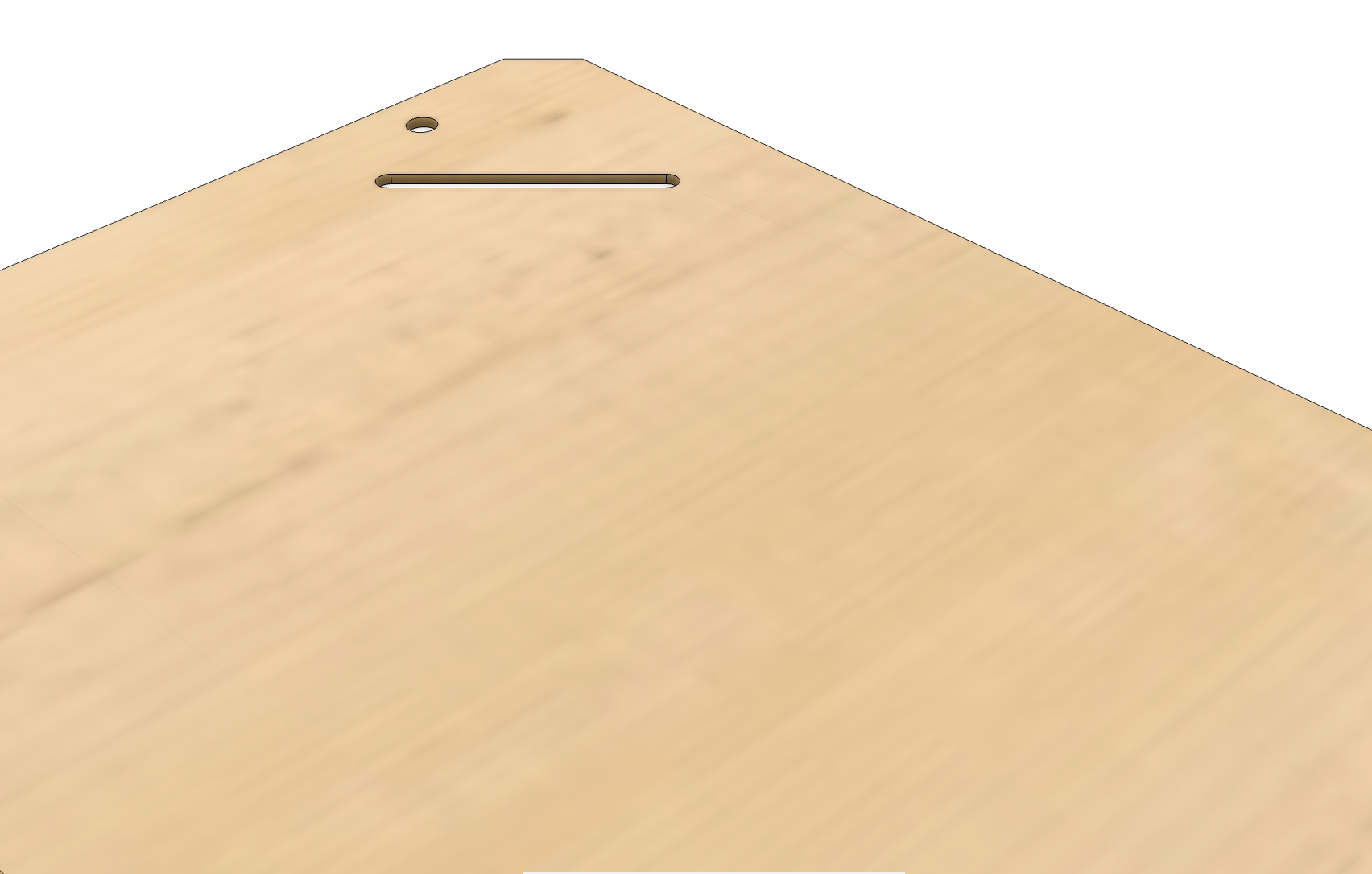
-
Use the rectangular pattern tool to create the remaining slots:
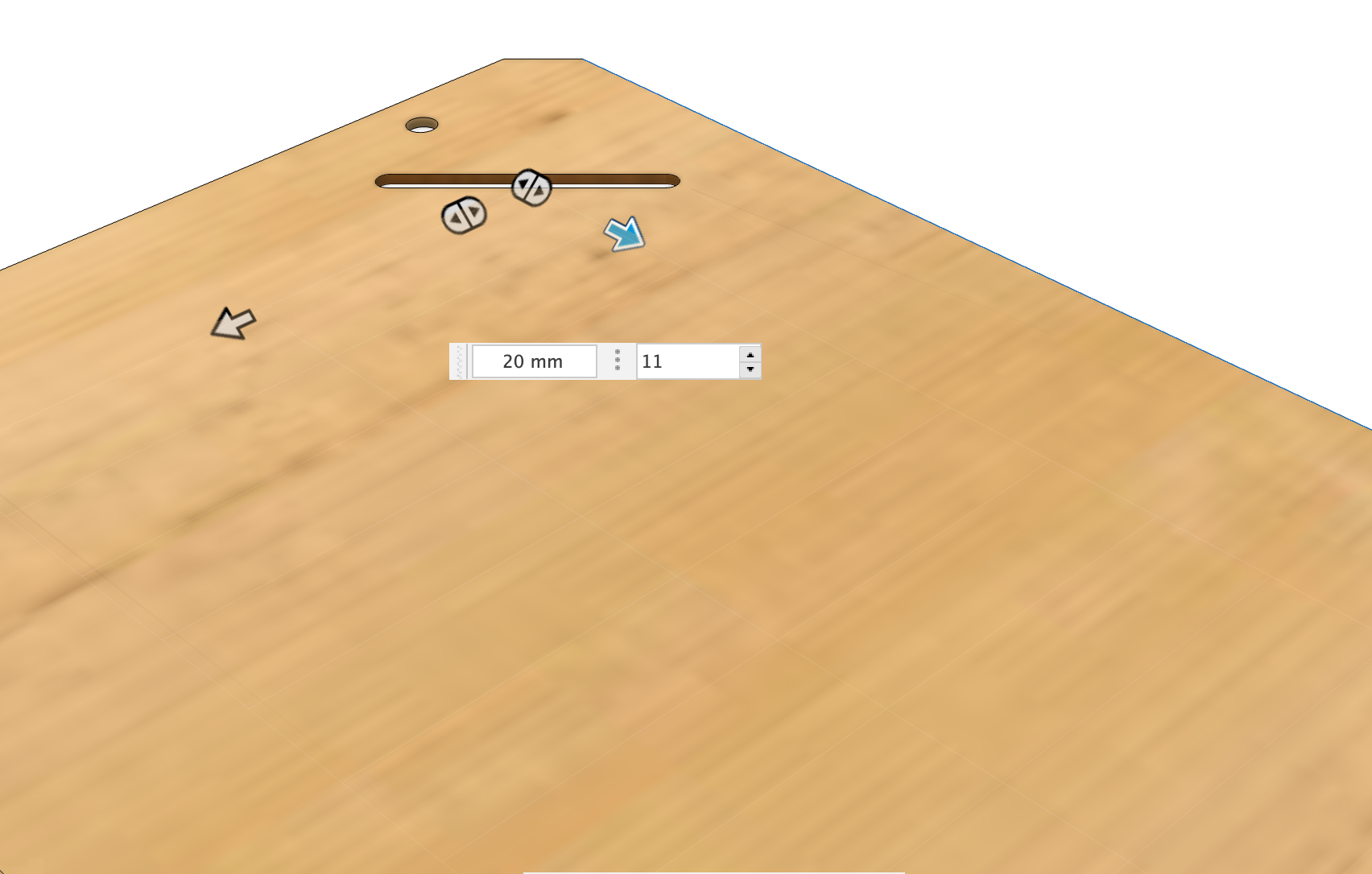
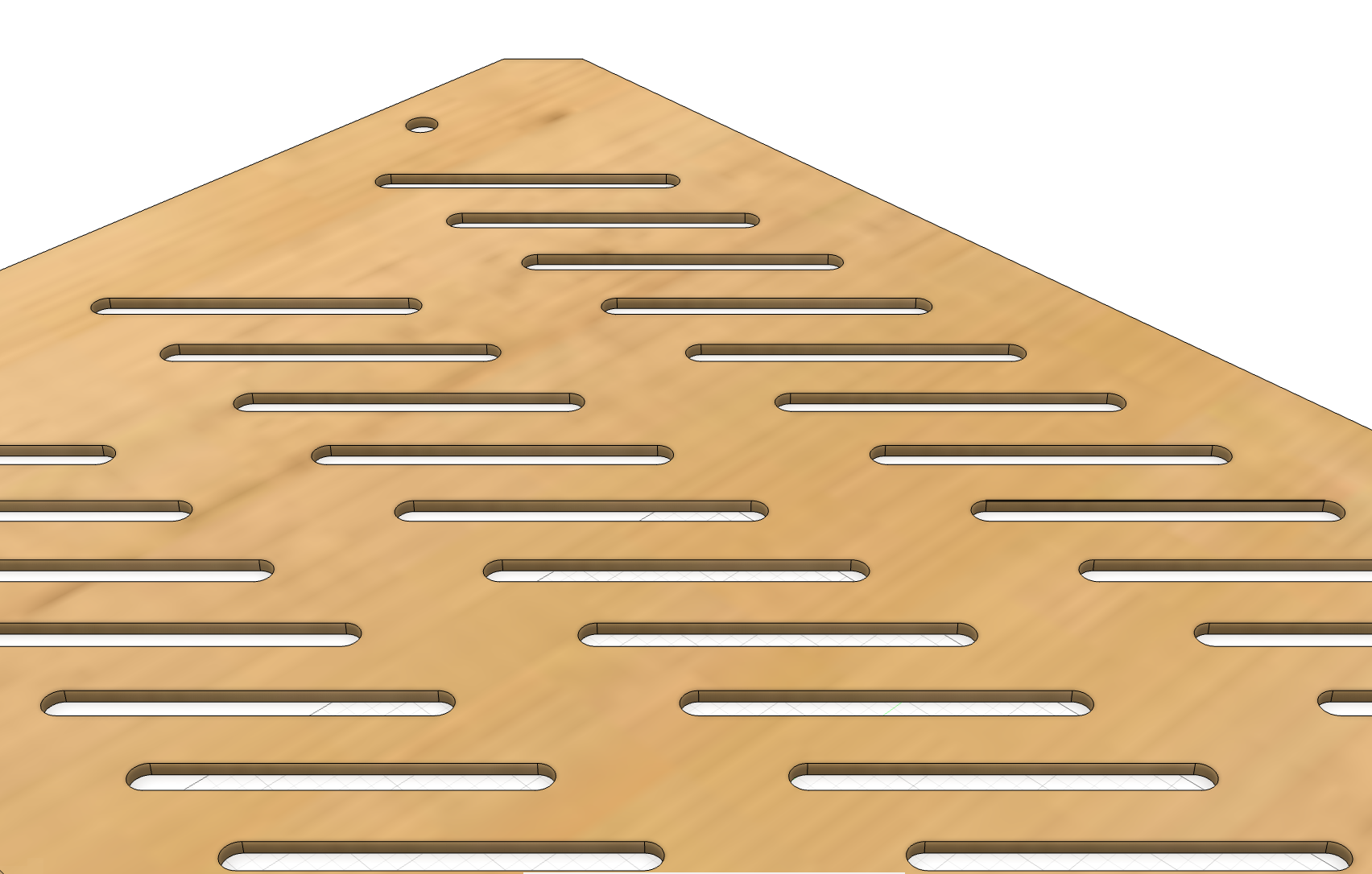
-
Finally, to create a DXF file for laser-cutting, create a new sketch on the top of the new part, named
dxfand then use the projection (press thepkey) tool to project all the edges of the part: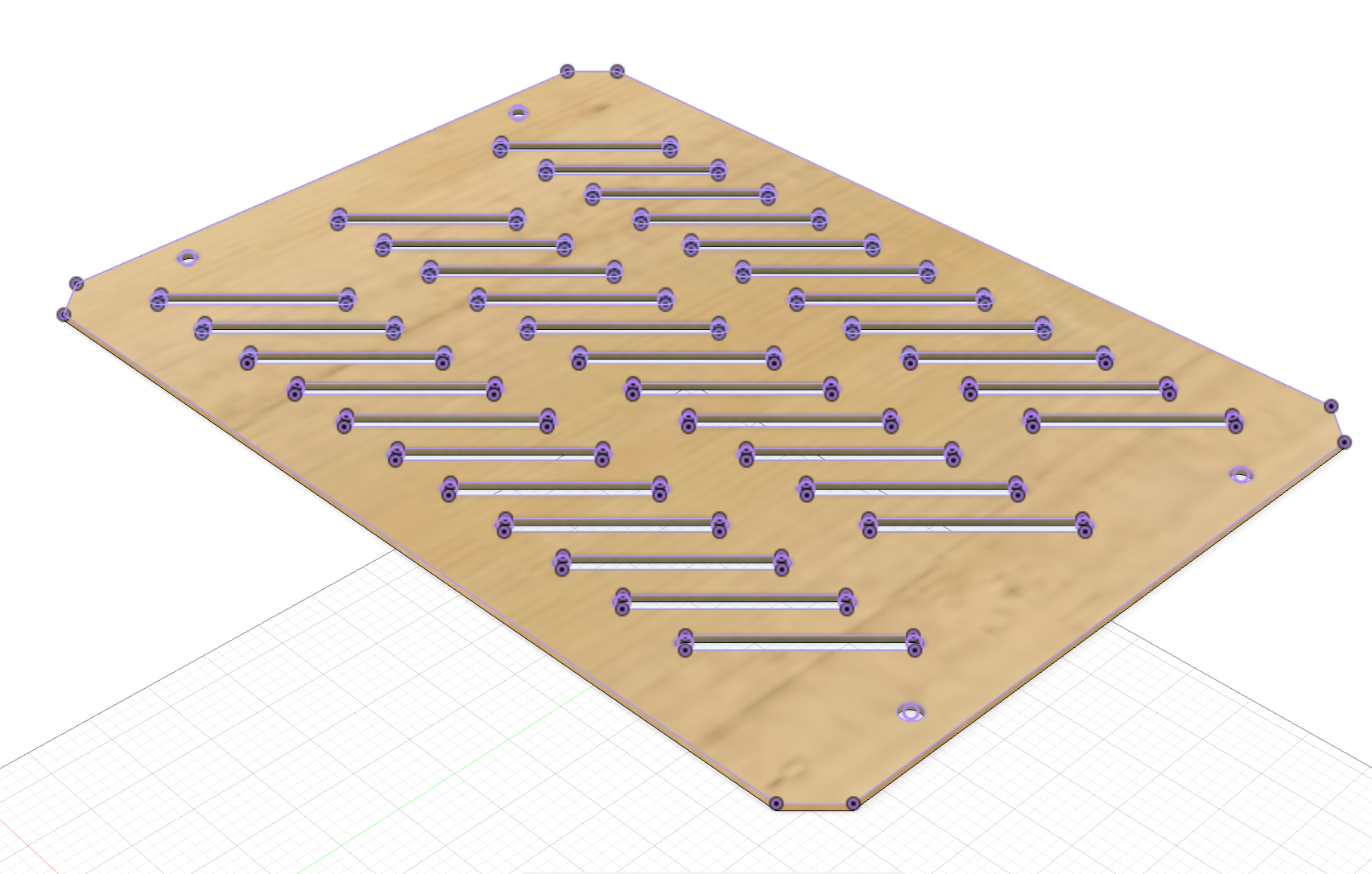
You can use the arrows ← → on your keyboard to navigate between lessons.
Comments