Summary
Recap what you learned about DC motors, servos and steppers, and find the best next courses for Scout.
By Kevin McAleer, 4 Minutes
Page last updated November 24, 2026

By the end of this lesson you will be able to recall the key ideas from the course and follow a debugging order when a motor misbehaves.
Well done! You started with a wheel that would not turn and finished with Scout, a drive base that drives a square, spins on the spot and looks around. Let’s recap what made that possible.
What you learned
| Idea | The key takeaway |
|---|---|
| Three motors | DC for speed, servos for angle, steppers for exact steps |
| Drivers | GPIO pins carry signals, never motor current |
| Back-EMF | Coils kick back when switched off, so use flyback diodes |
| Power | Separate motor supply, shared ground, beware brownouts |
| H-bridge | Four switches give direction, brake and coast |
| PWM | Duty cycle sets speed, and the dead zone sets the minimum |
| Classes | Motor, DriveBase, Servo and Stepper keep code tidy |
| Servos | A 50 Hz pulse of roughly 0.5 to 2.4 ms sets the angle, so calibrate |
| Encoders | Count ticks with an IRQ to turn commands into measured distance |
The most useful habit from this course is the debugging order. When a motor misbehaves, check in this sequence:
- Is the motor battery connected and charged?
- Are the grounds joined?
- Are the driver’s enable pins (or SLP) in the right state?
- Is the speed above the dead zone?
- Is anything stalled, hot or shorted?
flowchart TD
    A["Motor misbehaves"] --> B{"Battery connected and charged?"}
    B -->|"No"| B1["Fix the supply"]
    B -->|"Yes"| C{"Grounds joined?"}
    C -->|"No"| C1["Join them"]
    C -->|"Yes"| D{"Enable pin or SLP correct?"}
    D -->|"No"| D1["Fix the pin"]
    D -->|"Yes"| E{"Speed above the dead zone?"}
    E -->|"No"| E1["Raise the speed or deadzone"]
    E -->|"Yes"| F["Look for a stall, heat or a short"]
Try it Yourself
- Without looking back, write the five debugging checks in order, then compare with the list above.
- Pick one lesson from the course and explain it to someone else in two minutes. Teaching is the quickest way to find what you have not fully understood.
- Challenge: choose one idea from the list below and plan which classes you would reuse and which you would write new.
Things to try next with Scout
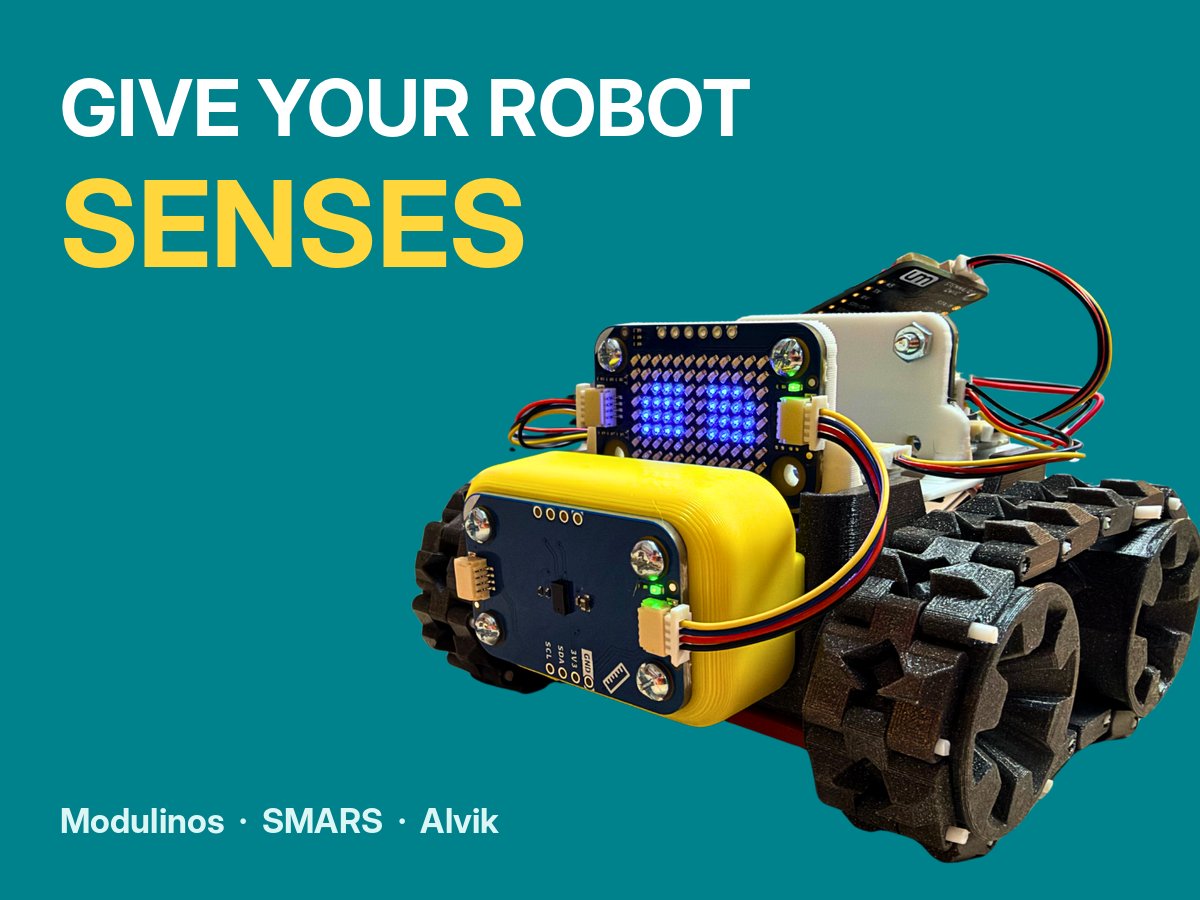
- Add an ultrasonic or time-of-flight sensor to the head, and sweep it to build a picture of the room
- Fit encoders and replace the timed moves with measured ones
- Add a line sensor and turn Scout into a line follower
- Control Scout over Bluetooth or WiFi
What’s Next
- MicroPython Robotics takes Scout further with line following, an ultrasonic sensor, Bluetooth and WiFi control
- Learn how to program SMARS with Arduino shows the same motor ideas on a different platform, handy if you want to compare Arduino and MicroPython
- Build your own BurgerBot is a simple 3D printed Pico and MicroPython robot that puts these skills to work
- Building a Robot Arm with Raspberry Pi and PCA9685 shows how a PCA9685 board drives many servos at once, for arms and grippers
You can also revisit Electronics basics and Learn MicroPython - The basics whenever you want to refresh the foundations.
Thanks for building along. Now go and put a wheel on something.
Check your understanding
Quick quiz 1 of 3
A wheel will not move at low speed commands. What is the likely cause?
Quick quiz 2 of 3
Which motor would you choose to point a sensor at an exact angle?
Quick quiz 3 of 3
In the debugging order, what comes straight after checking the battery?
Comments