Course 1: Computer Vision on Raspberry Pi with CVZone
Detect faces, hands and body poses in real time on a Raspberry Pi with Python, OpenCV and CVZone
Give your Raspberry Pi eyes and a brain: computer vision, object detection on the AI Camera, robots that learn by trial and error, and AI assistants for your own notes.

Start has what you need if you are new. Build is the core of the path. Go further is a menu: pick the courses that interest you.
Detect faces, hands and body poses in real time on a Raspberry Pi with Python, OpenCV and CVZone
Learn how to build custom object detection models using the Raspberry Pi AI Camera. Train your own models with PyTorch, optimize them for edge deployment, and run real-time detection on Raspberry Pi hardware. Complete hands-on course from dataset creation to production deployment.
Give a robot eyes and a brain with the Raspberry Pi AI HAT+ 2. Fit the HAT, run object detection and pose estimation from the camera, turn detections into robot behaviour, then run a language model and a vision-language model on the HAT itself.
Teach your robot to learn — instead of hardcoding every behaviour, use tabular Q-learning to let it discover through trial and error how to navigate obstacles on its own. Train a policy in a pure-Python grid-world simulation on your laptop, then export the frozen Q-table as JSON and deploy it to a Pico-powered differential-drive robot running MicroPython.
Learn the Arduino Uno Q from first boot to a project that runs by itself. Split a job between its Linux computer and its microcontroller, make Python and an Arduino sketch talk over the Bridge, and build the Q Board, a number display you drive from Python, a web page and a camera.
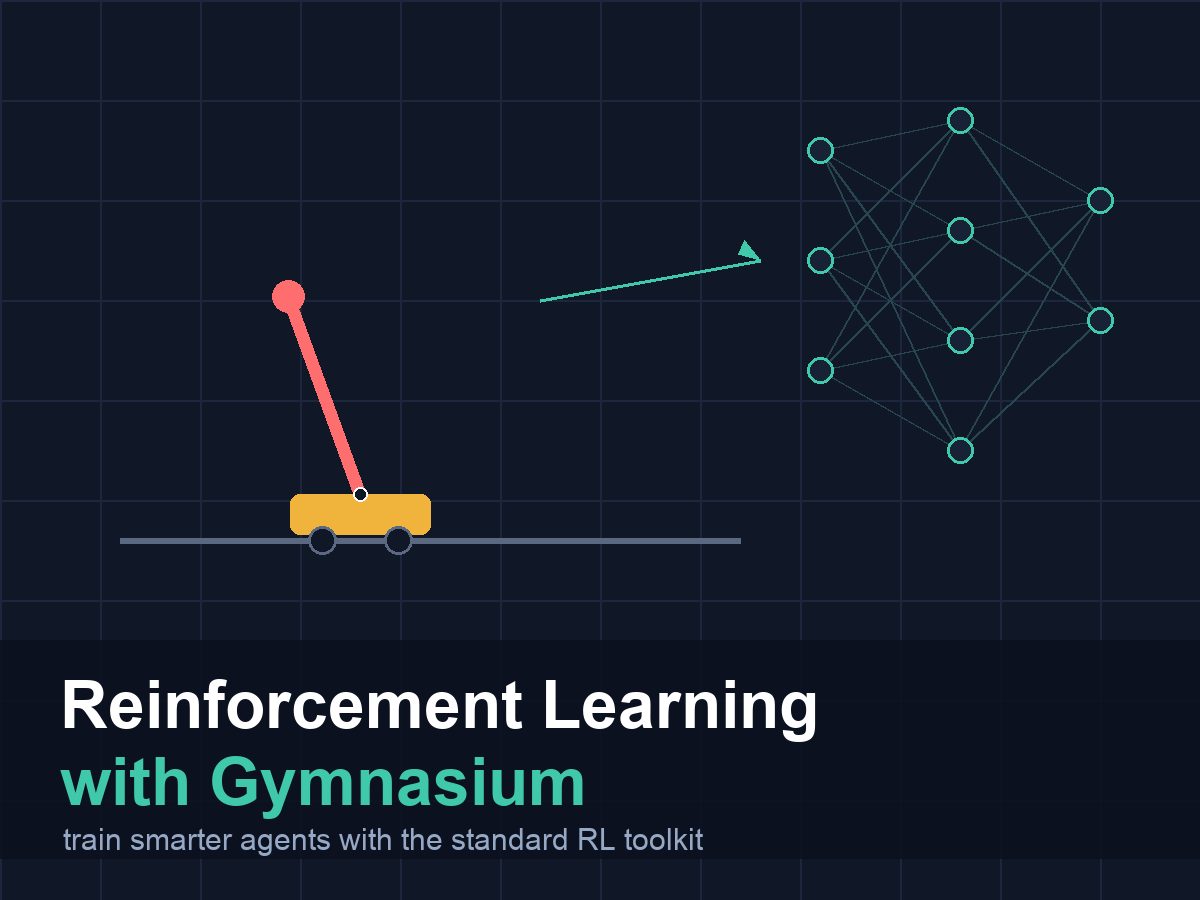
Take your Q-learning skills to the industry-standard Gymnasium API and Stable-Baselines3. You will wrap the BurgerBot grid-world as a proper Gymnasium environment, discretize CartPole with your own binning code, and train neural-network agents that export a policy table you can drop straight onto a Pico.
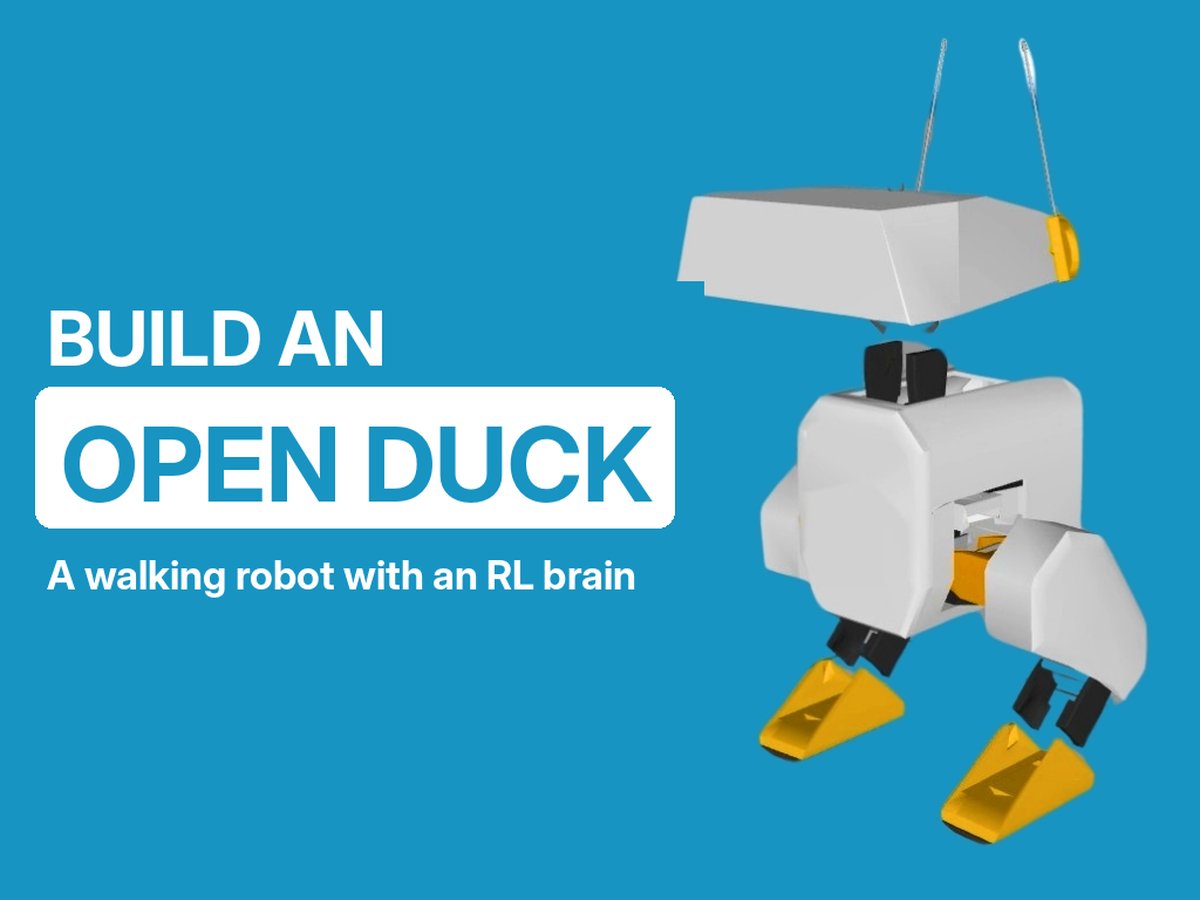
Build an Open Duck Mini, the open-source walking robot inspired by Disney's BDX droid. Print and assemble it, wire up a Raspberry Pi Zero 2W, 14 serial bus servos and an IMU, get it walking with the pretrained policy, then learn how its reinforcement learning brain was trained and train your own.
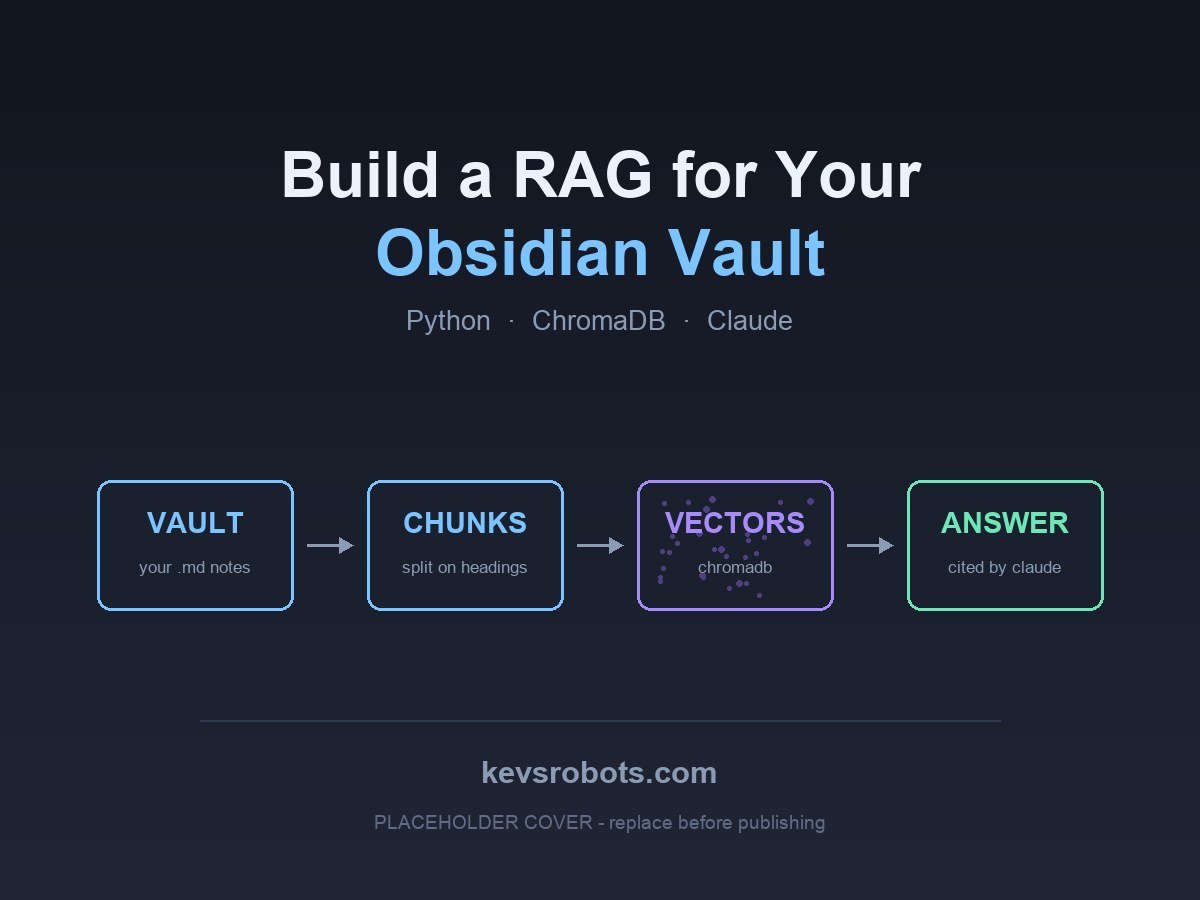
Build Ask My Vault - a Python tool that indexes your Obsidian notes into ChromaDB and answers questions about them, with citations back to the original note. Learn embeddings, chunking, vector search and grounded generation by building the whole pipeline yourself.
Run OpenClaw, the open-source personal AI agent, on a Raspberry Pi in Docker. Build Pi Butler, an always-on assistant you talk to from your phone, with its own persona, a custom skill that reports how the Pi is feeling, a morning brief, backups, safe upgrades and a security check.
If you found this high quality content useful please consider supporting my work, so I can continue to create more content for you.
I give away all my content for free: Weekly video content on YouTube, 3d Printable designs, Programs and Code, Reviews and Project write-ups, but 98% of visitors don't give back, they simply read/watch, download and go. If everyone who reads or watches my content, who likes it, helps fund it just a little, my future would be more secure for years to come. A price of a cup of coffee is all I ask.
There are a couple of ways you can support my work financially:
If you can't afford to provide any financial support, you can also help me grow my influence by doing the following:
Thank you again for your support and helping me grow my hobby into a business I can sustain.
- Kevin McAleer


Comments