
Build Robots
Go from your first two-wheeled robot to arms, walkers and drawing machines: the electronics, the motors and the code that makes them move.
77 free courses, grouped into 15 learning pathways. Pick a pathway and follow it from lesson one, or jump in at your level.
A pathway is a set of courses in order. Hover a card to see what is inside.
Go from your first two-wheeled robot to arms, walkers and drawing machines: the electronics, the motors and the code that makes them move.

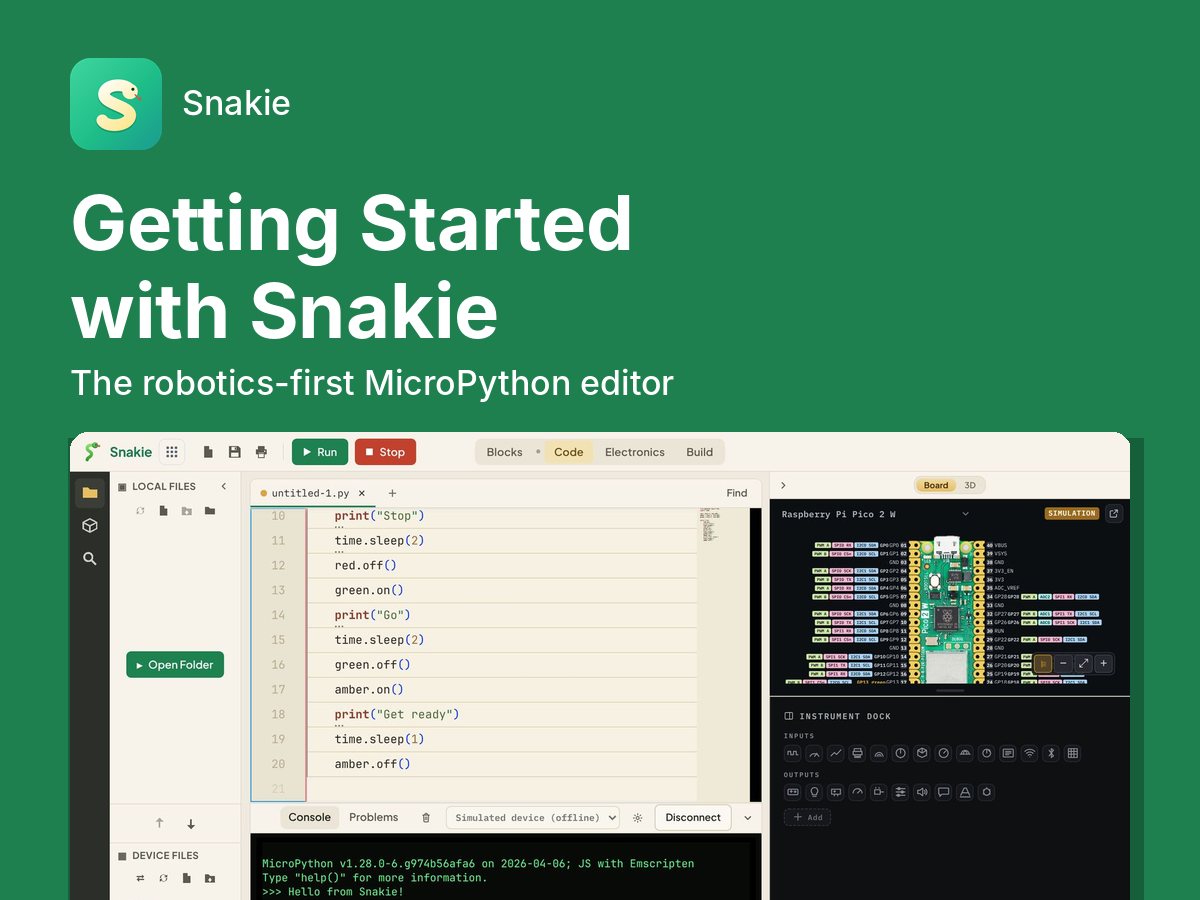
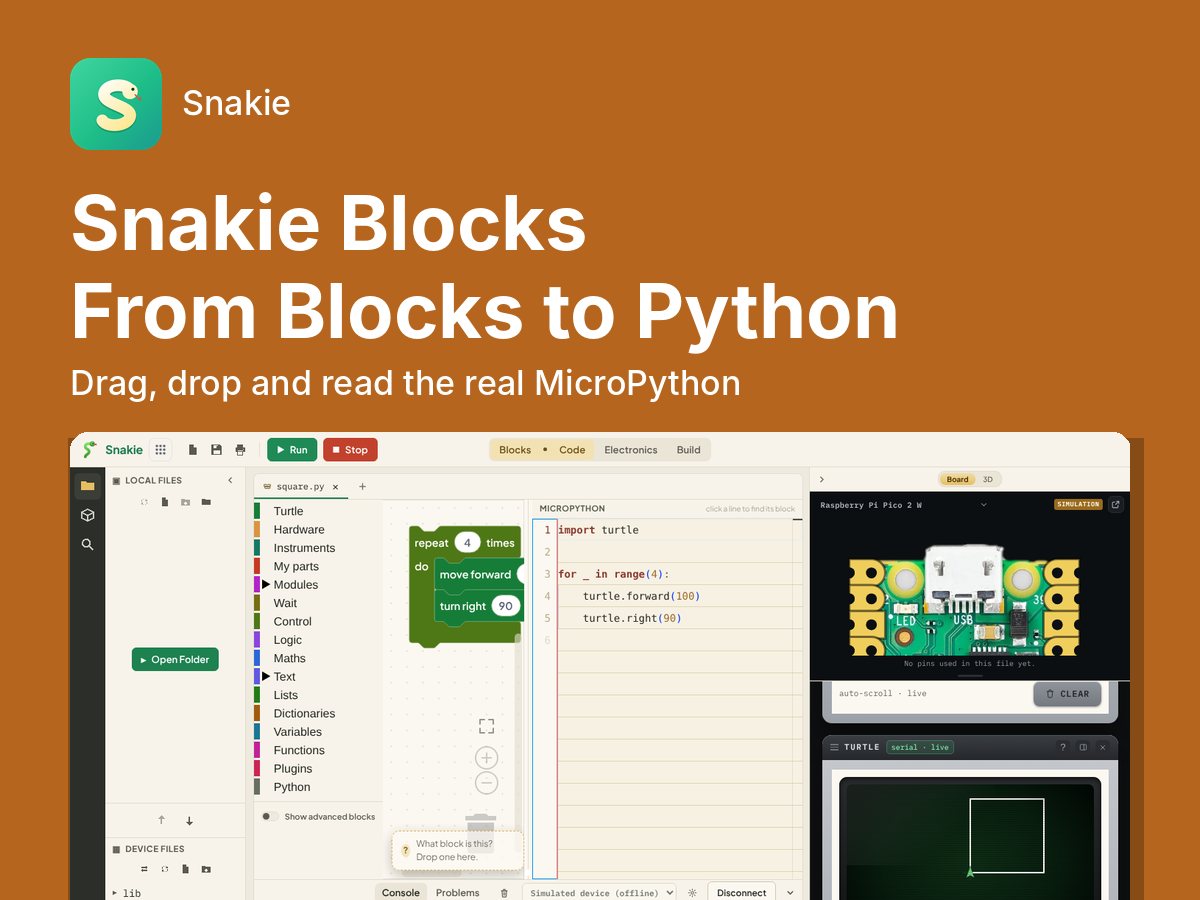
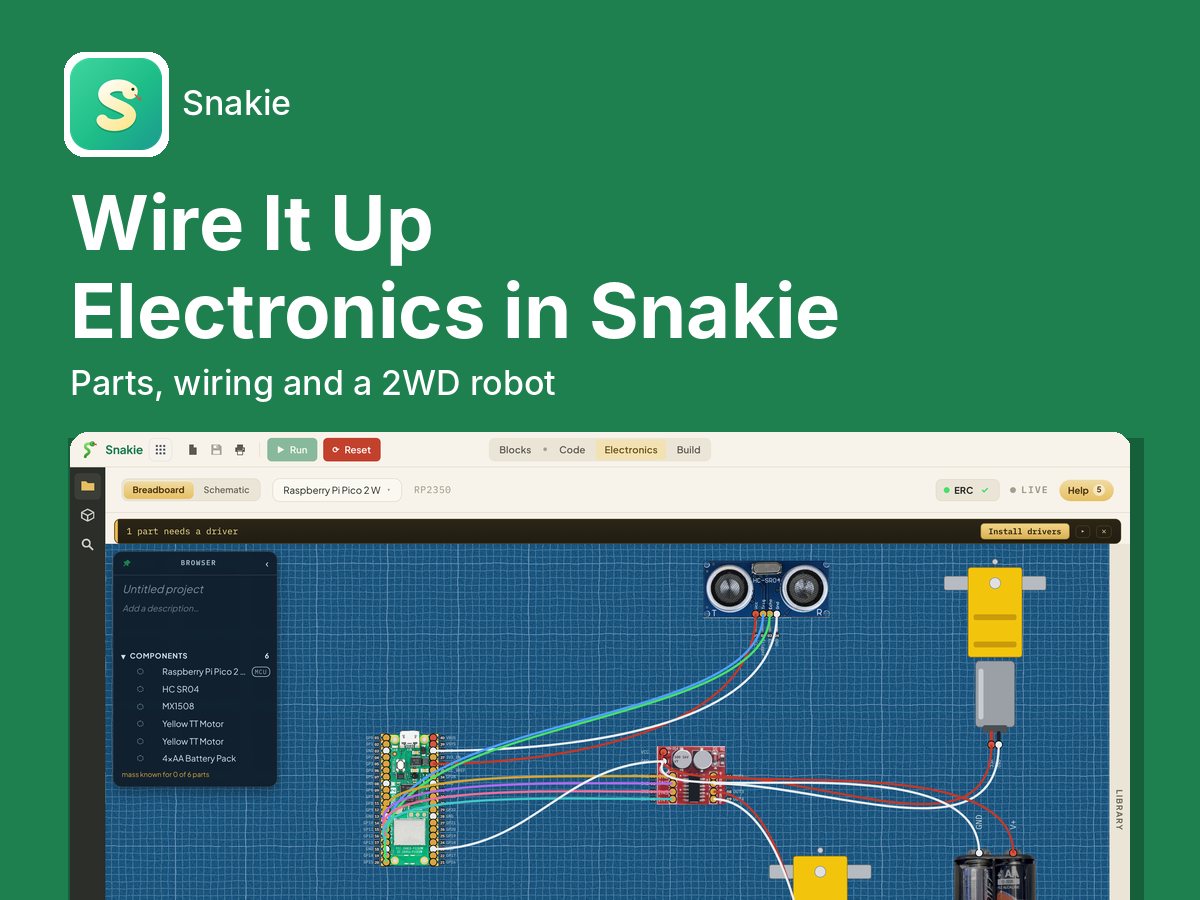
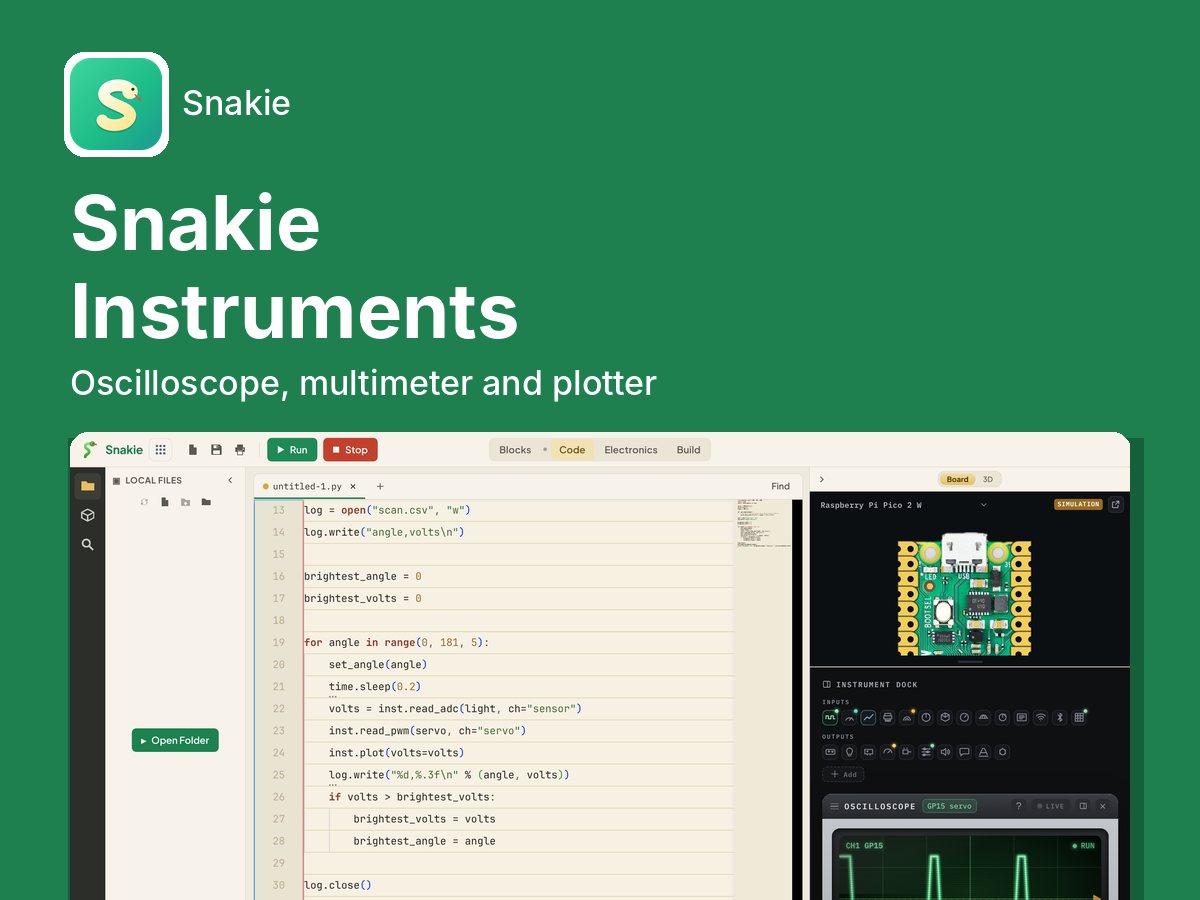
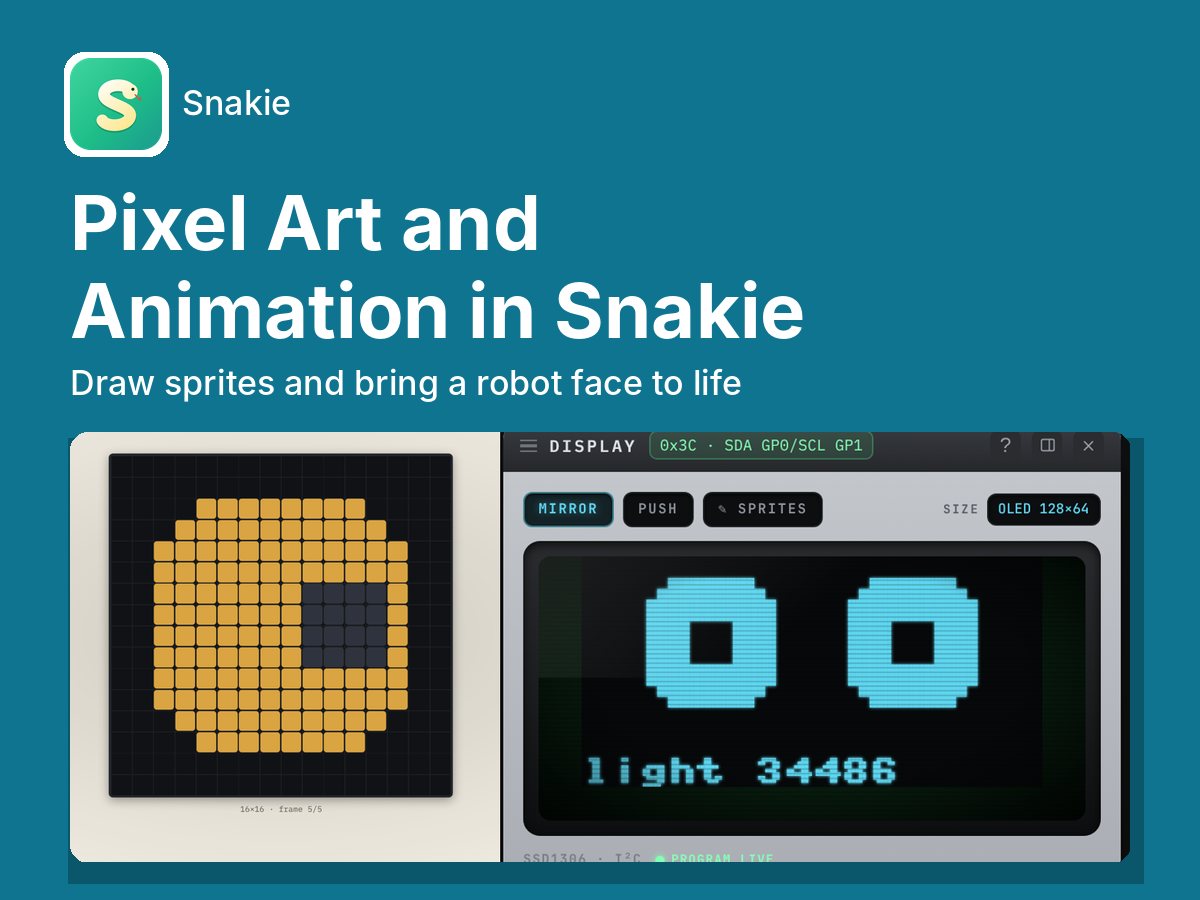
New to Snakie, the robotics-first MicroPython editor? Start here. Find your way around the app, program a Raspberry Pi Pico with blocks, learn the MicroPython behind them, then wire up a robot on screen, measure it with the built-in instruments and give it an animated face.

Program a Raspberry Pi Pico in MicroPython: wire up buttons, LEDs and sensors, then talk to I2C and SPI devices and build your first robot projects.
Learn Python from scratch, then use it for real work: crunching data with Pandas and NumPy, validating it with Pydantic, building web APIs with FastAPI and running it across a Raspberry Pi cluster.
Understand the circuits behind your projects, wire them up in Snakie, connect sensors over I2C and SPI, and send messages off-grid with LoRa and MeshCore.

Take a robot from first sketch to first movement with two free tools. Design and print the parts in BetterCad, give them joints, then plan the wiring, write the MicroPython and animate the whole thing in Snakie.

New to CAD, or new to BetterCad? Start here. Design your first 3D printable parts in the browser, then learn to check, calibrate and export them so they print cleanly and fit first time.

Design parts for your robots in BetterCad, FreeCAD and Fusion 360, print them so they fit first time, and model mechanisms that move.

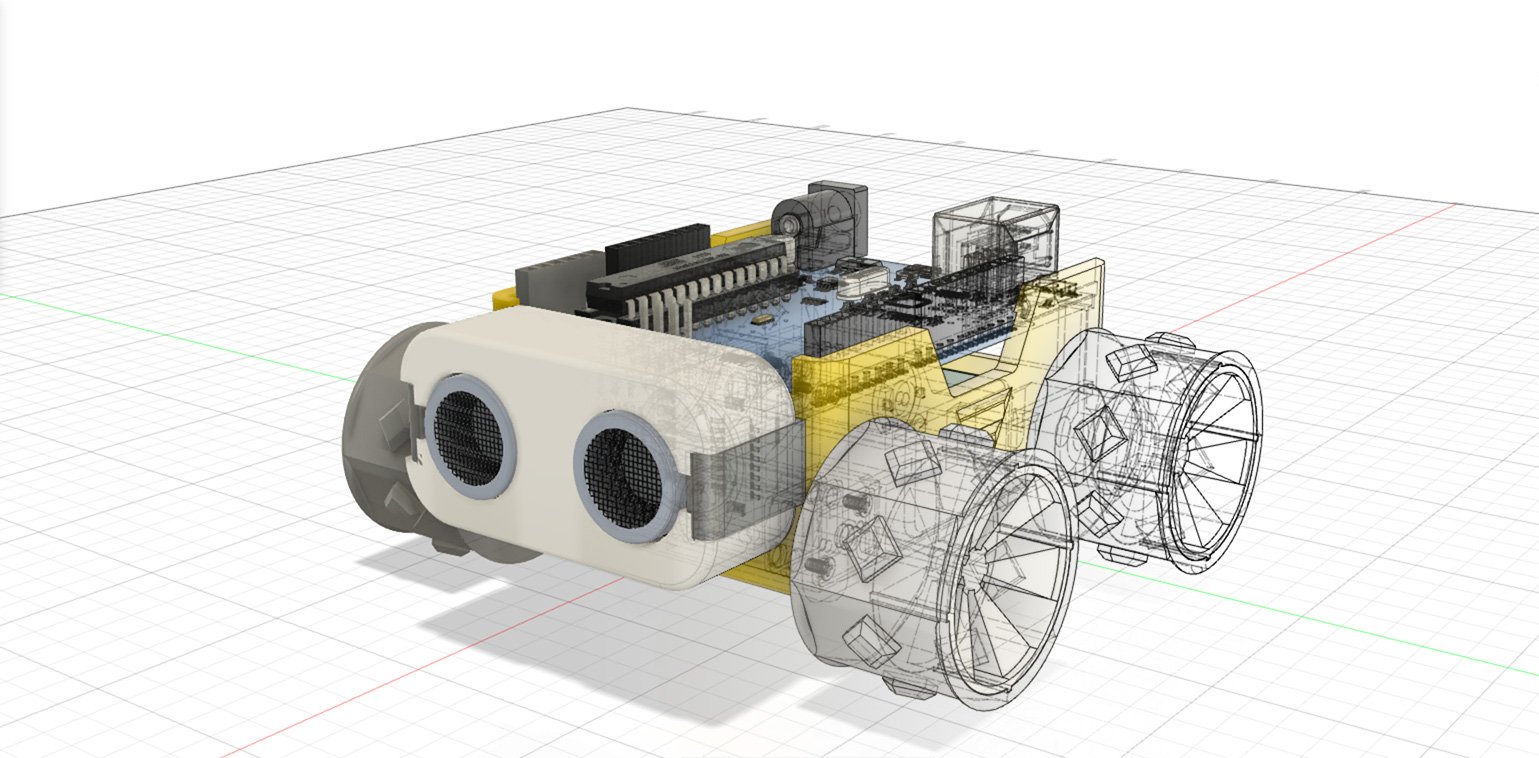
Build, program and design SMARS, the small 3D-printed robot: print and assemble it, code it with Arduino, model it yourself in FreeCAD or Fusion 360, then make it walk.

Already comfortable in Snakie? Go further. Master the editor's autocomplete, linting, refactors, packages and Git, add your own sensors and microcontroller boards with drivers and custom blocks, build a robot in 3-D, animate it and drive it from MicroPython, then write your own Snakie plugins in Python.

Know your way round BetterCad? Put it to work on robots. Design printed parts around real servos, boards and gears, then add joints, pose the result, check it for clashes and export it as URDF.

Give your Raspberry Pi eyes and a brain: computer vision, object detection on the AI Camera, robots that learn by trial and error, and AI assistants for your own notes.

Run your own services on Raspberry Pi: the Linux command line, Docker and Podman containers, then clusters with Docker Swarm and K3s in a 3D-printed mini rack.

Store and query your projects' data: SQL from the ground up, SQLite from Python, then MongoDB, Redis and DuckDB for when you need something different.

The tools behind every good project: Git for your code, Markdown and Mermaid for your docs, Obsidian for your notes and Jekyll to publish it all.
Not sure what to learn? Explore 86 topics and find the courses for each.
77 courses
No courses match those filters.
If you found this high quality content useful please consider supporting my work, so I can continue to create more content for you.
I give away all my content for free: Weekly video content on YouTube, 3d Printable designs, Programs and Code, Reviews and Project write-ups, but 98% of visitors don't give back, they simply read/watch, download and go. If everyone who reads or watches my content, who likes it, helps fund it just a little, my future would be more secure for years to come. A price of a cup of coffee is all I ask.
There are a couple of ways you can support my work financially:
If you can't afford to provide any financial support, you can also help me grow my influence by doing the following:
Thank you again for your support and helping me grow my hobby into a business I can sustain.
- Kevin McAleer