Summary and next steps
Recap how to install MicroPython on a Raspberry Pi Pico and where to go next in the MicroPython and Pico learning pathways.
By Kevin McAleer, 3 Minutes
Page last updated November 24, 2026

By the end of this lesson you will be able to recall the steps for installing MicroPython and choose a course to continue with.
Well done, maker! Your Pico now speaks Python, and you know exactly how it got there. Let’s recap, then plan what to build next.
What you learned
flowchart LR
    A["Know your model"] --> B["Pick the UF2 file"]
    B --> C["BOOTSEL mode"]
    C --> D["Thonny, Snakie<br>or drag and drop"]
    D --> E["Check in the REPL"]
    E --> F["Update or wipe<br>when needed"]
- The Pico, Pico H, Pico W and Pico WH use the RP2040. The Pico 2 range uses the RP2350.
- Firmware is board-specific. Pick the page on micropython.org that matches your exact board.
- Hold BOOTSEL as you plug in to make the Pico appear as a USB drive (
RPI-RP2orRP2350). - Thonny, Snakie and plain drag and drop all do the same thing: put a UF2 file on that drive.
- The REPL banner and
sys.implementation._machineconfirm what you installed. - Updating is just installing again, and a full wipe means reinstalling afterwards.
Check your understanding
Quick quiz 1 of 2
You hold BOOTSEL and plug in a Pico 2. What does it look like to your computer?
The Pico 2 range appears as RP2350, and the original Pico range appears as RPI-RP2.
Quick quiz 2 of 2
Which is the safest way to confirm the board name after installing?
Both report the board the firmware was built for.
Where to go next
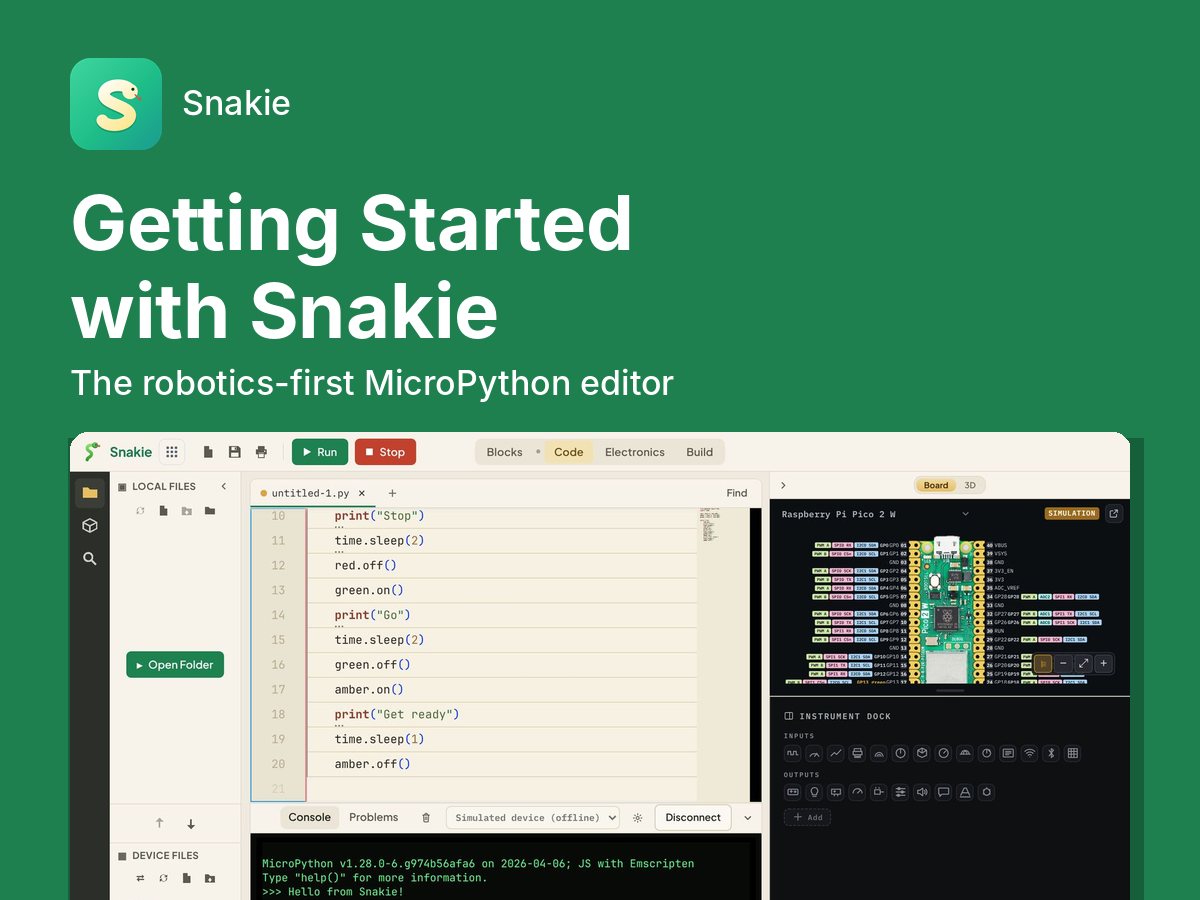
- Getting Started with Snakie shows the site’s own IDE, including its firmware flasher, and lets you practise on a simulator.
- Learn MicroPython - The basics teaches variables, loops and functions.
- Raspberry Pi Pico with MicroPython - GPIO Mastery covers the pins, so you can start blinking lights and reading buttons.
- Using the Raspberry Pi Pico’s Built-in Temperature Sensor is a small first project.
- The MicroPython Learning Pathway and The Pico Learning Pathway collect the courses in order.
- Raspberry Pi Pico Ideas is full of project inspiration.
Try it Yourself
- Write down from memory the seven steps for drag and drop installing, then check against lesson 4.
- Help a friend install MicroPython on their Pico. Teaching is the best way to remember.
- Challenge: pick one project from the Pico ideas page and list the parts you would need.
Was this lesson helpful?
Comments